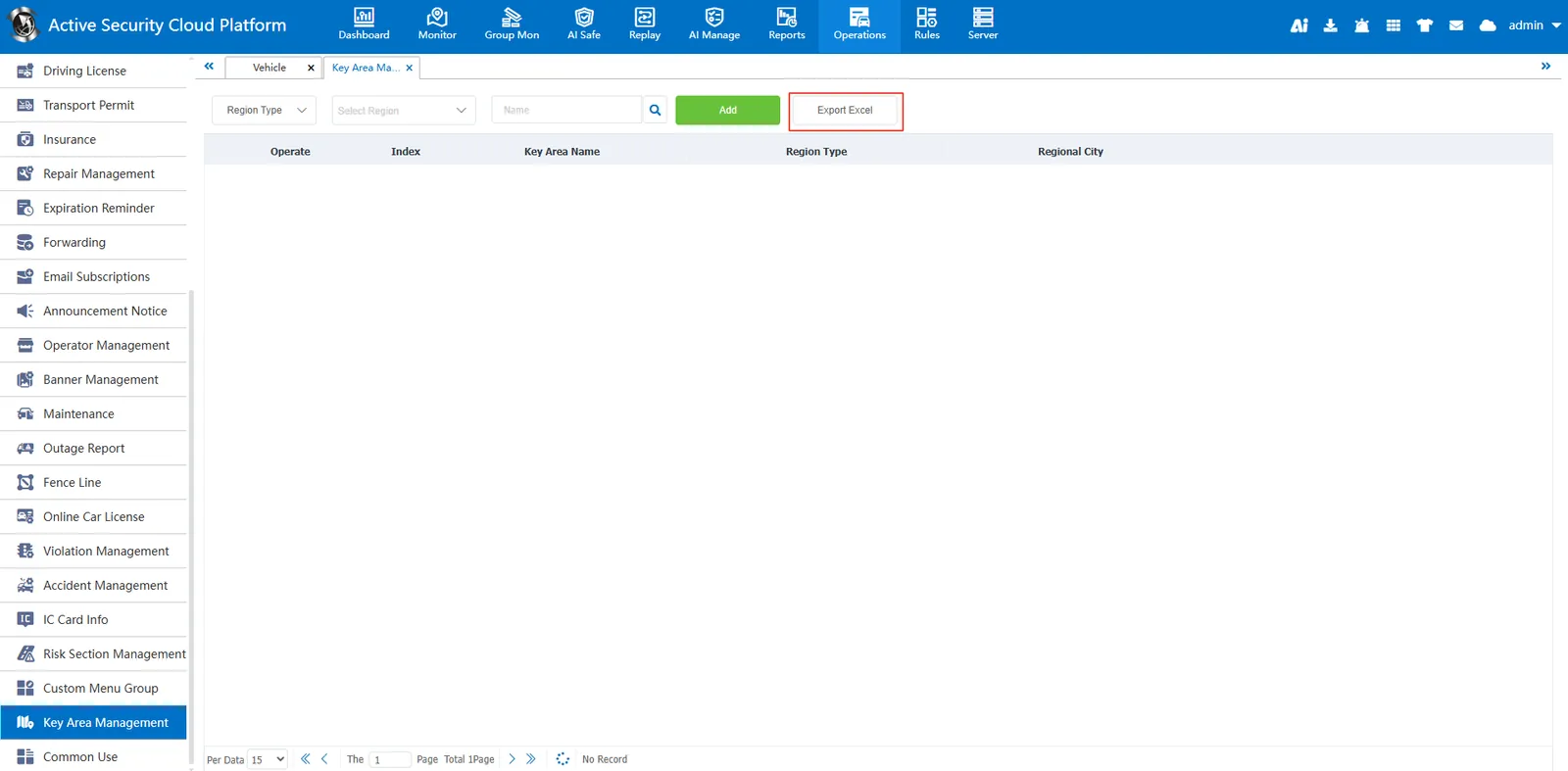
1. Function description
Key area management is used to create and edit key area information and use it with key area rules under rule management. Key areas (such as airports, railway stations or bus terminals) are monitored in real time according to preset conditions (such as total number, number of empty vehicles, number of suspended vehicles or speed, etc.), and different levels of early warning or alarm can be set.
2. operating instructions
2.1 add key areas
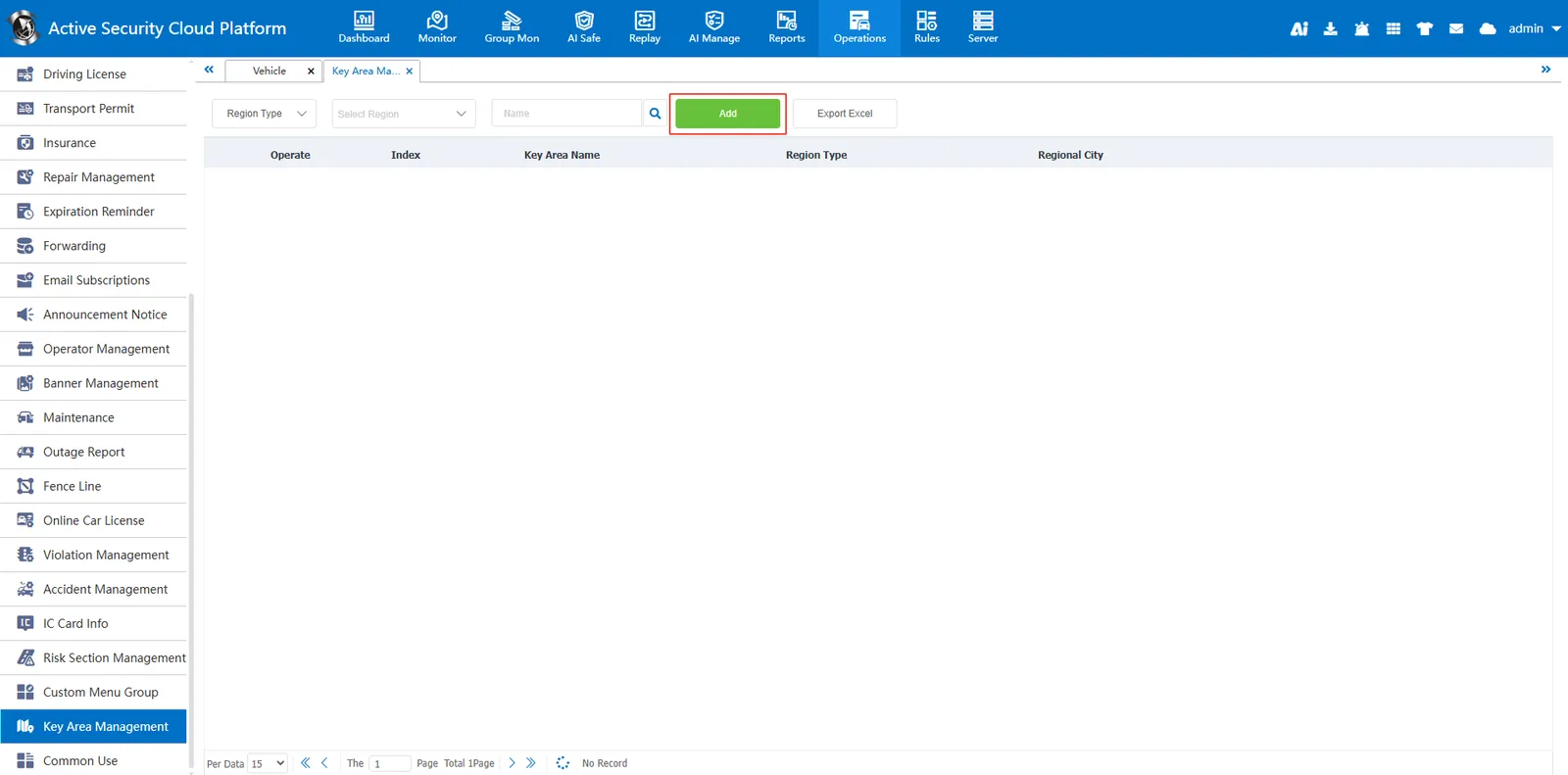
After clicking the "Add" button
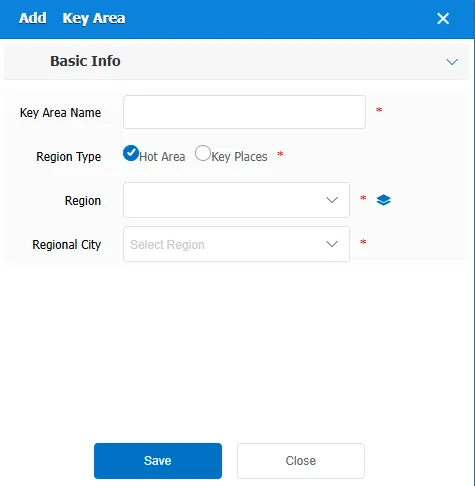
Fill in the key area information in the pop- up Add Key Area window
Area Type: You can select a hot area or a key place
Region Name: You can select a region. You need to draw a region in My Map on the real- time monitoring page.
** Regional City **: You need to add it in the "Administrative Region" before you can choose it.
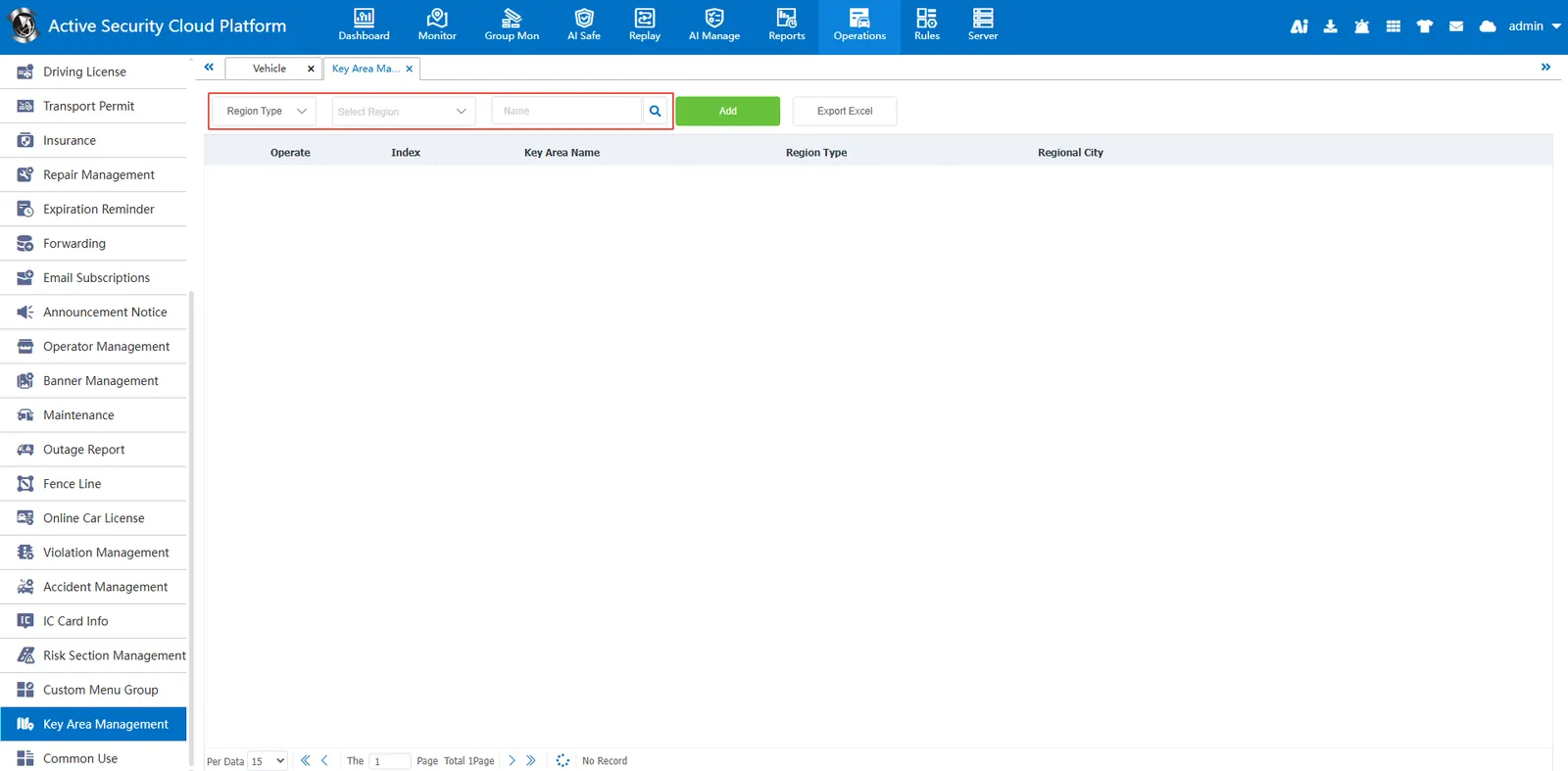
2.2 query function
Enter the name of the key area in the search bar, click the search button, the system will search according to the entered name and display the relevant results.
2.3 Export to EXCEl
Click the "Export to Excel" button, the system will export the key area information under the current filter conditions as an Excel file.