1. Function description
Parameter Configuration
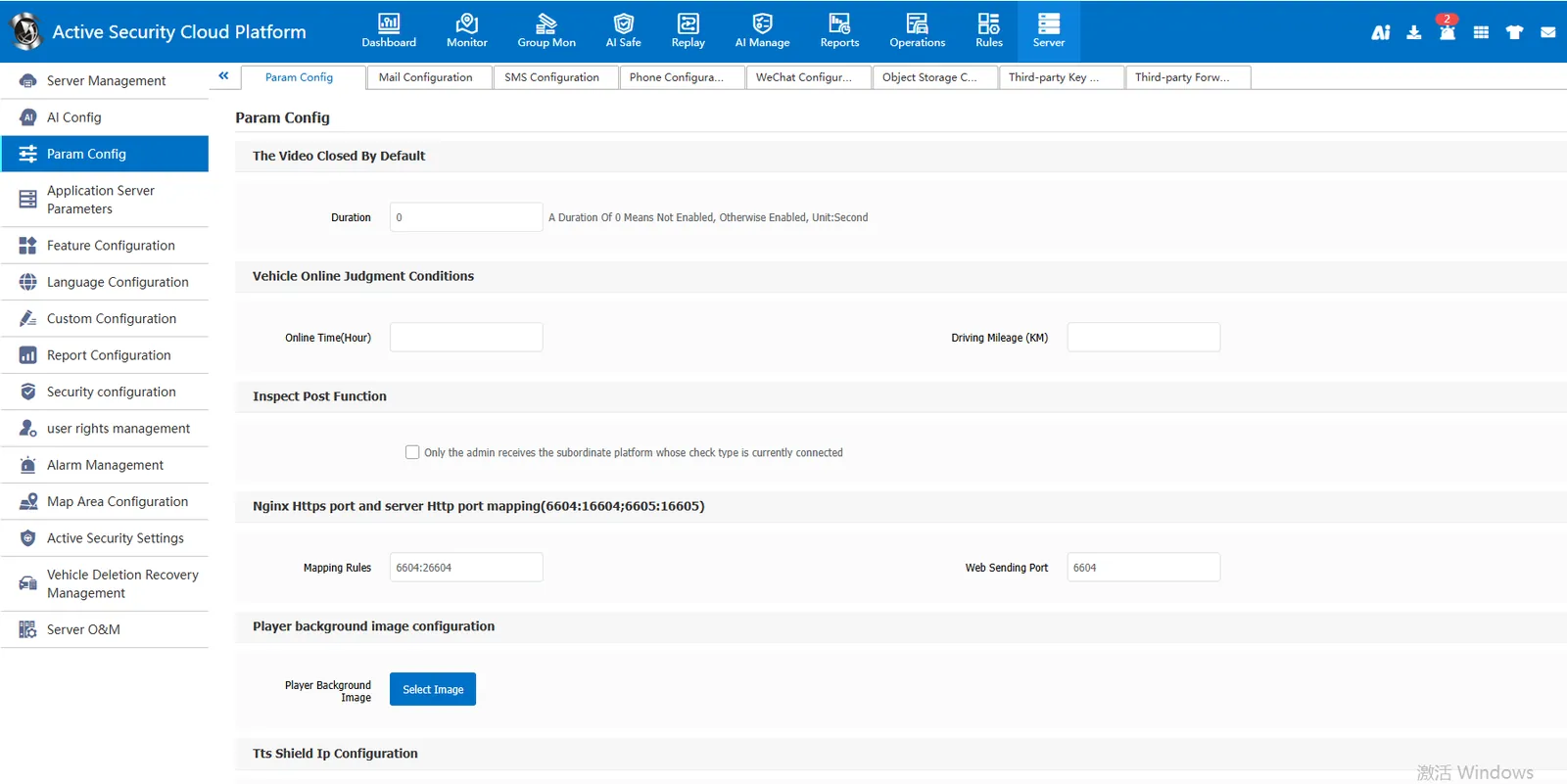
Enabling and Implementation of Some Platform Function Items
2, operating instructions
2.1 video default off duration:
[Server] - [Parameter Configuration]- [Parameter Configuration] The default video shutdown duration is set, and the real- time video preview will automatically shut down when it reaches the set shutdown duration. This setting takes effect globally for the server
Set 60 as shown in the following figure, that is, the real- time video preview will automatically close when it reaches 60s. This setting takes effect for the entire server
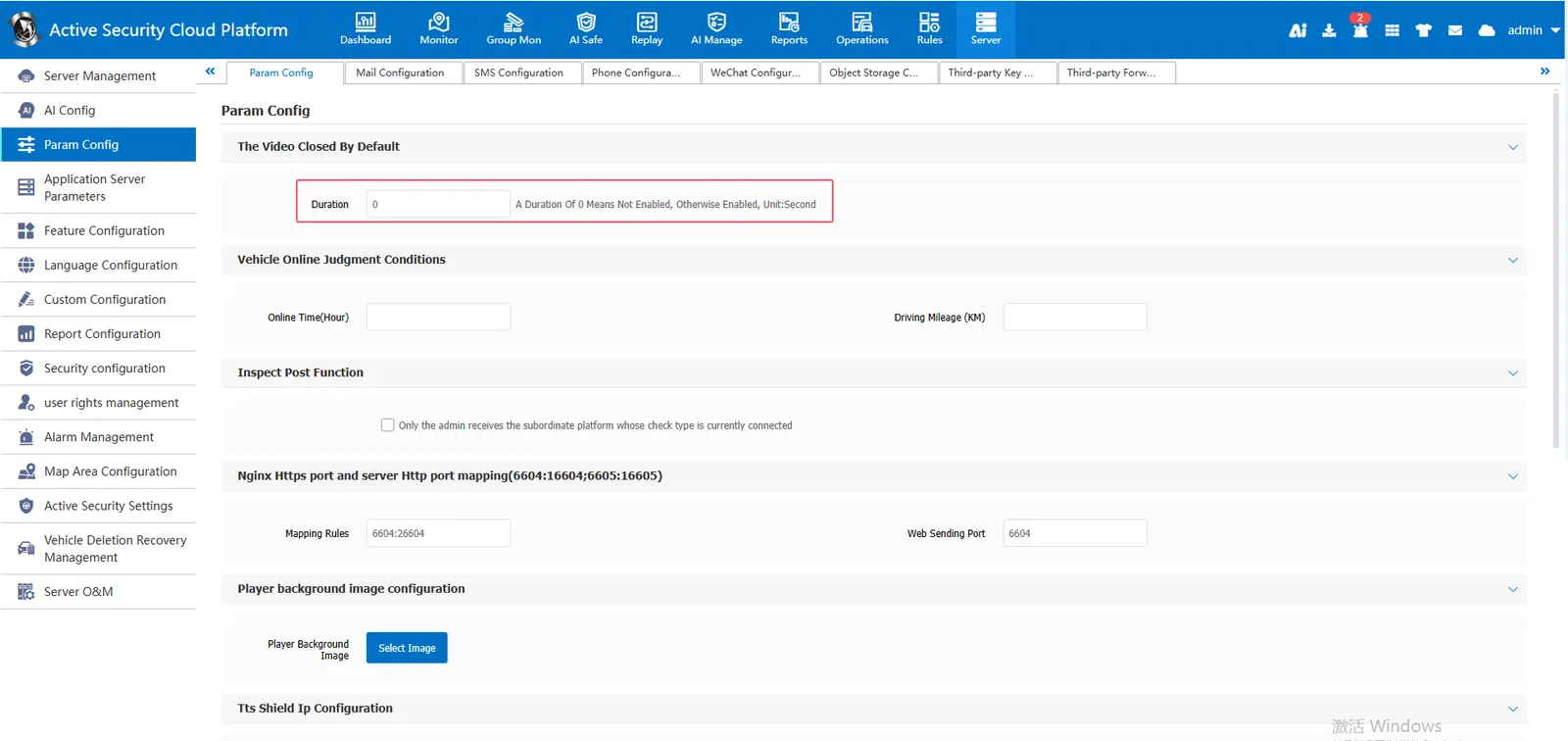
Real- time preview 60s automatic closing
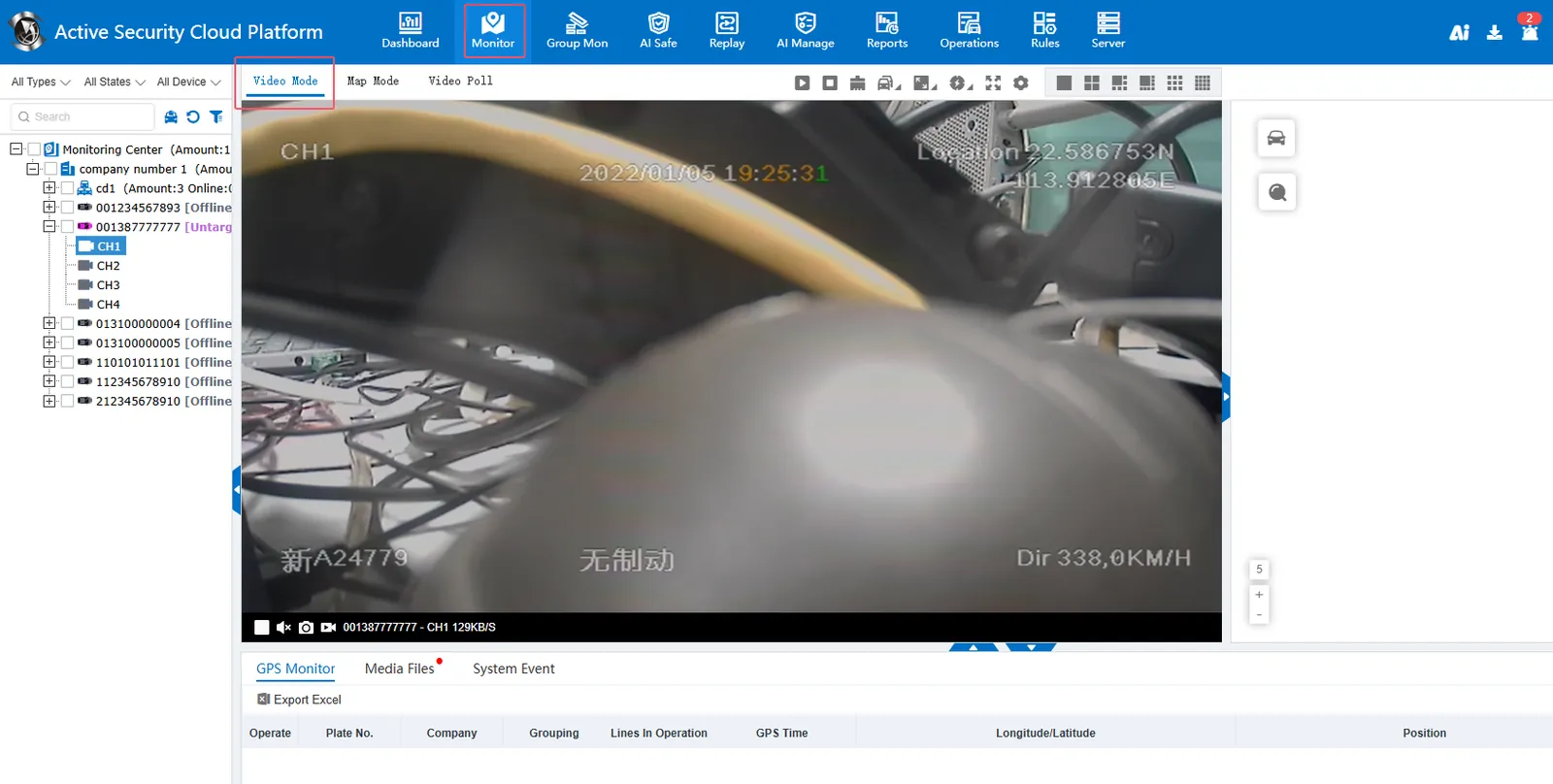
2.2 vehicle launch judgment conditions
slightly
2.3 check function:
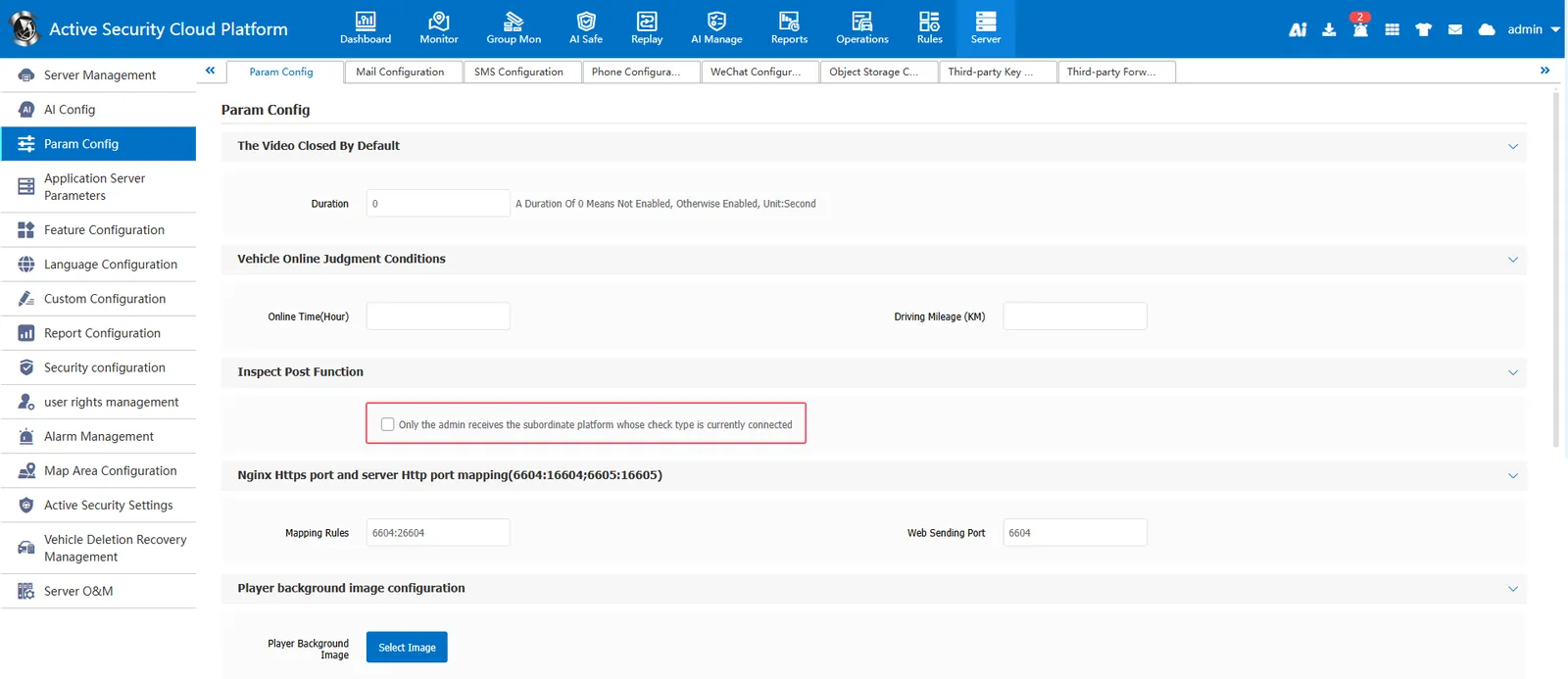
[Server] - [Parameter Configuration]- [Parameter Configuration] Check the post checking function. When only admin receives the currently connected subordinate platform, when the post checking type issued by the superior platform is "currently connected subordinate platform", only admin account can receive the post checking.
2.4 Nginx Https port and server Http port mapping (6604:16604;6605:16605):
[Server] - [Parameter Configuration]- [Parameter Configuration] Nginx Https Port Mapping with Server Http Port, Set Mapping Rule http Port: https Port. When https is enabled on the platform, the default https service port is to add 1 before the http service port, such as 6601- 16601; If you need to customize the service port of https, you can customize the corresponding relationship here
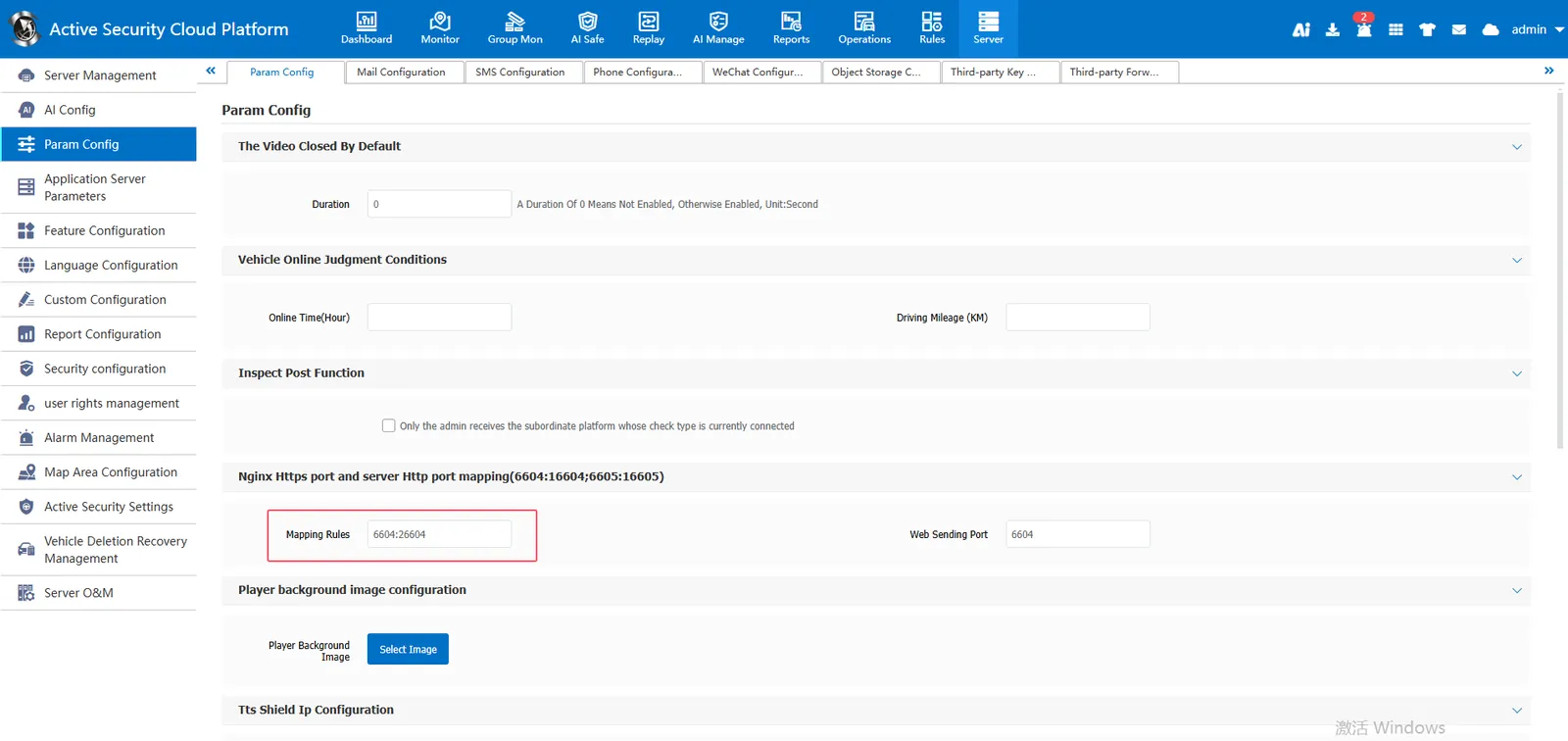
2.6 player background map configuration:
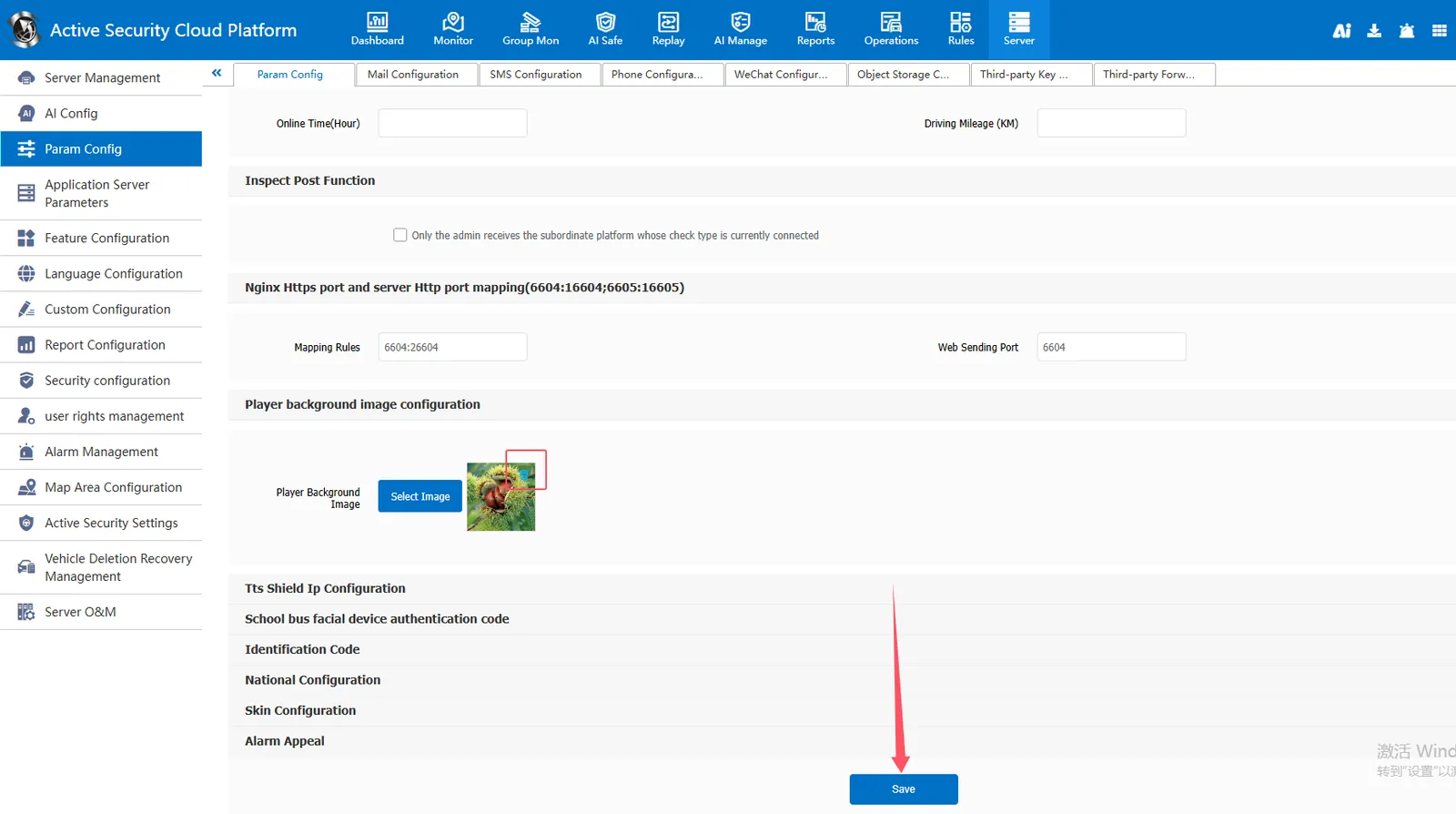
[Server] - [Parameter Configuration]- [Parameter Configuration] Player background map configuration, you can customize the playback window background map
Select the background image of the playback window and click Save:
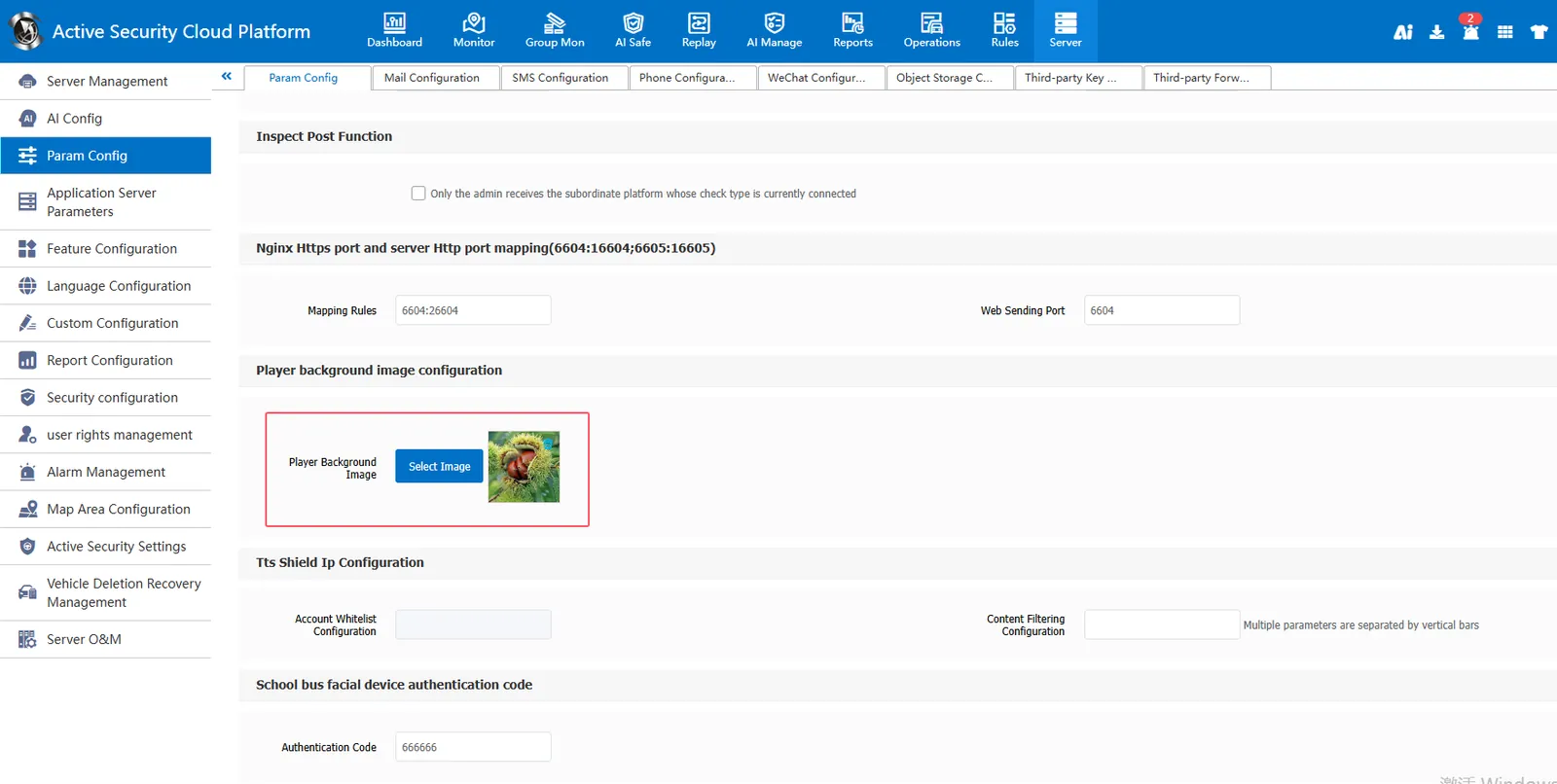
Effect:
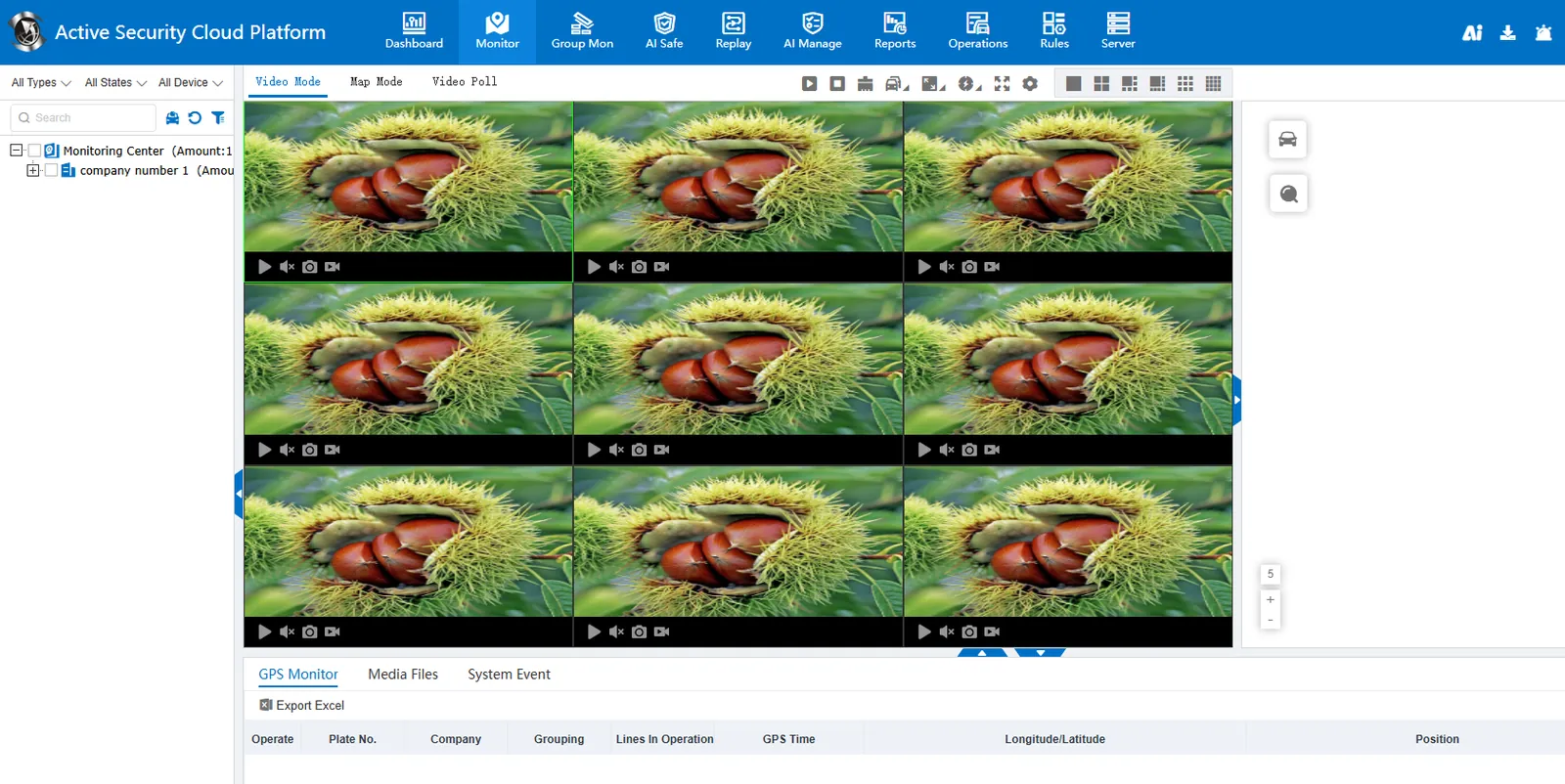
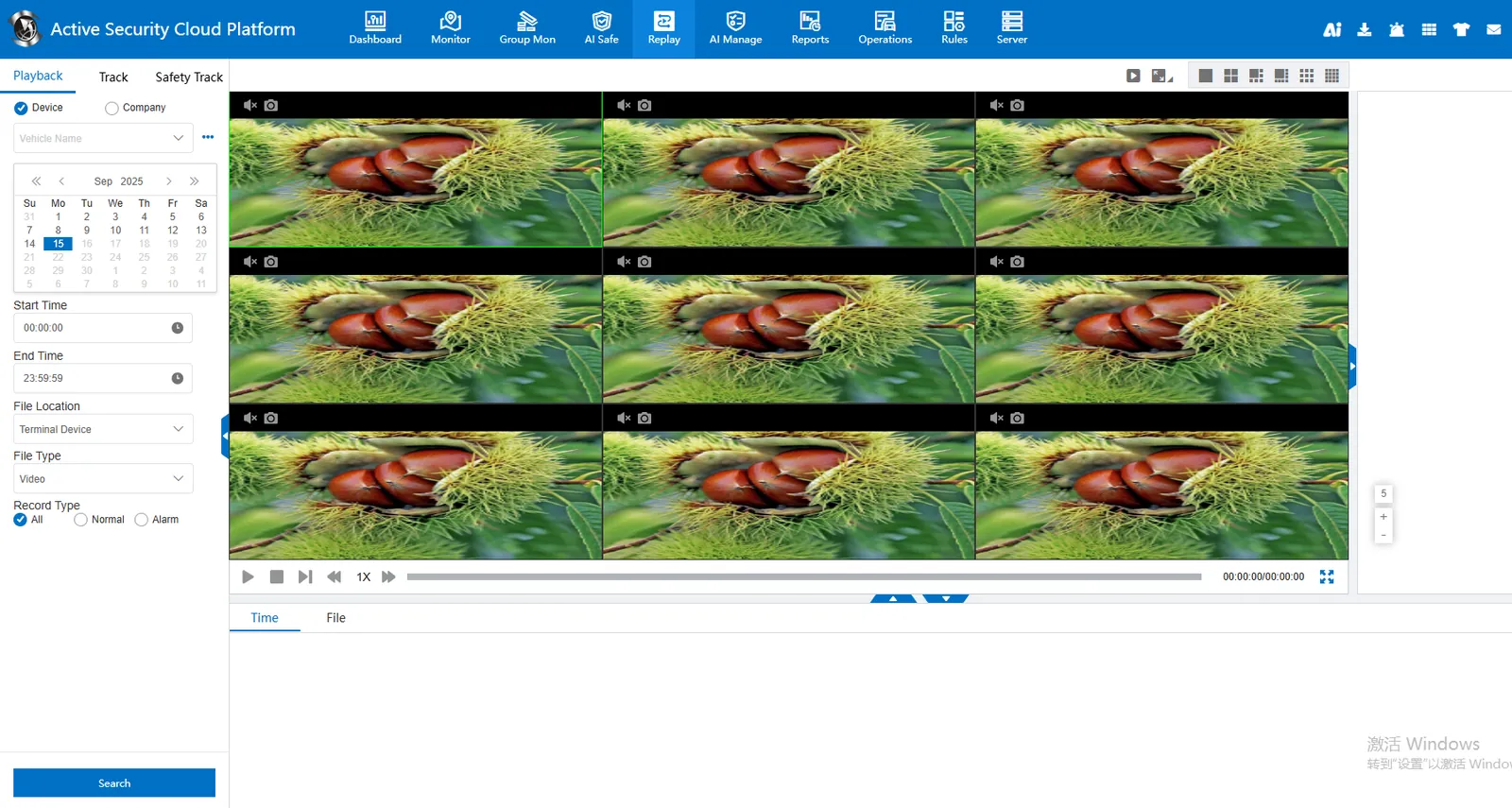
Restore the default background image, delete the custom background image directly, and click Save.
2.7 tts shielding ip configuration:
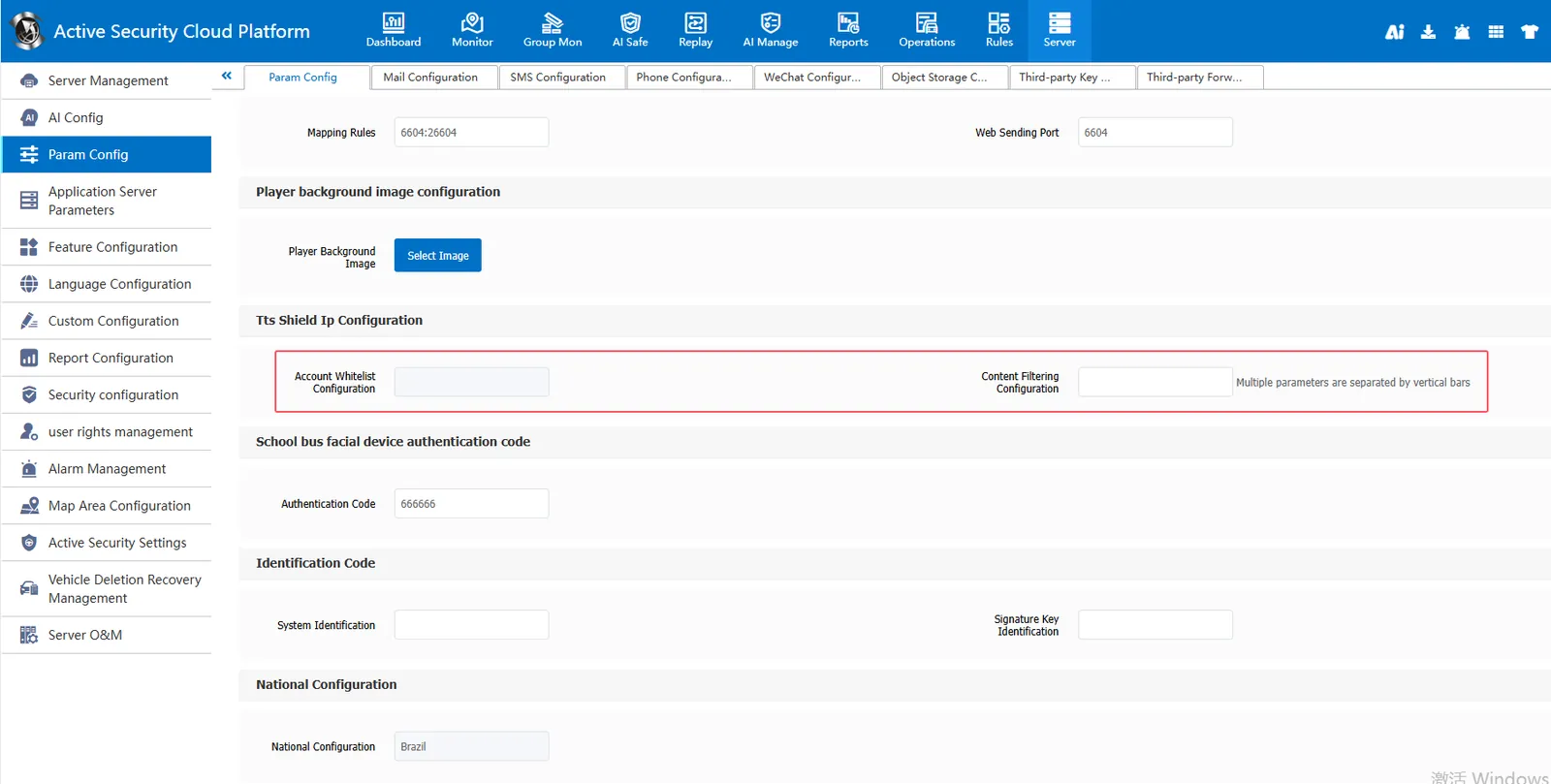
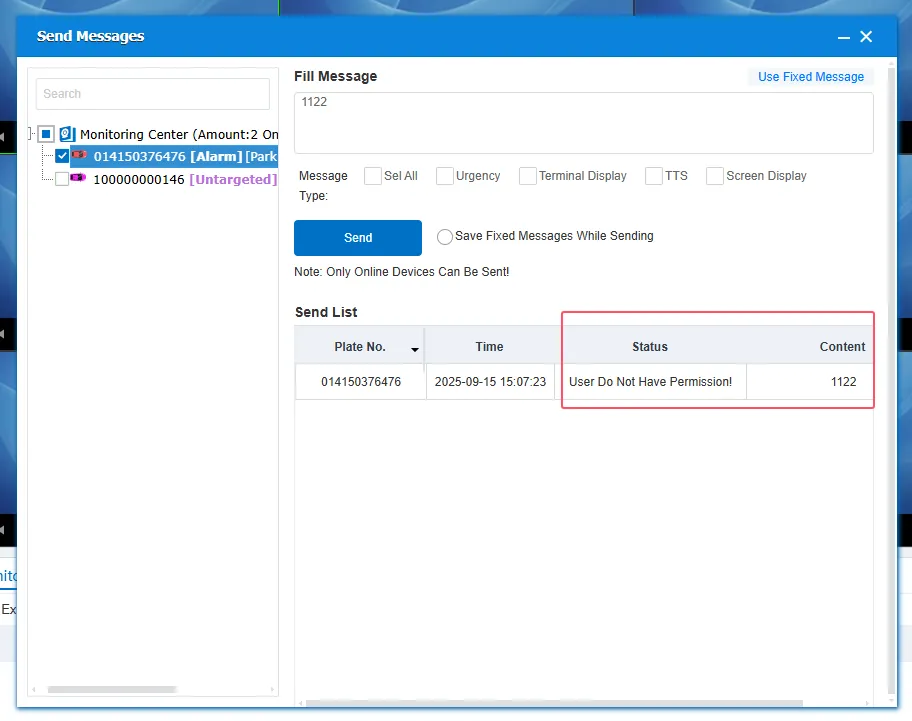
[Server] - [Parameter Configuration]- [Parameter Configuration] tts Masks ip configuration to filter TTS content distributed by the platform. If the TTS distributed by the user contains shielded content, it will fail to be distributed, indicating that the user has no permission! Unless the account is added to the account white list, it can not be restricted. The admin account is not restricted by this rule.
2.8 school bus face device authentication code
[Server] - [Parameter Configuration]- [Parameter Configuration] School Bus Face Device Authentication Code, Set Authentication Code
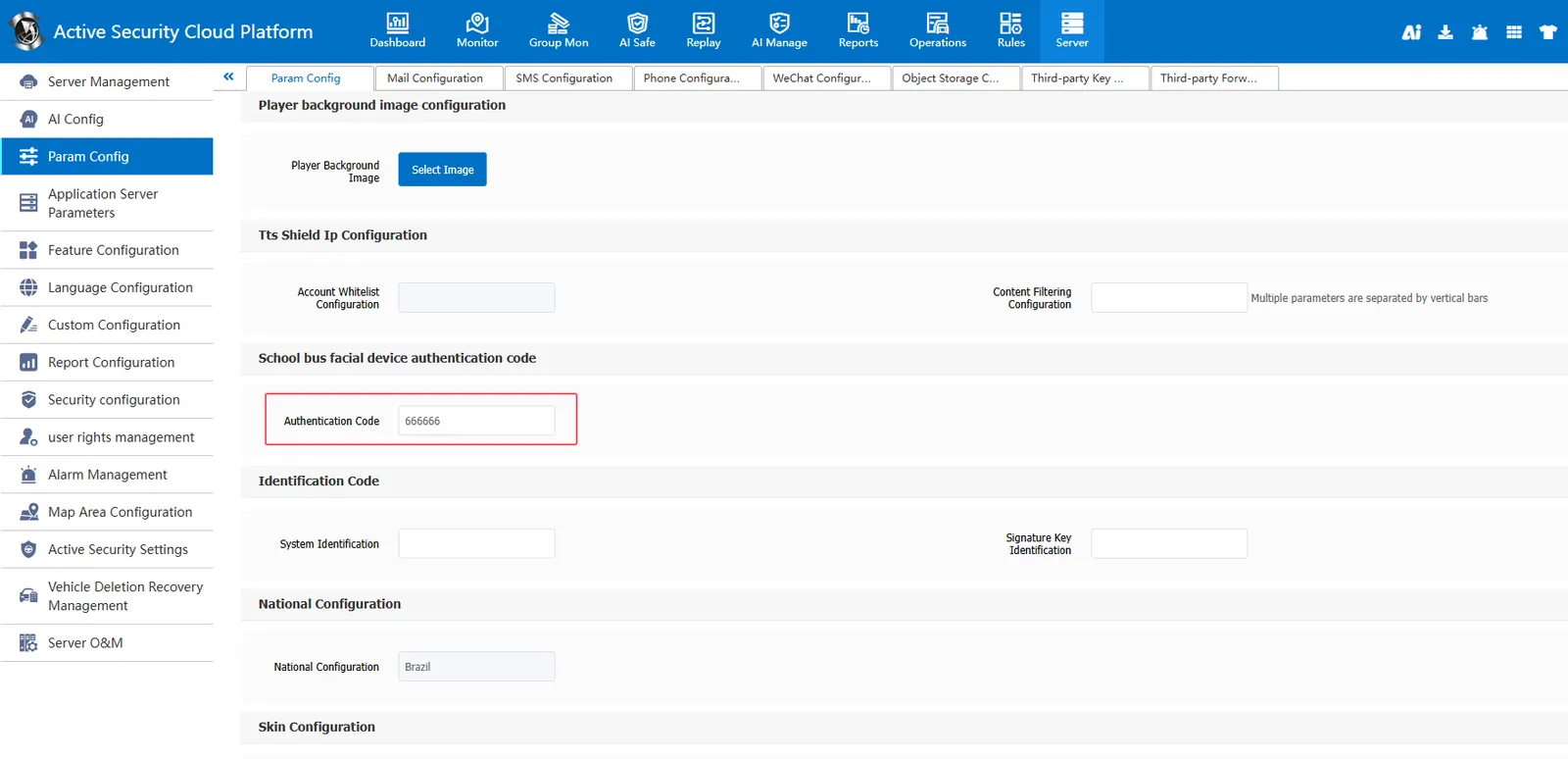
[Operations] - [Vehicle Information] Edit the school bus face device that enters the device installation information and enter the face device ID
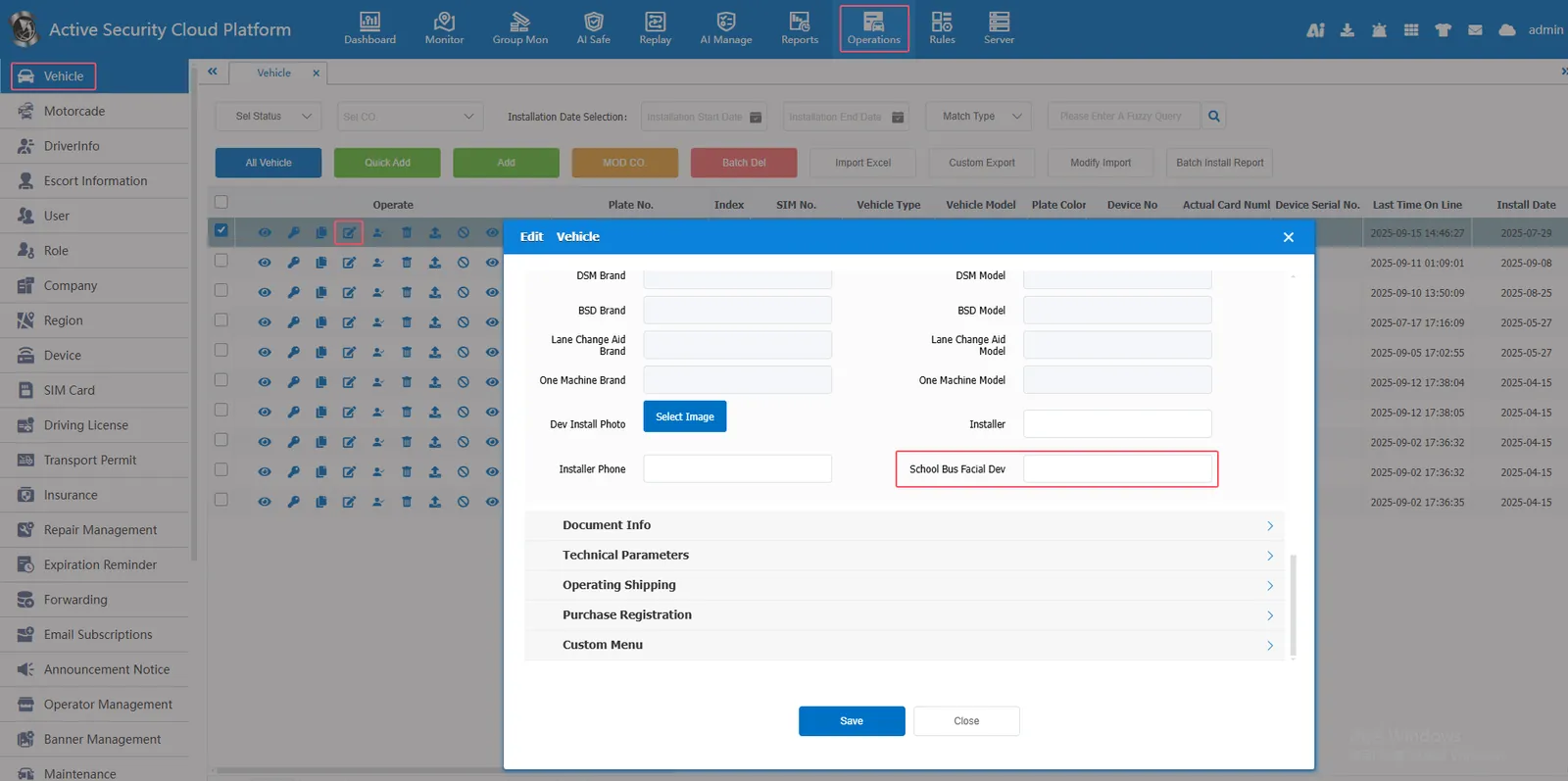
specific faq:https://help.cmsv8.com/helpCenter/doc/index.html?isStudy=1&docType=1&docId=1233&type=1
2.9 identification code
slightly
2.10 country configuration:
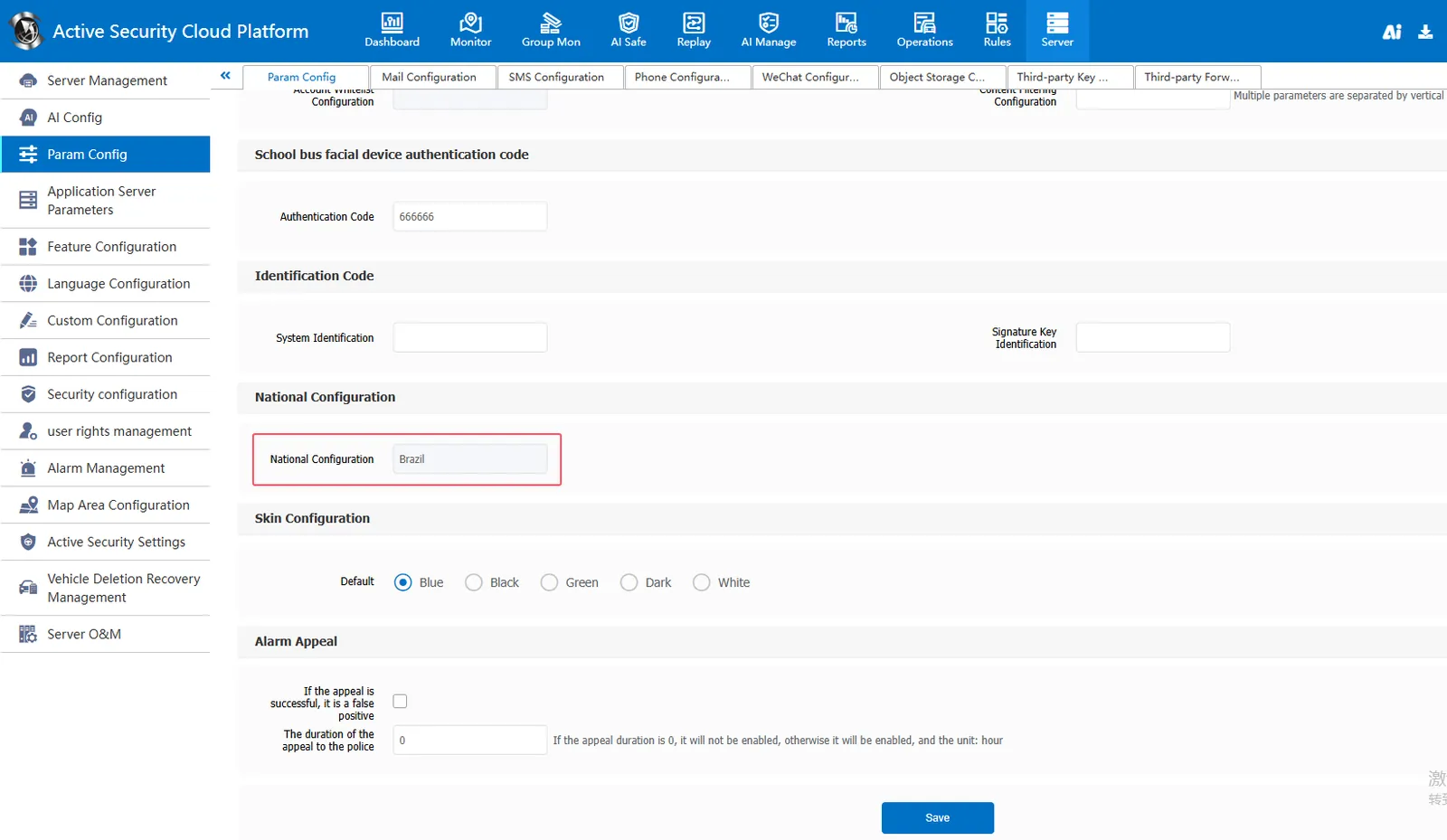
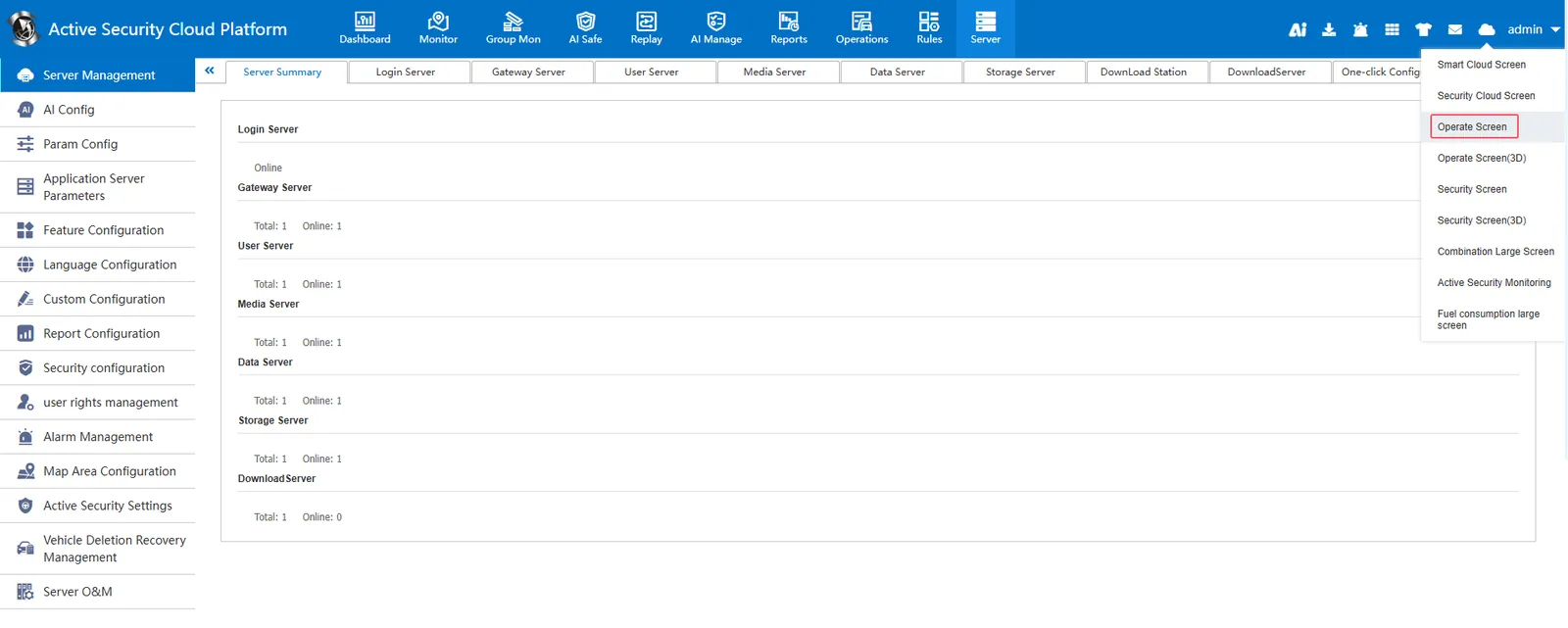
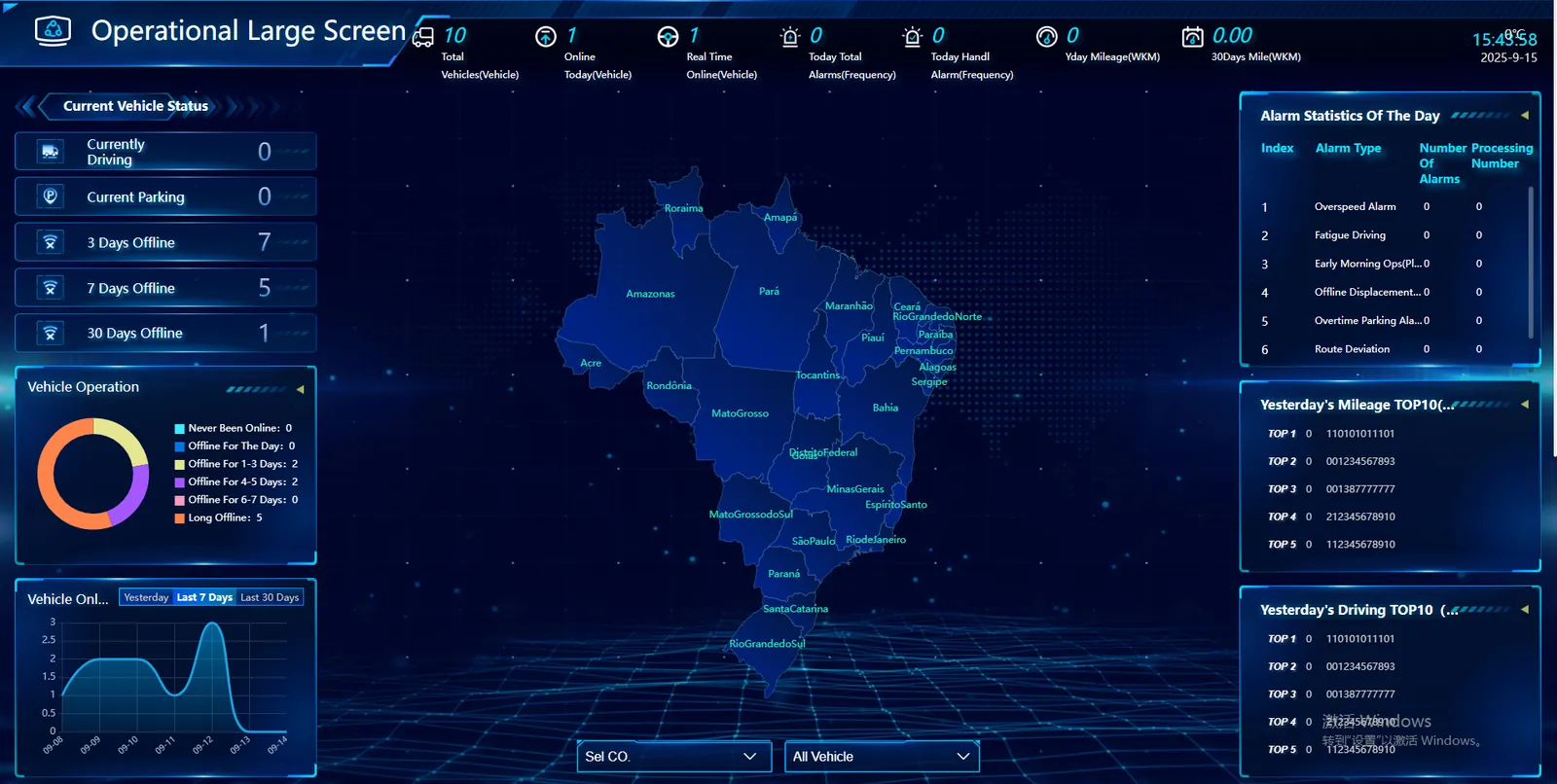
[Server] - [Parameter Configuration]- [Parameter Configuration] Country Configuration, select the country (currently only supported: China, Russia, Brazil, Vietnam, Thailand); The selected country will be displayed in the operation screen
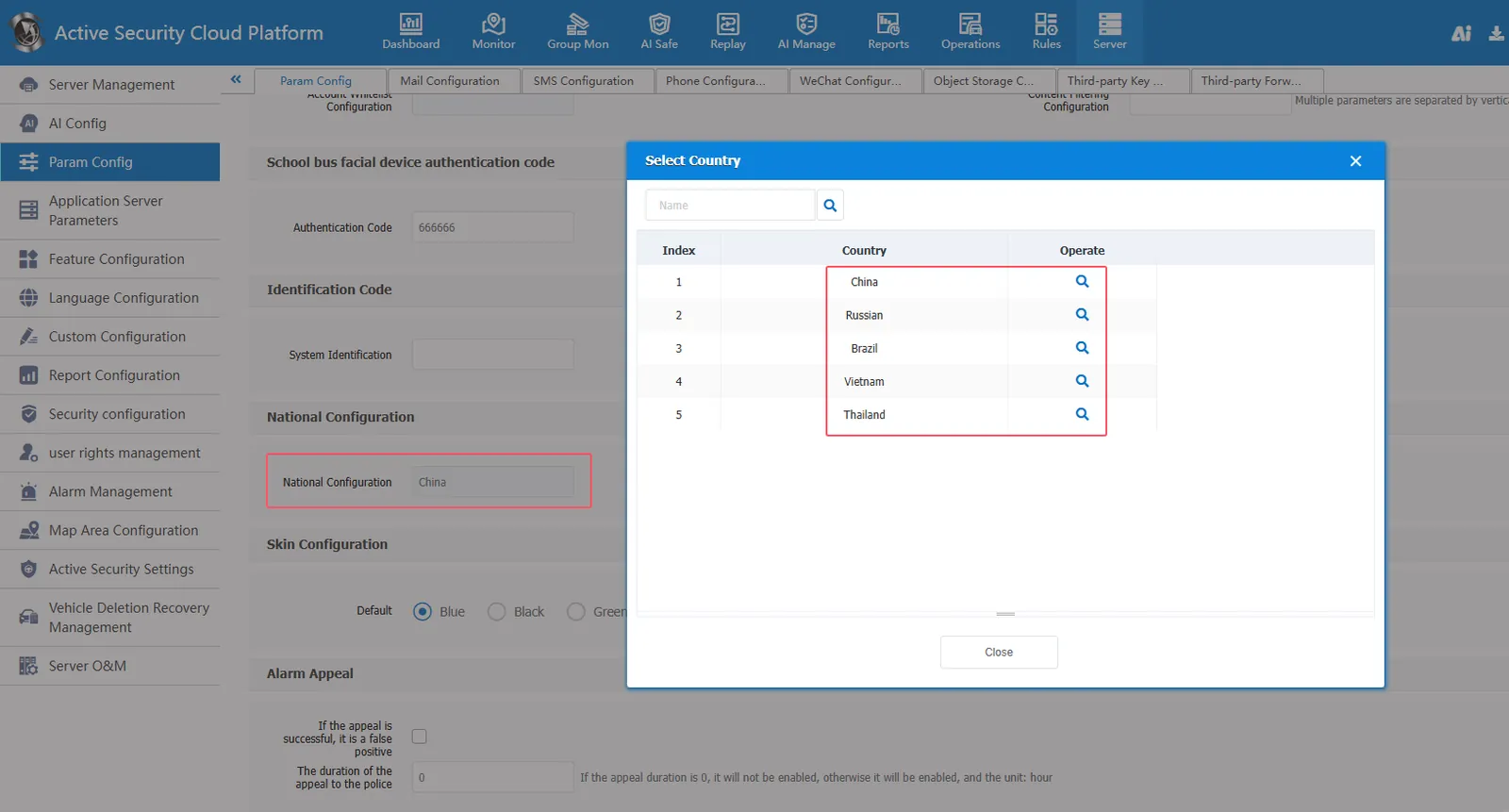
Operate large screen country map display (currently only supported: China, Russia, Brazil, Vietnam, Thailand)
For example, select Brazil:
2.11 skin configuration:
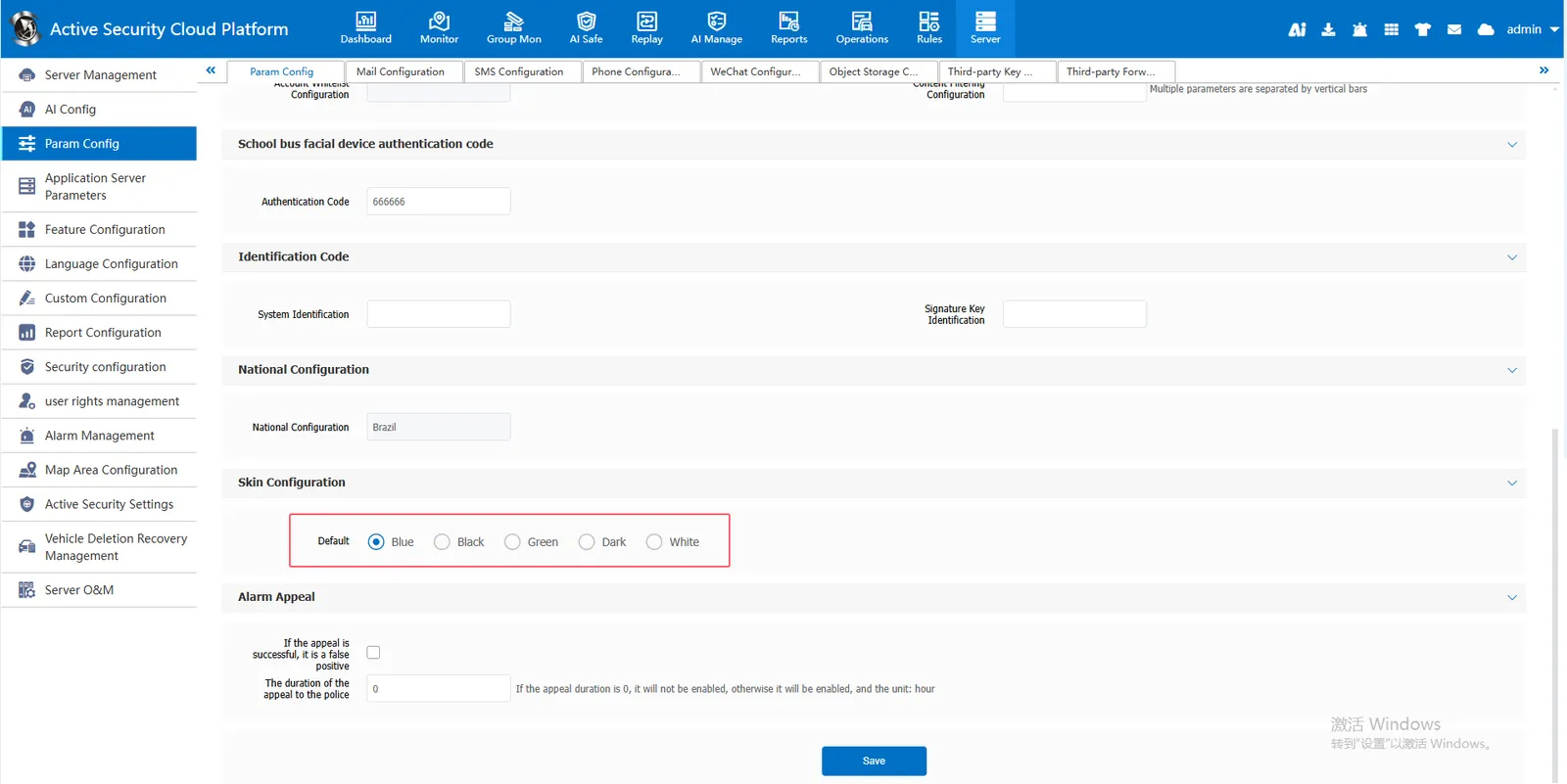
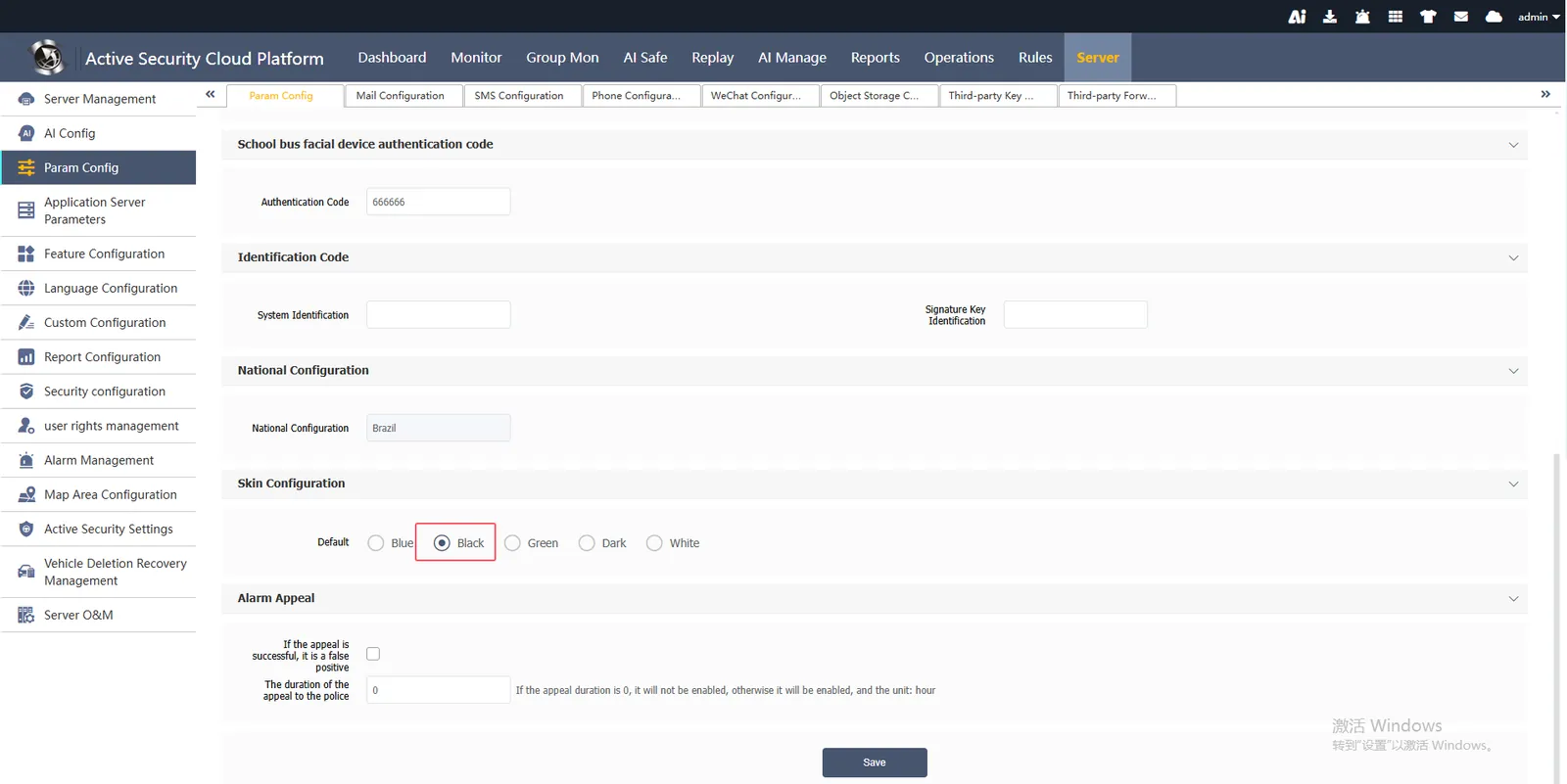
[Server] - [Parameter Configuration]- [Parameter Configuration] Skin Configuration You can choose to set the web interface style, the default is blue style
Select the night black effect:
2.12 alarm appeal:
slightly
