1. Function description
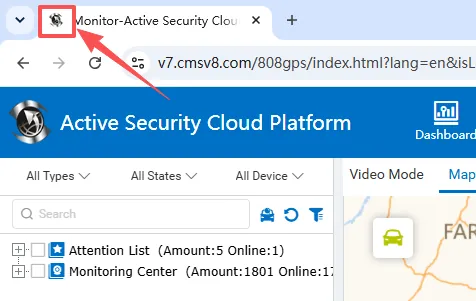
- For customers with secondary development needs, the WEB website displays the customer's own LOGO
2. operating instructions
2.1 Icon Requirements
File Format:.ico format
Size Size:32x32 or 48x48 pixels
Color depth:256 color
File name:favicon.ico
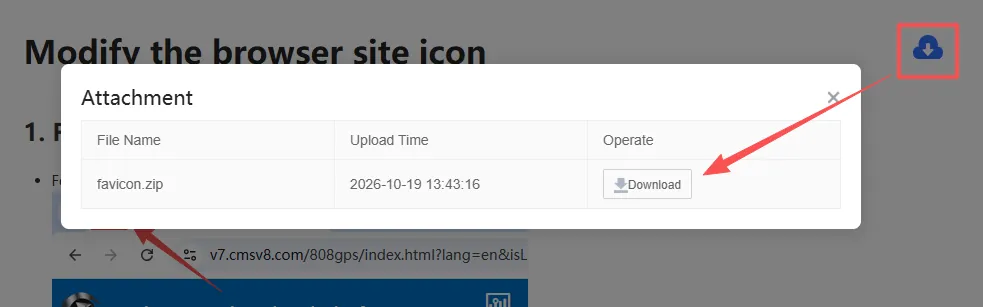
Examples of document attachments available for reference
2.2 Replace favicon.ico file
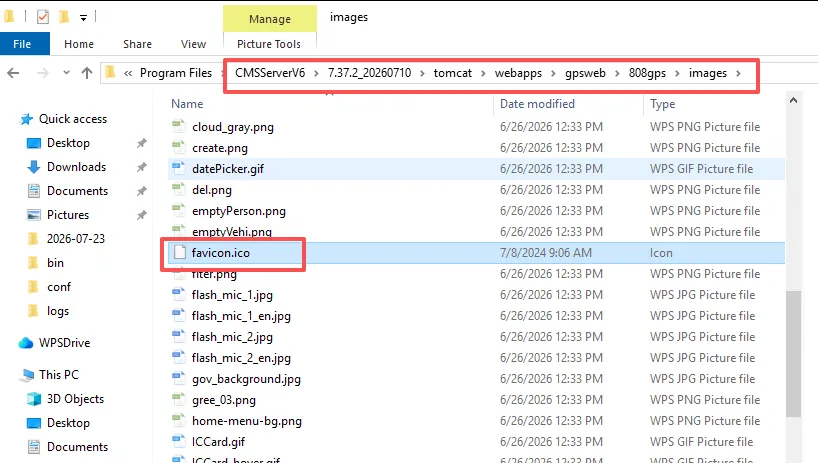
Locate the favicon.ico file in the software installation directory and replace it, then restart the web server.
Alternate path: \CMSServerV6\version number\tomcat\webapps\gpsweb\808gps\images
3. Precautions
- ico file name cannot be modified
- Icons are ico files, not picture files
