1. Function description
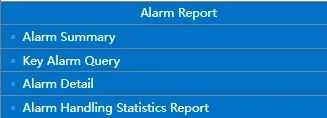
Quickly find statistical reports through the navigation page
2. operating instructions
2.1 Open “Reports”
Enter the “Reports” function page.

2.2 search report
In the search box above the homepage, enter a report name or keyword to search.

2.3 display report
After the search is completed, highlight the report filled with blue shading, and click the corresponding report name to enter the report details page to query data.