1. Function description
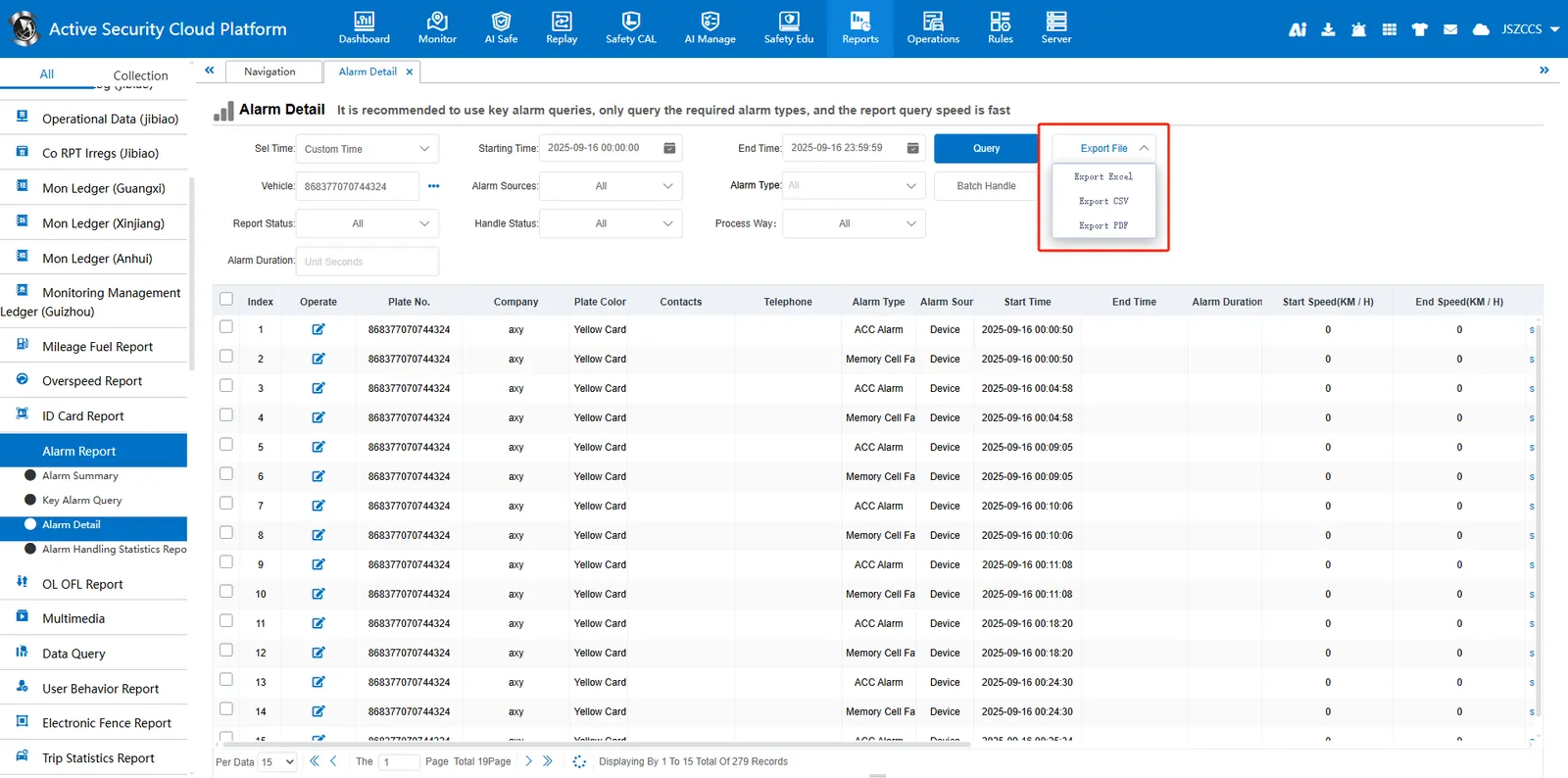
Export reports. You can export files in Excel, CSV, and PDF formats.
2. operating instructions
2.1 export file
Find the “Export File” button in the report. After querying the report data, you can select a file format for export.
2.2 Download Center
After the operation is exported, the file is saved in the download center of the server, and the file is automatically downloaded to the download directory of the web browser.
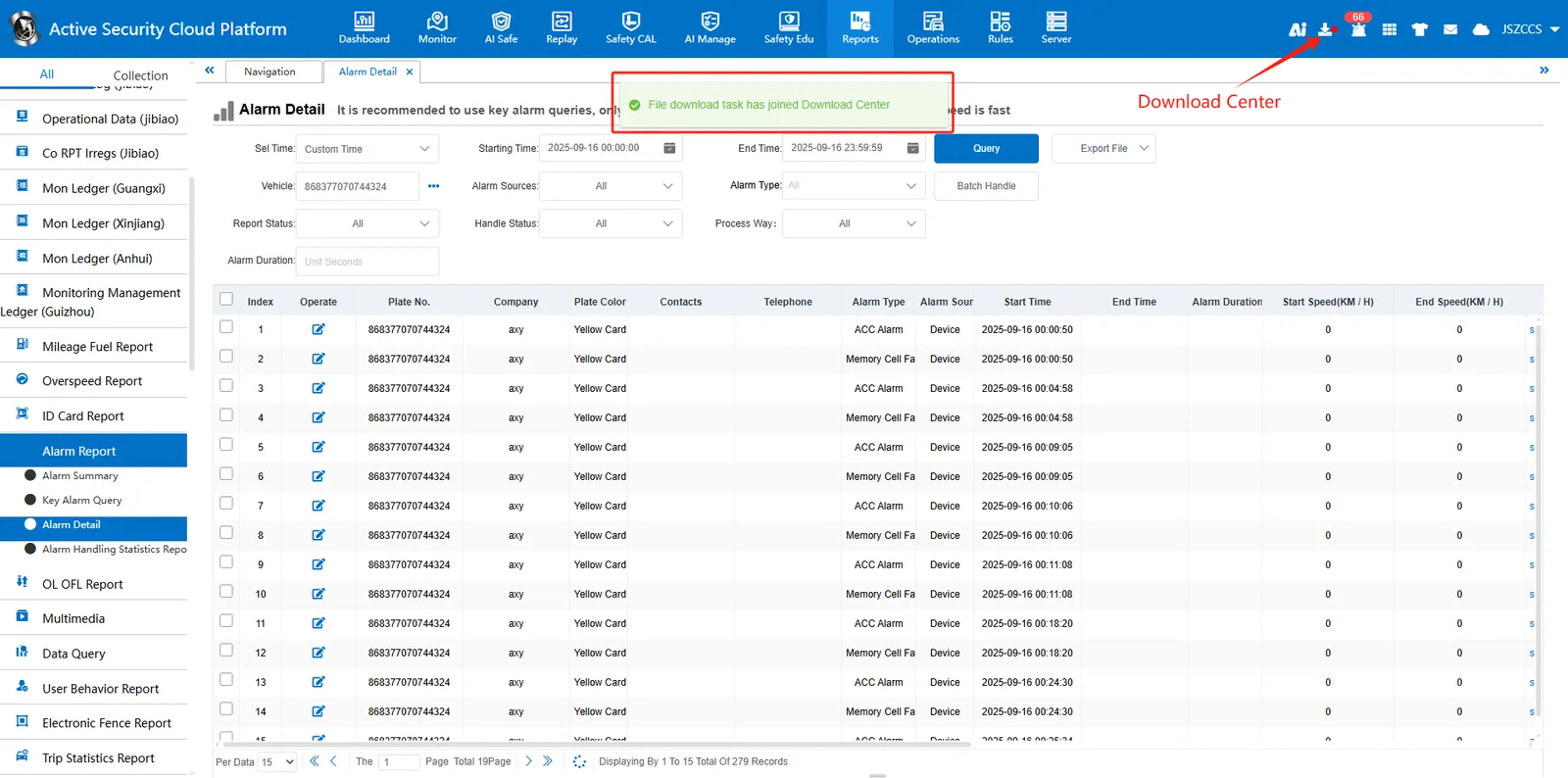
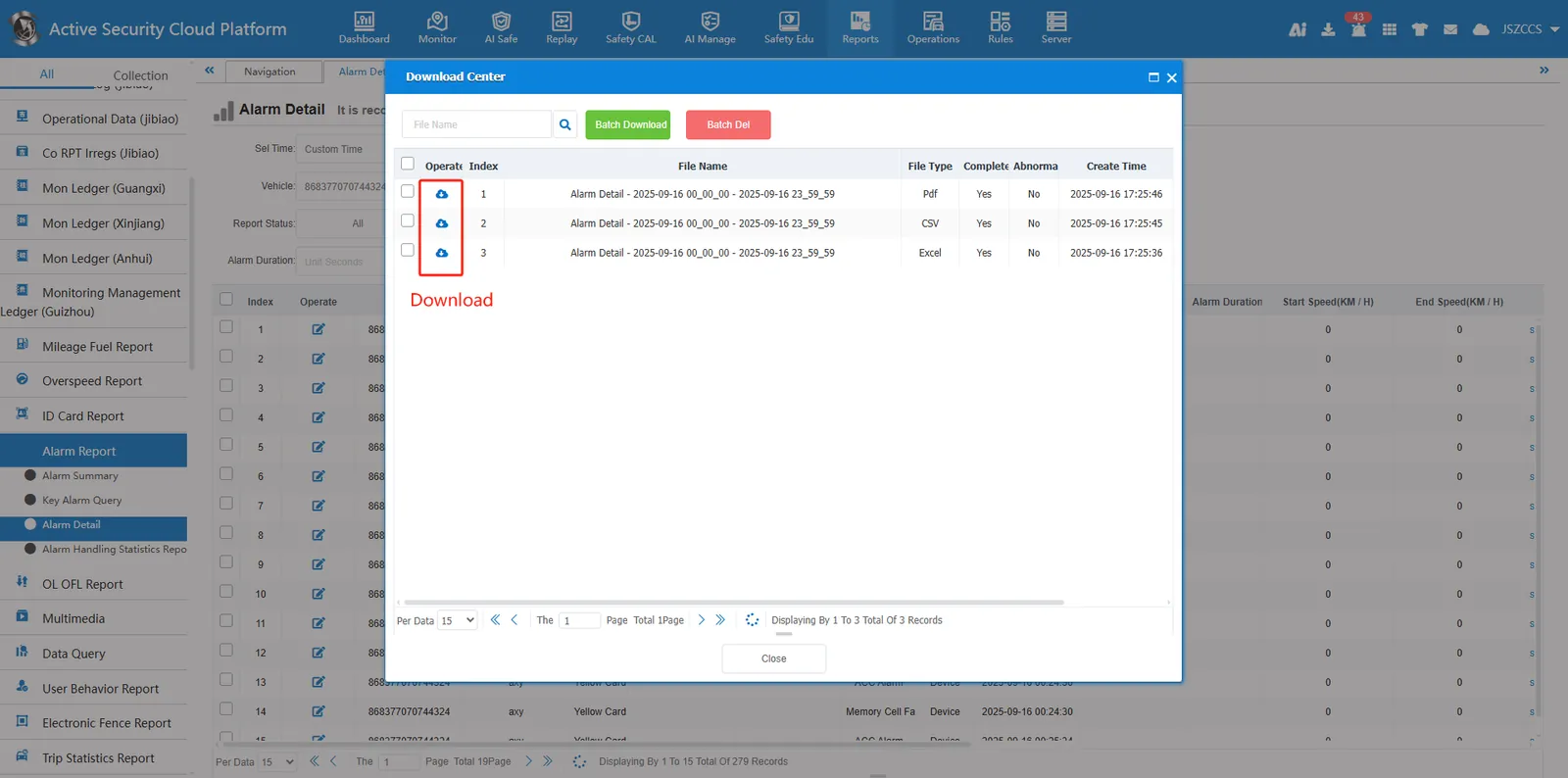
You can view the export status of file tasks in the Download Center. You can download files multiple times without repeating the export operations.