1. Function description
- When a new version is released, an upgrade notification will be pushed, and the customer chooses whether to upgrade or not.
- Customers can also manually check for updates to ensure that the server is up to date
2. operating instructions
Go to [Server Management]-> [Server O & M]-> [Server Upgrade]. The upgrade is divided into two types: regular push and manual check for updates.
2.1 regular push update notifications
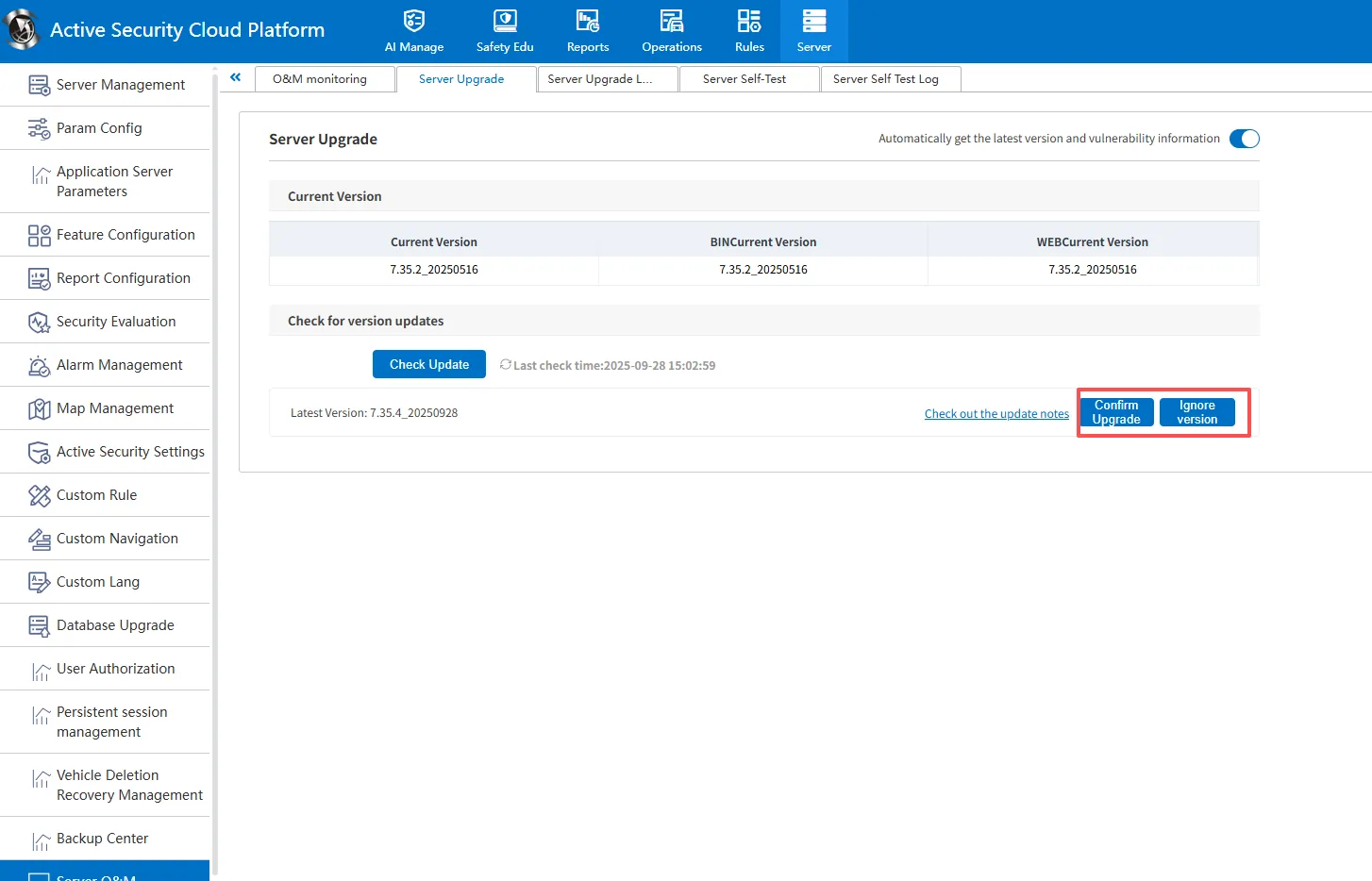
- After the server version is released, the Tongtianxing server will push the upgrade notification regularly, and the customer can manually choose whether to update or not;
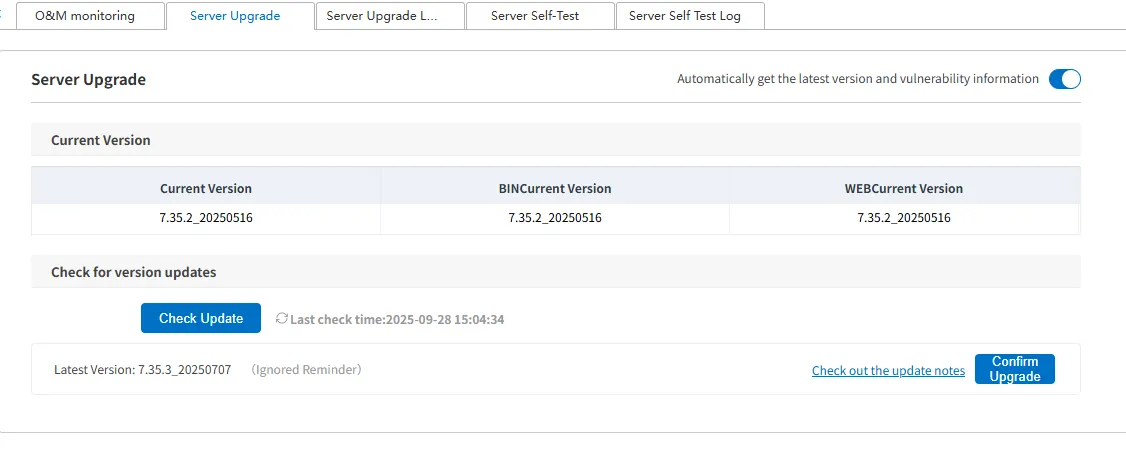
- If the customer points [Confirm Upgrade], the server will automatically update according to the scheduled time in advance; Click [Ignore Version], then the customer can determine the time by himself and click [Confirm Upgrade] to update;
2.2 to manually check for updates
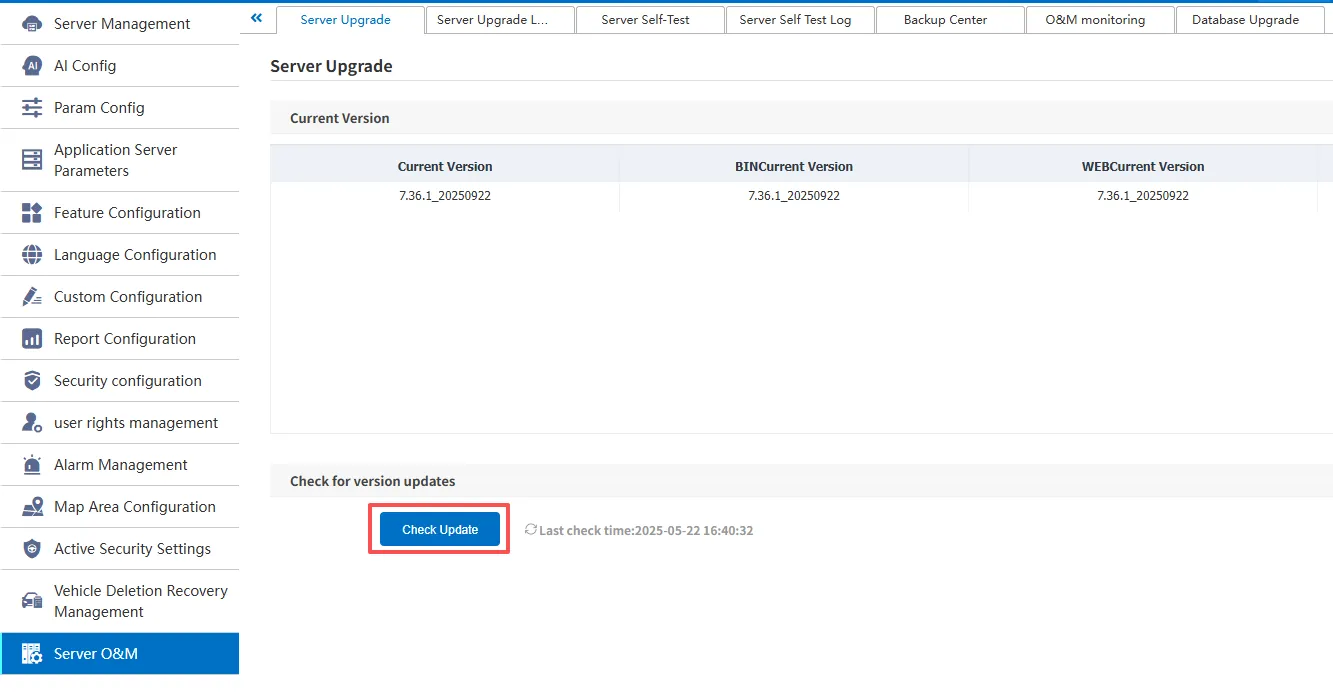
- After "Automatically obtain the latest version and vulnerability information" is turned on, the software will regularly obtain the latest version update package from the Tongtianxing server;
- Customers can also actively obtain the latest version update package from Tongtianxing server through the [ Check Update ] button;
Note:
A. the priority of the updated version pushed by the server is greater than that of active acquisition.
