1. Function description:
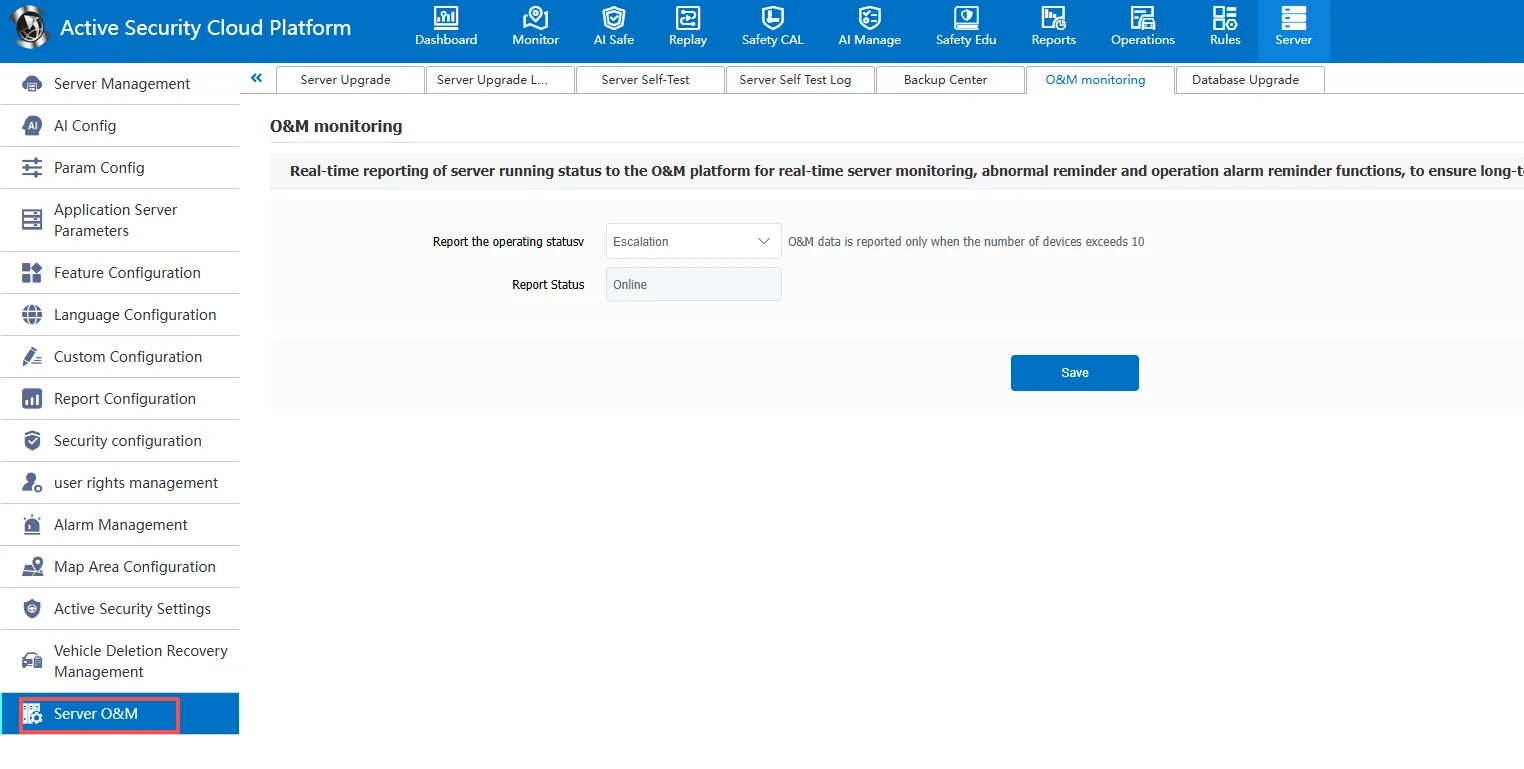
Report the running status of the server to the operation and maintenance platform in real time for monitoring the running status of the server, and timely remind technical support and customer operation and maintenance when abnormal, so as to ensure the long- term stable operation of the server.
2. Enable O & M Monitoring:
Go to [Server Management]> [Server Operation and Maintenance]> [Operation and Maintenance Monitoring], and select Report in [Report Running Status]. After the report is successful, [Report Status] is displayed online. If it is not reported, it is displayed offline.