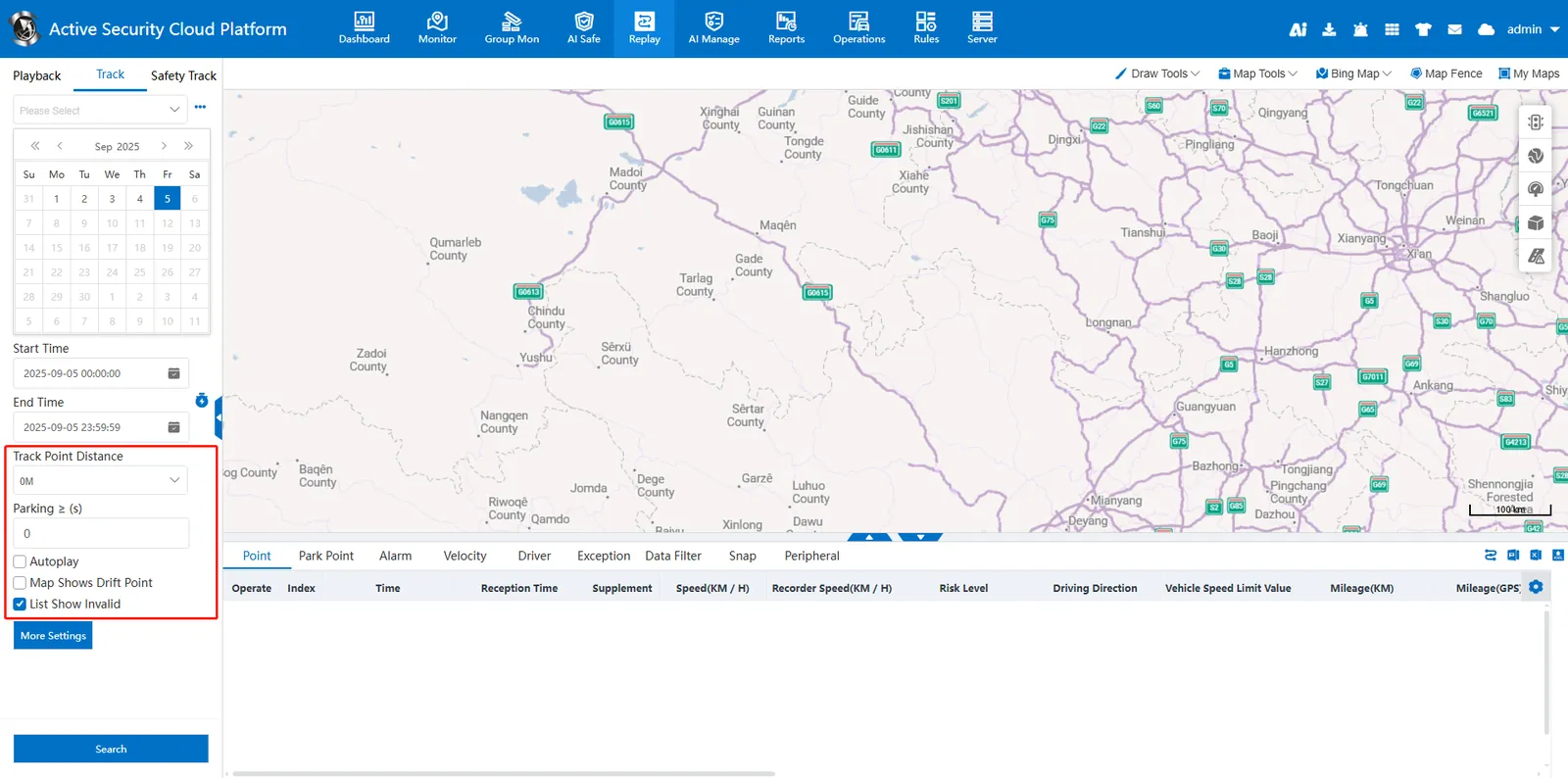
1. Function description
By configuring the search parameters of track playback, the vehicle GPS track data can be flexibly queried, efficiently displayed and accurately analyzed.
2. operating instructions
2.1 other parameter descriptions
Track point spacing: The selected spacing at each interval displays a piece of GPS data. If it is 0M, there is no limit.
Parking duration ≥ (seconds):
0: All parking GPS points are searched and displayed
Non - 0: If it is a continuous GPS stop/idle point, 1 GPS will be displayed every set time.
AutoPlay:
Check: After the track search is completed, the track will be automatically played on the map.
Do not check: manually click to play after the track search is completed.
Trajectory shows drift points:
Check: Show drift points on the map and connect them.
Unchecked: Drift points are not displayed on the map.
List of invalid points/drift points:
Tick: Display invalid points/drift points on the list.
Unchecked: Invalid points/drift points are not displayed on the list.