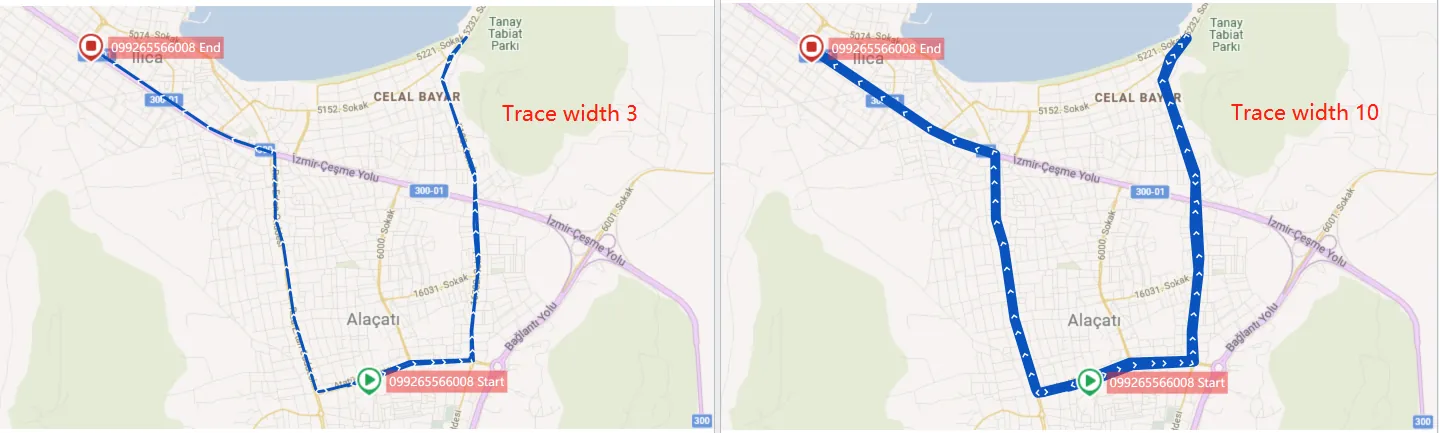
1. Function description
In More Configurations, you can personalize the trace line style, such as changing the trace line color in different states and adjusting the line width.
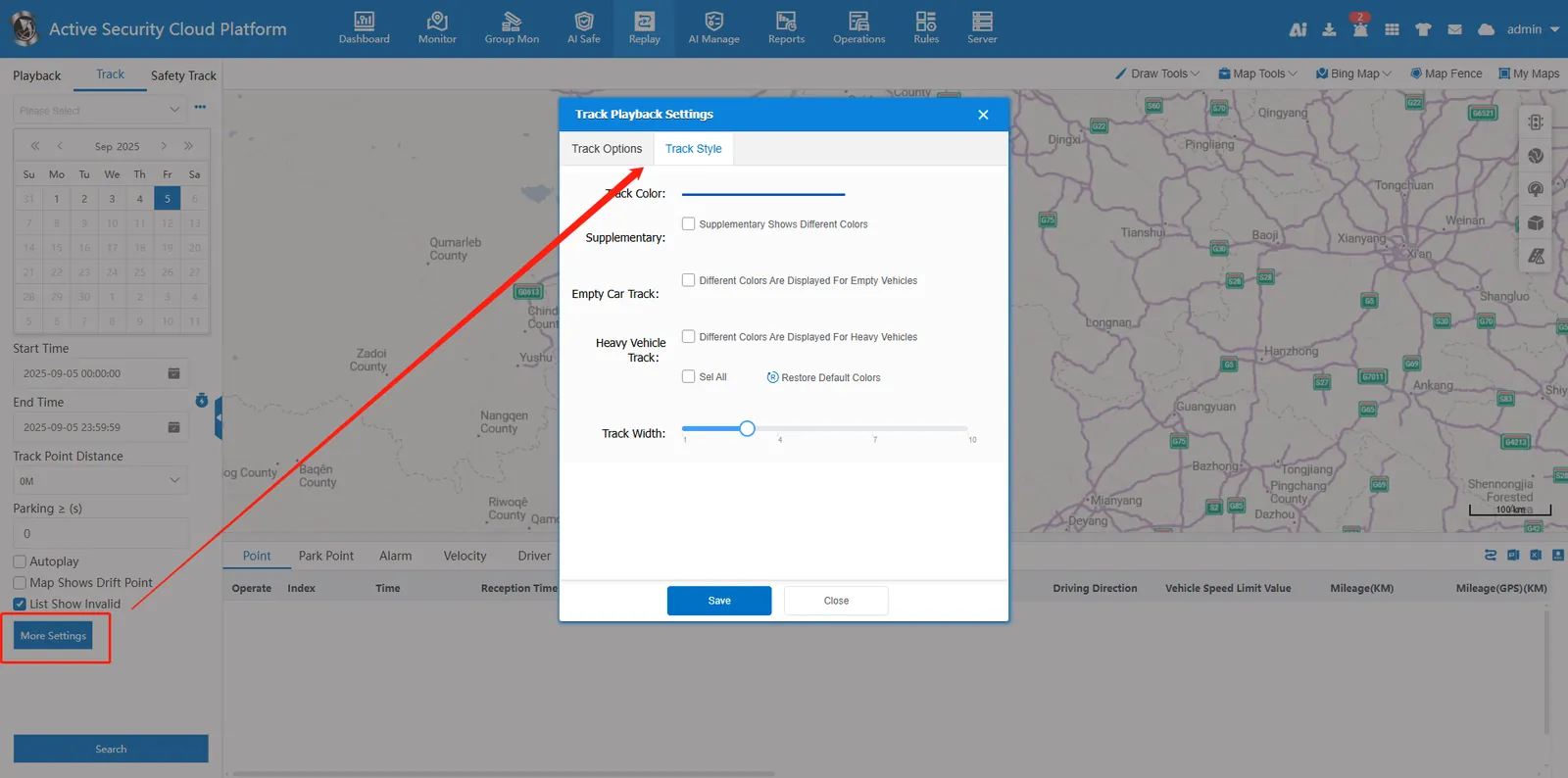
2, operating instructions
2.1 track color
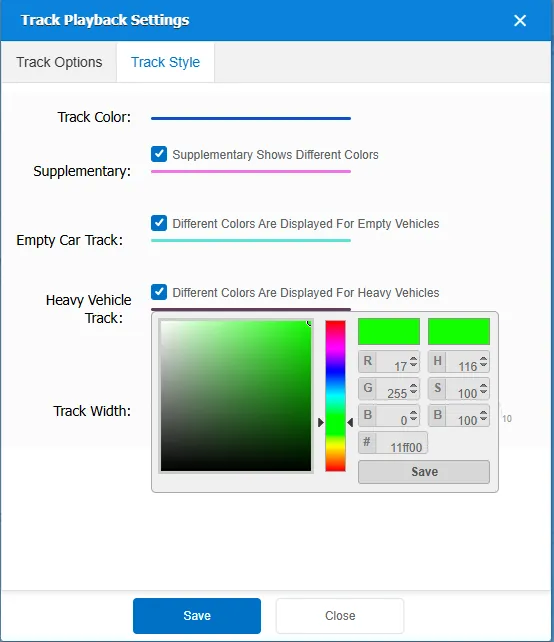
The default line is a blue line. If you check it, you can set different color lines for GPS transmission status and taxi empty/heavy vehicle status respectively.
Click to open the palette to select the color and save it. Search the track again to take effect. Click Restore button to restore the default color.
2.2 track width
Drag the circular slider to set the width, the default width is 3, and the maximum supported set width is 10.