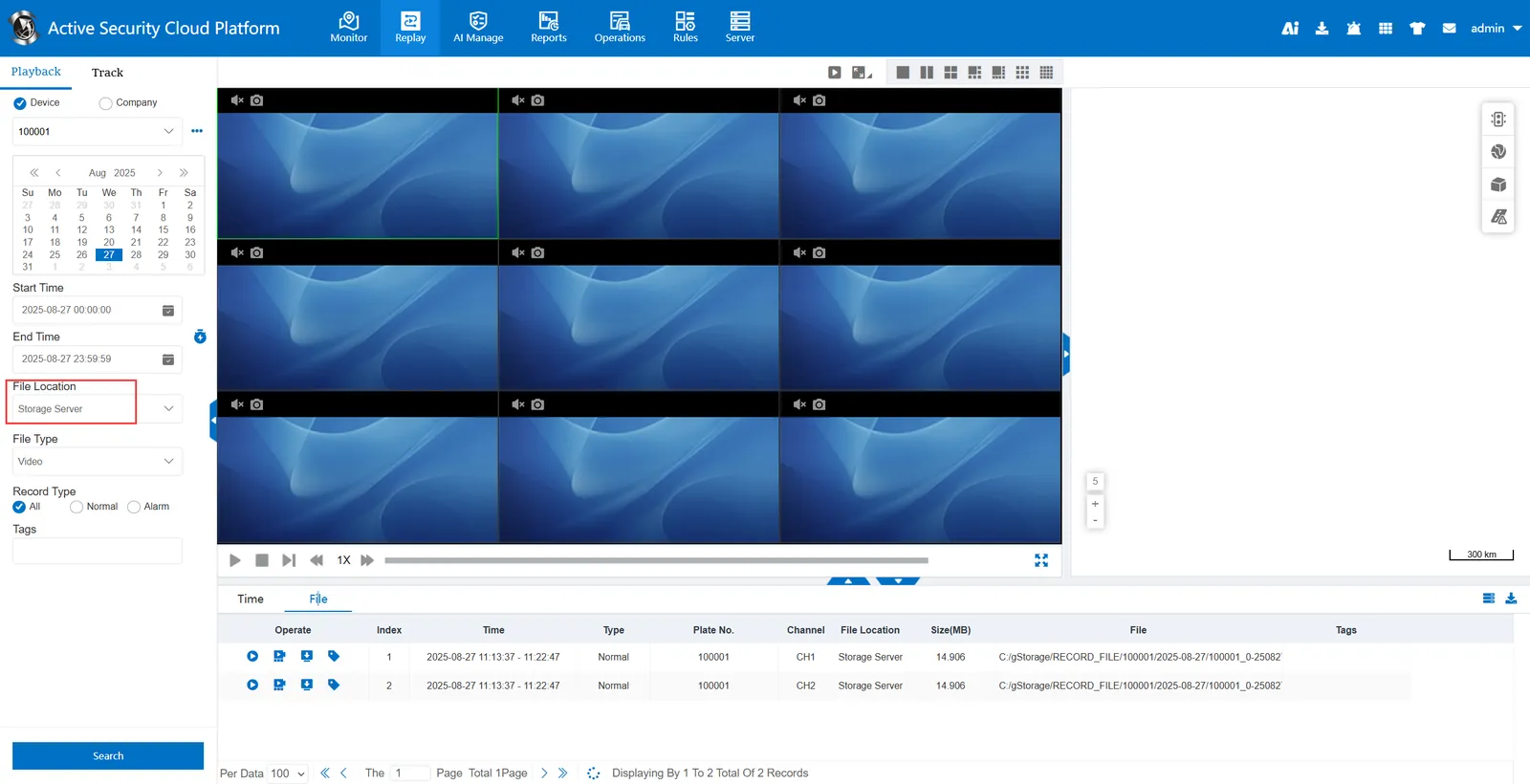
1. Function description
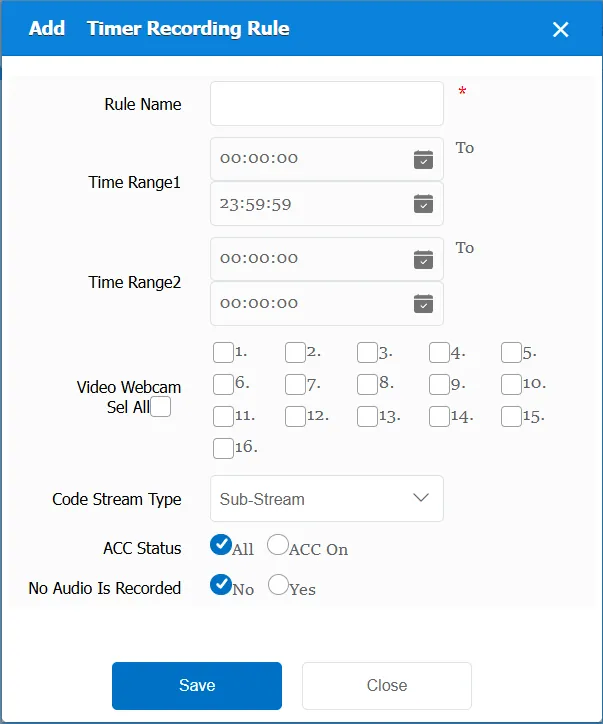
In the specified period of time, through the designated camera, code stream; in the form of real- time video, the video of the vehicle is saved to the server for subsequent review
See description: upload device video to server in real time
2. operating instructions
2.1 basic information
Rule Name: Customize, customize the name according to the actual situation
Time Range 1: the time period when the rule takes effect 1
Time Range 2: the time period when the rule takes effect 2
Video camera: You can specify one or several or all (maximum 16) cameras
Stream Type:
Sub- code stream: request video with sub- code stream, which is also saved to the server
Main code stream: the video is requested by the main code stream, and the video stored in the server is also the main code stream video.
ACC Status:
All: Invalid, regardless of ACC status
ACC ON: Request and store vehicle video only when ACC status is ON
Do not record audio: Do not turn on video sound when requesting video
Match all vehicles:
No: Only valid for vehicles assigned by this rule
Yes: this rule is effective for all vehicles of the company.
2.2 video information display
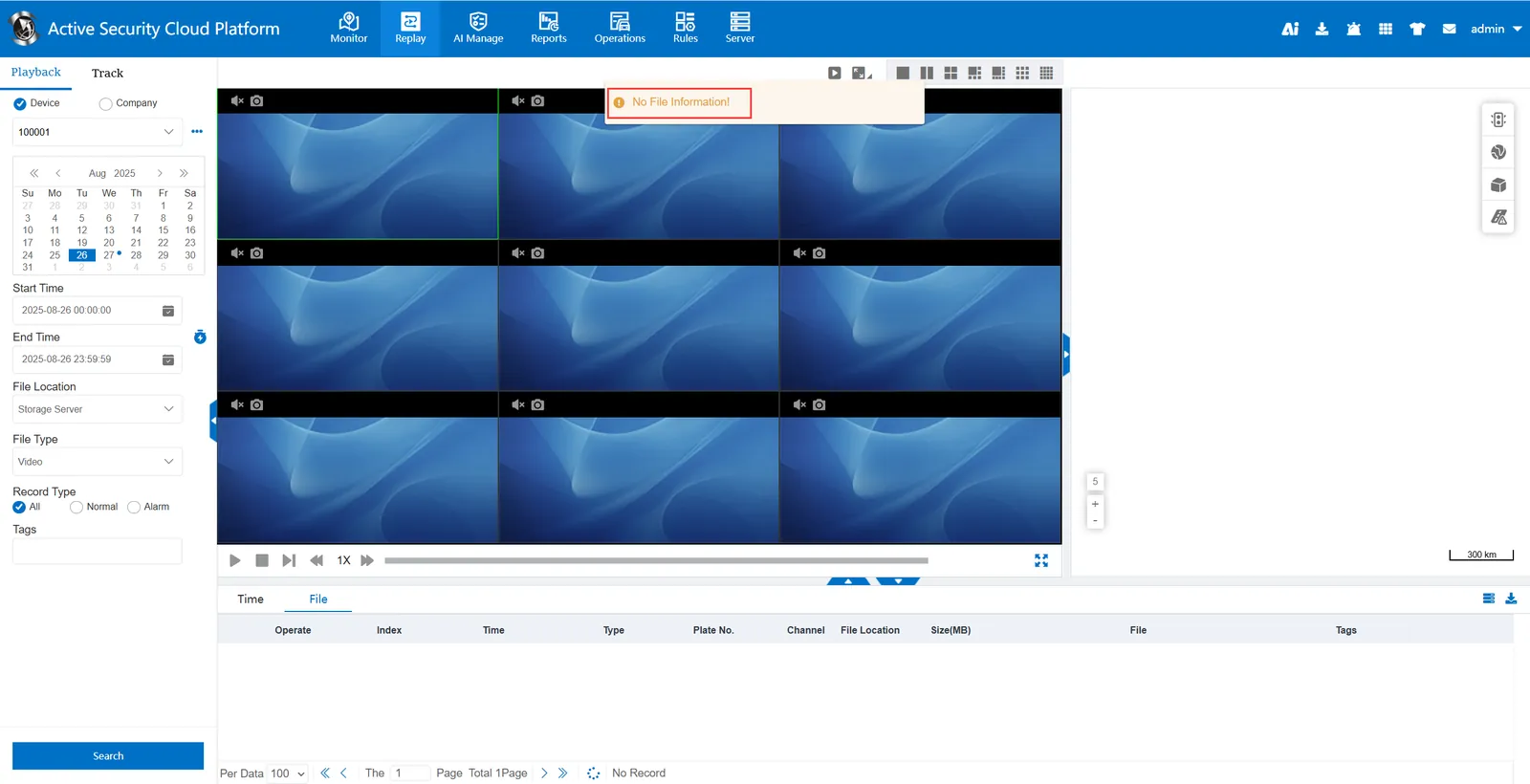
Before the scheduled recording rule takes effect, query the recording of the storage server without files.
After the timing recording rule takes effect, query the recording of the storage server, and there are files