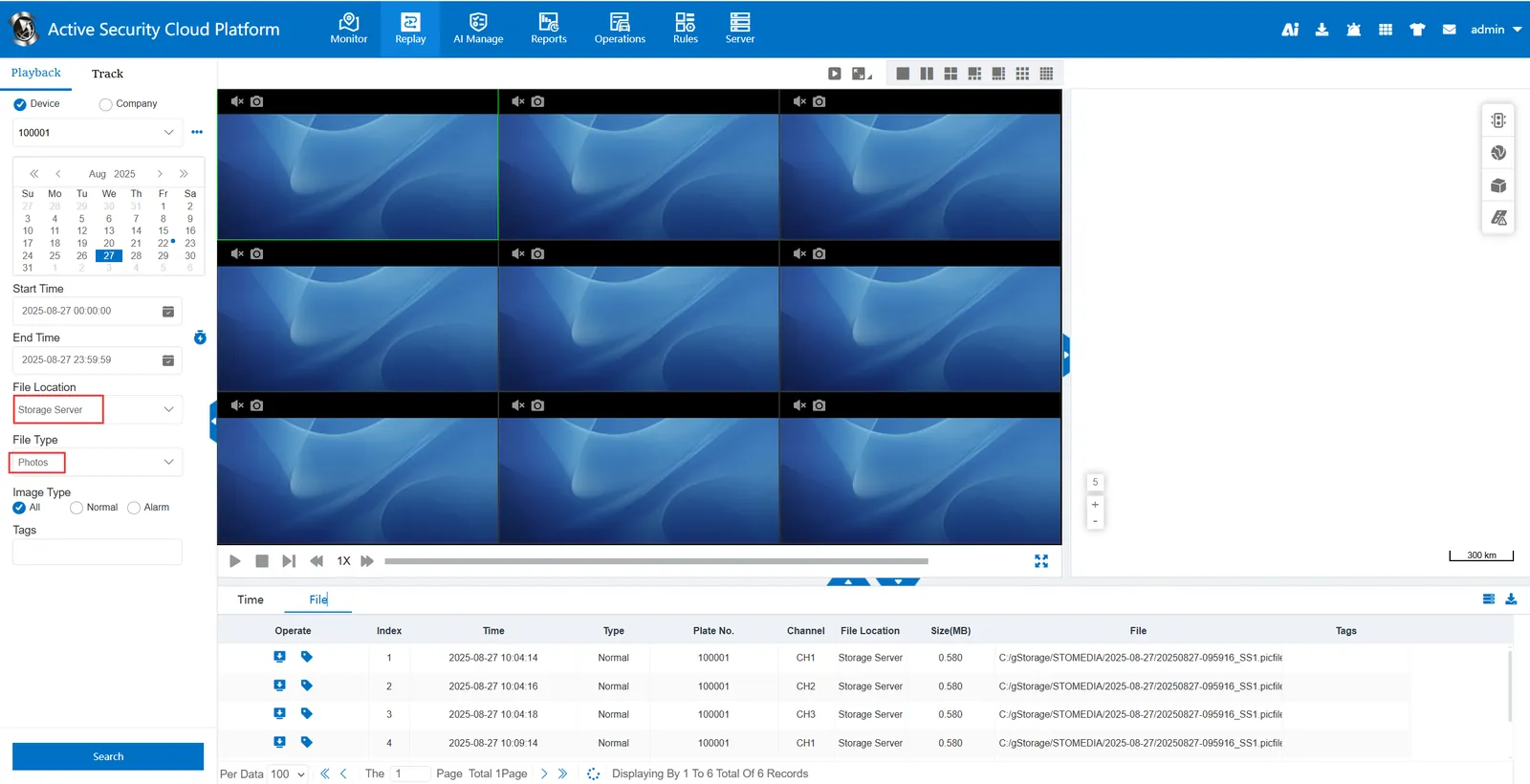
1. Function description
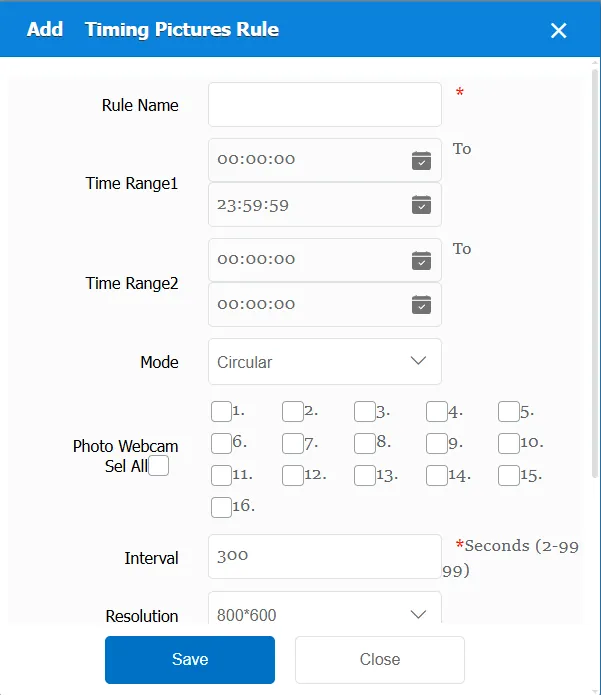
In the specified period of time, by specifying the camera, resolution, etc.; Automatic timing issued capture command
2. operating instructions
2.1 basic information
Rule Name: Customize, customize the name according to the actual situation
Time Range 1: the time period when the rule takes effect 1
Time Range 2: the time period when the rule takes effect 2
Capture Mode:
Cyclic capture: indicates that the channel is cyclically captured (after capturing channel 1, channel 2 will be captured at an interval). Older devices only support capturing one channel at a time.
Independent snapshot: indicates that all selected channels can be captured independently. For example, if channels 1,2, and 3 are selected, the snapshot command will be sent to channels 1,2, and 3 independently. Then the interval is specified, and the 1,2 and 3 channels are captured again, and the 1,2 and 3 channels do not affect each other.
Video camera: You can specify one or several or all (maximum 16) cameras
Capture Interval: the time span of the snapshot command.
Resolution: Select a suitable resolution according to the actual situation
ACC Status:
All: Invalid, regardless of ACC status
ACC ON: Capture only when ACC is ON
Capture person: specifies the user account to use to capture the image during the specified capture action. The subsequent interface can show who captured the image.
Status: Vehicle status customization (online/driving) is optional. After selection, the photos captured at the back of this rule are all in this status, and then the statistics report can be displayed and the interface can be found.
Note: Note information is displayed in the statistics report- multimedia- picture. Note information can also be found when querying using the corresponding interface.
Match all vehicles:
No: Only valid for vehicles assigned by this rule
Yes: this rule is effective for all vehicles of the company.
Global Share:
No: Only visible to this company
Yes: visible to all companies on the platform
2.2 timing photo information display
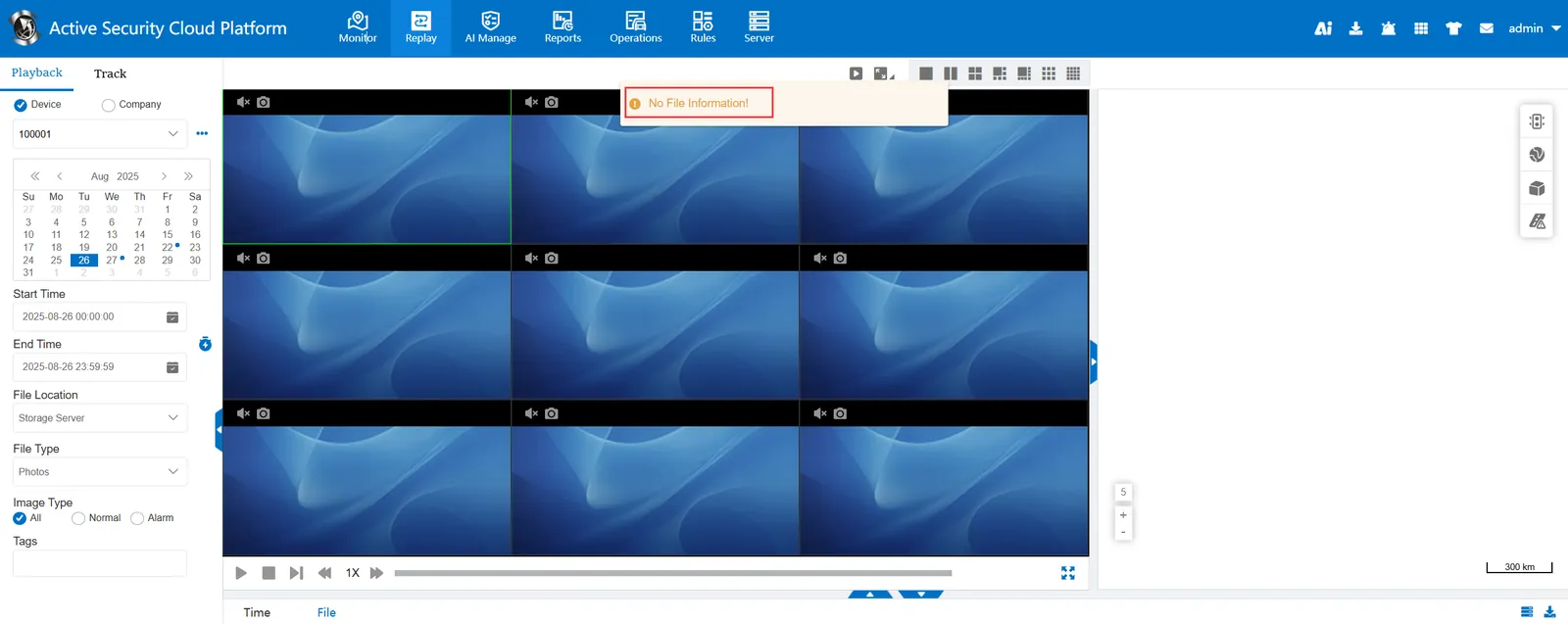
Before the timing photo rule takes effect, query the pictures of the storage server without files.
After the timing photographing rule takes effect, query the pictures of the storage server and have files