1. Function description
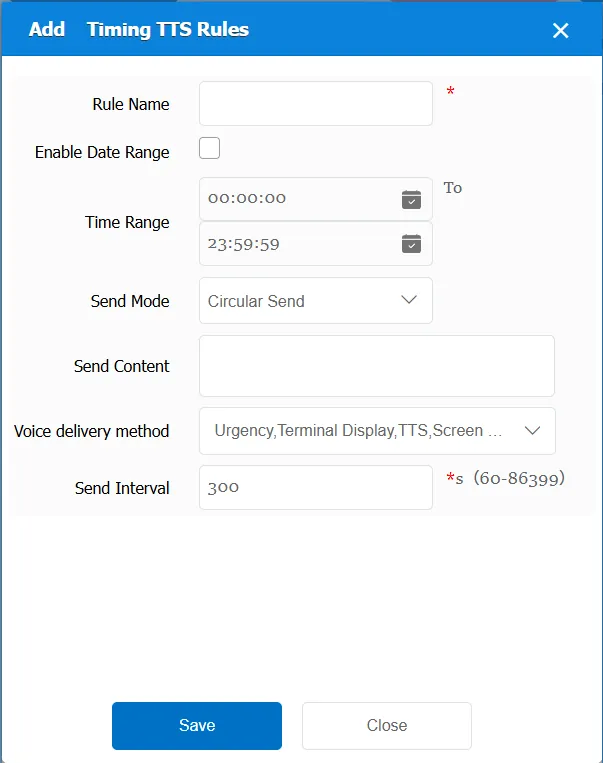
Through TTS, automatic timing to send information to the terminal
2. operating instructions
2.1 basic information
Rule Name: Customize, customize the name according to the actual situation
Enable Date Range: Do not check, yes is not enabled
Check Yes to enable. To enable, you need to select the effective date of the rule.
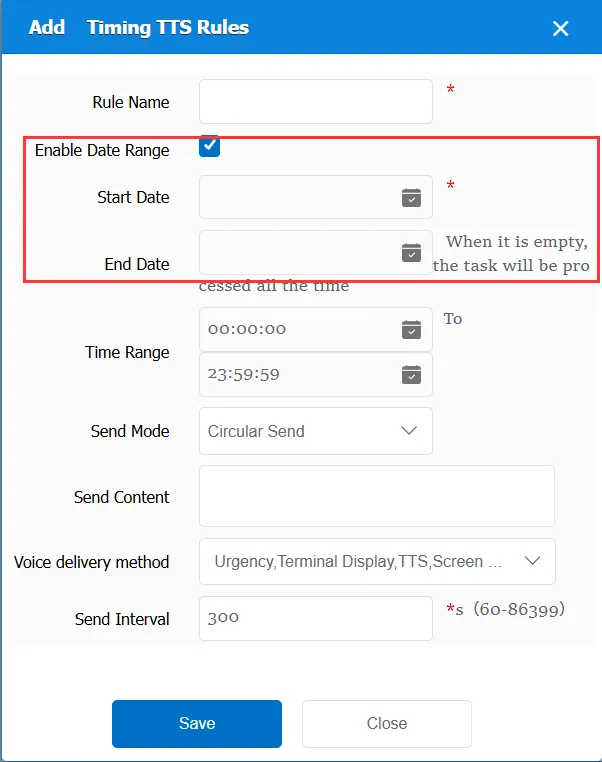
Time Range: the time period when the rule takes effect.
Send Mode:
Cycle sending: during the effective time period of the rule, it is sent once every period of time.
Single Send: Send only once during the specified time
Logo:
Urgent: text message flag is urgent
Terminal display screen display: the text information flag bit is the terminal display screen display
Terminal TTS broadcast reading: the text message flag bit is the terminal TTS broadcast reading.
Advertising screen display: the text information mark is the advertising screen display.
Can select single or all
Sending Content: the content of the TTS to be sent, custom
Sending interval: visible only for cyclic sending, valid, refers to the time span between two sends
Match all vehicles:
No: Only valid for vehicles assigned by this rule
Yes: this rule is effective for all vehicles of the company.
Global Share:
No: Only visible to this company
Yes: visible to all companies on the platform
2.2 information display
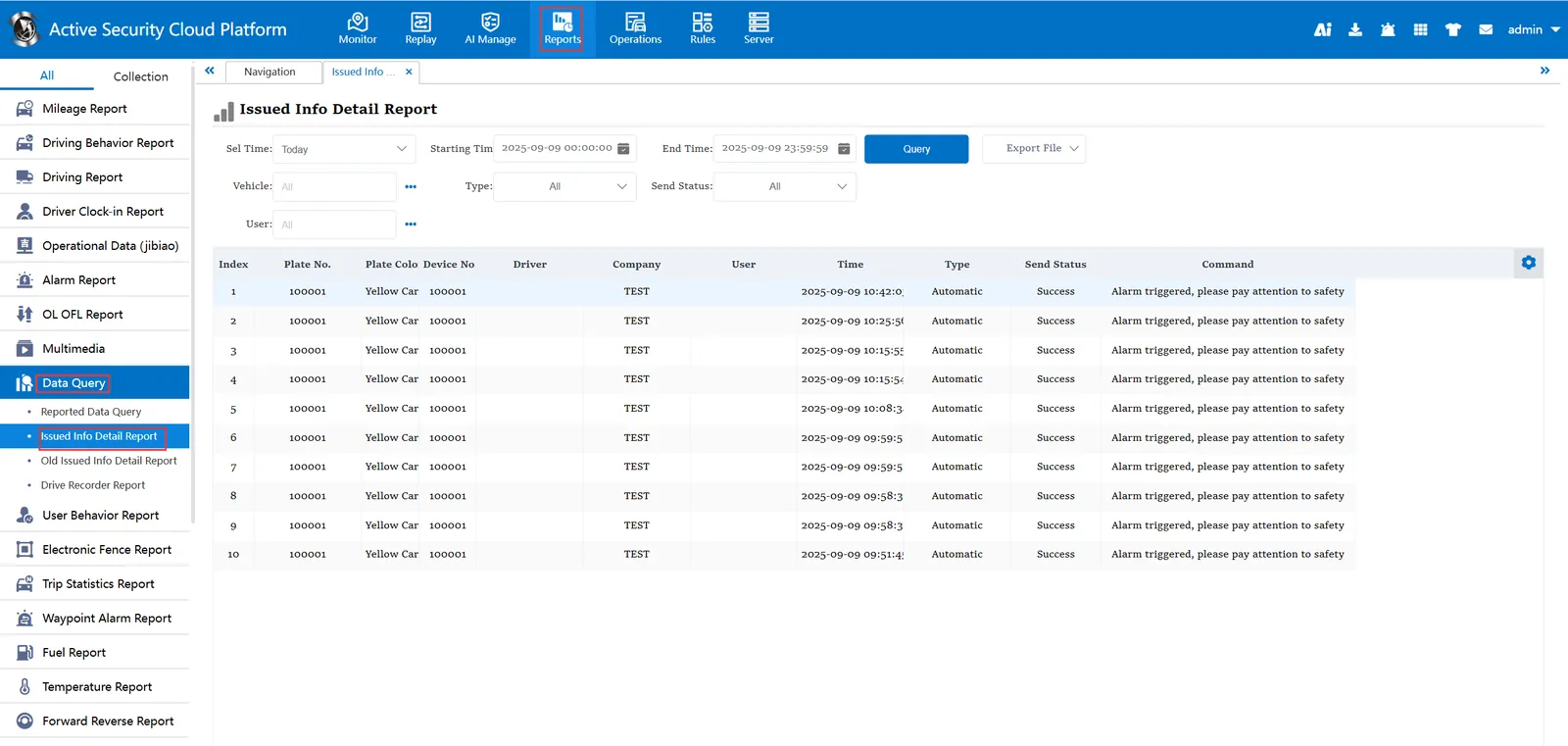
The information distributed by TTS on a regular basis can be queried in Statistics Report- Data Query- Distributed Information Details Report
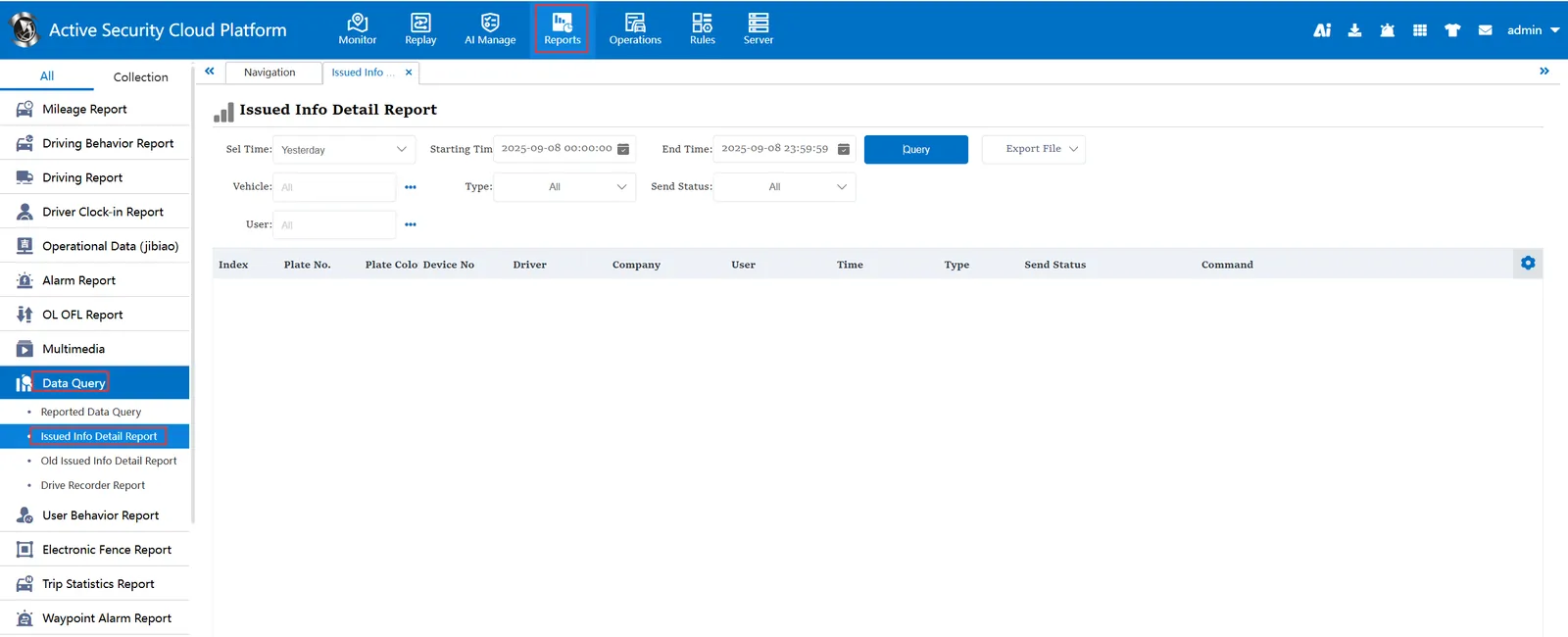
Before timing TTS issue:
After the timing TTS is issued