1 WEB login and exit
1.1 http server:
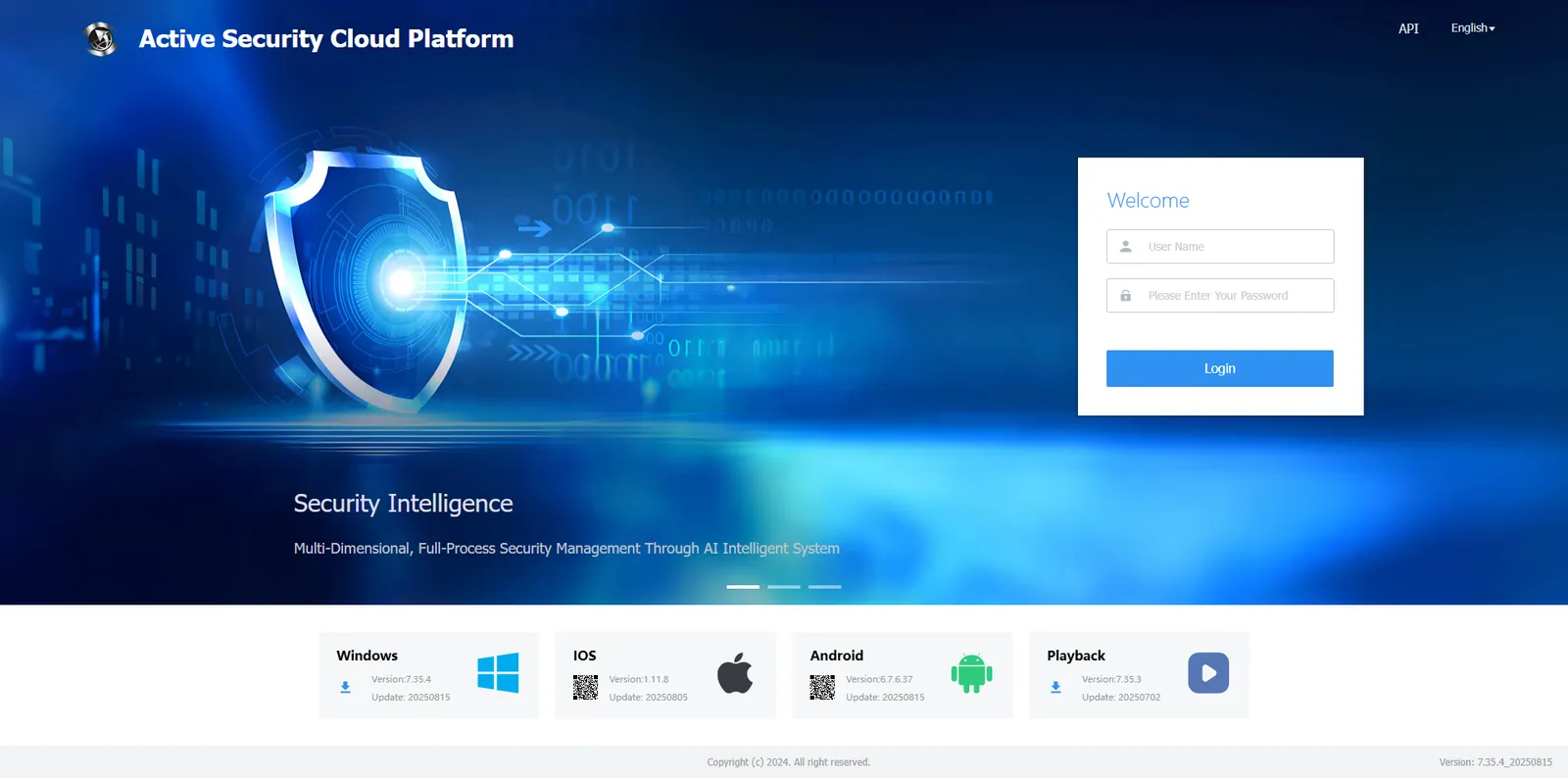
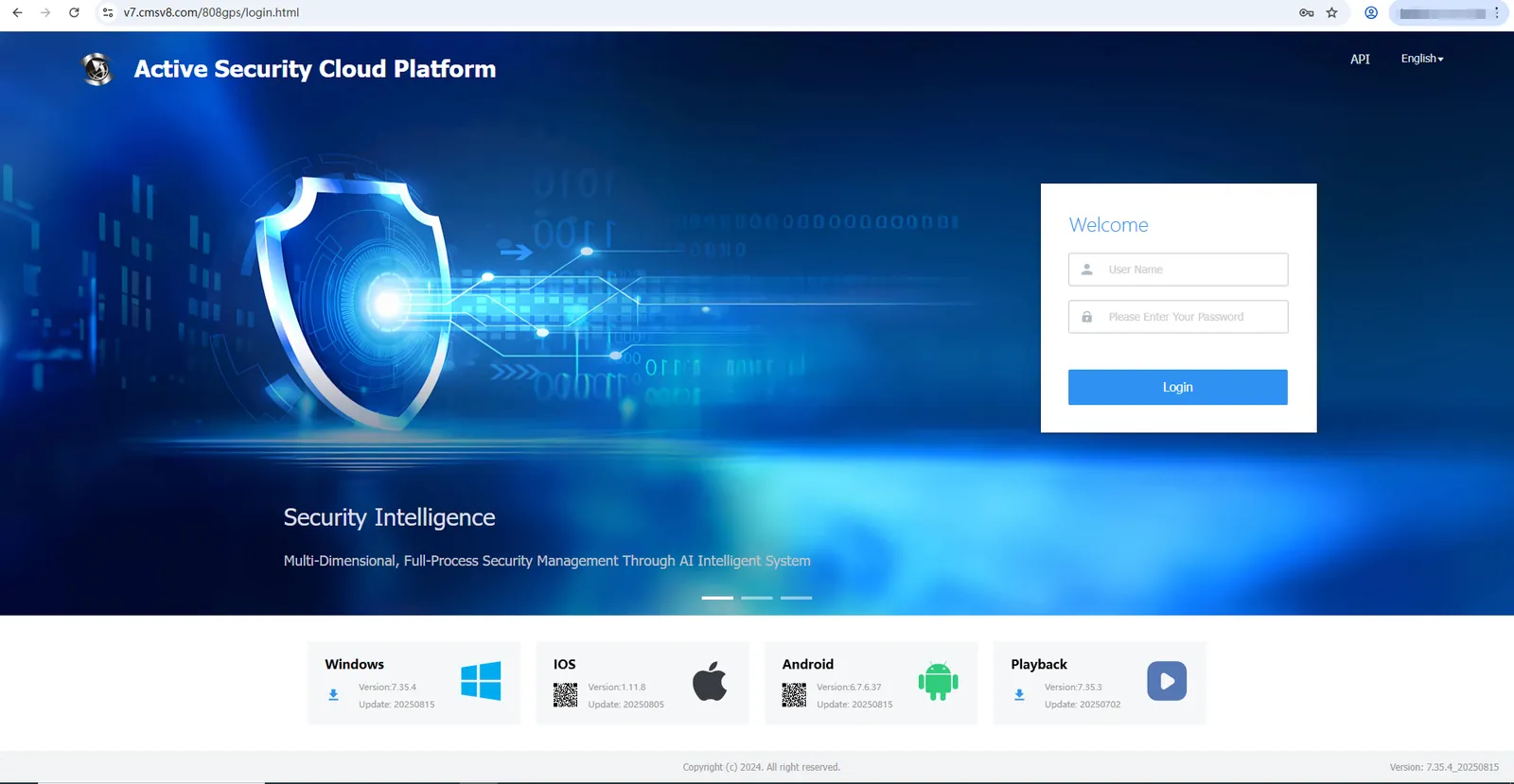
Open the IP web port of the http server (such as http://121.13.64.17:80) in the web address bar and enter the account number, password and verification code to log in.
1.2 https server:
Open the https domain name (such as https://v7.cmsv8.com) in the web address bar, enter the account number, password and verification code to log in.
1.3 Exit
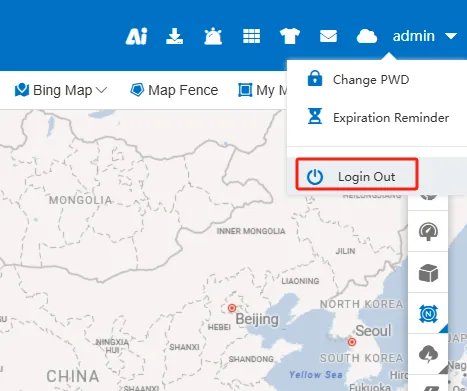
By clicking the current login user or the inverted triangle icon in the upper right corner of the web terminal, choose to exit login and return to the web login home page.
1.4 Special Instructions
A. how to judge whether your server is http or https
A: After the server is deployed, the default is http. To enable https, you need to start the nginx service.
B. How to enable https
Answer: You can refer to the operation document:
1864
2 PC client login, exit
2.1 client login
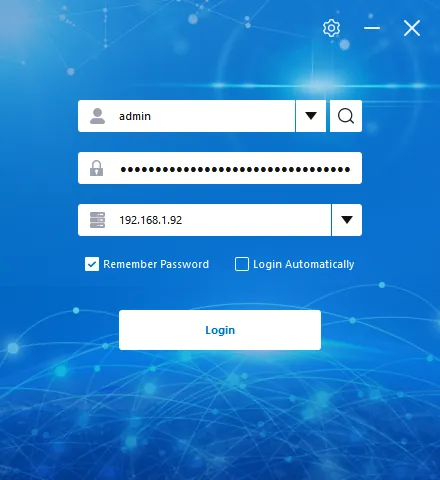
Open the client software, enter the account password and server IP, and click "login"
2.2 client exit
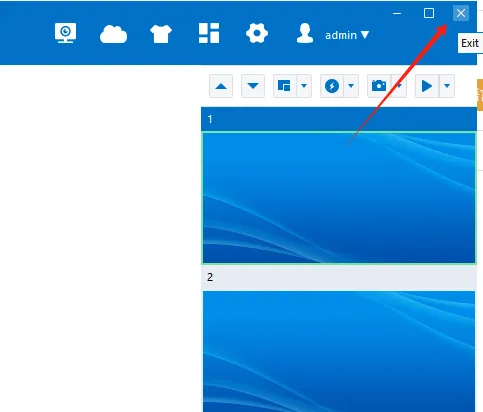
Click the X in the upper right corner of the client to exit the client