1 Function Description
- For routine software maintenance and update, it is necessary to match the update package of the corresponding version. This document details how to check the server software version number.
- Updates may cause the software to not work properly due to version mismatch
2 Operating Instructions
method 1、nsole view
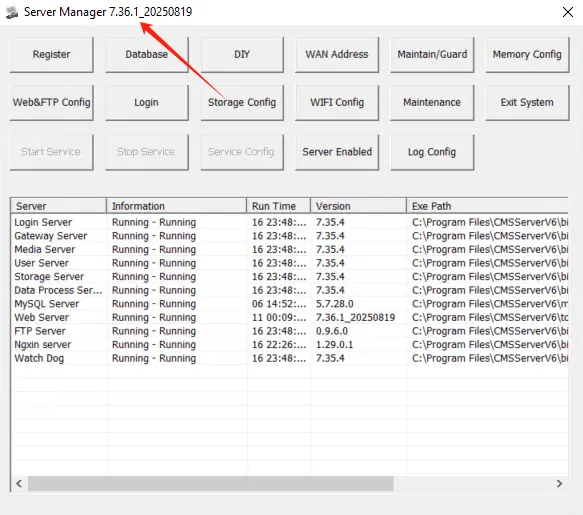
After the server software is deployed, there is a console interface with the current version number in the upper left corner of the console, as shown in the following figure:
The current version number is: V6 car version 7.36.1_20250725
method 2、 web login home page view
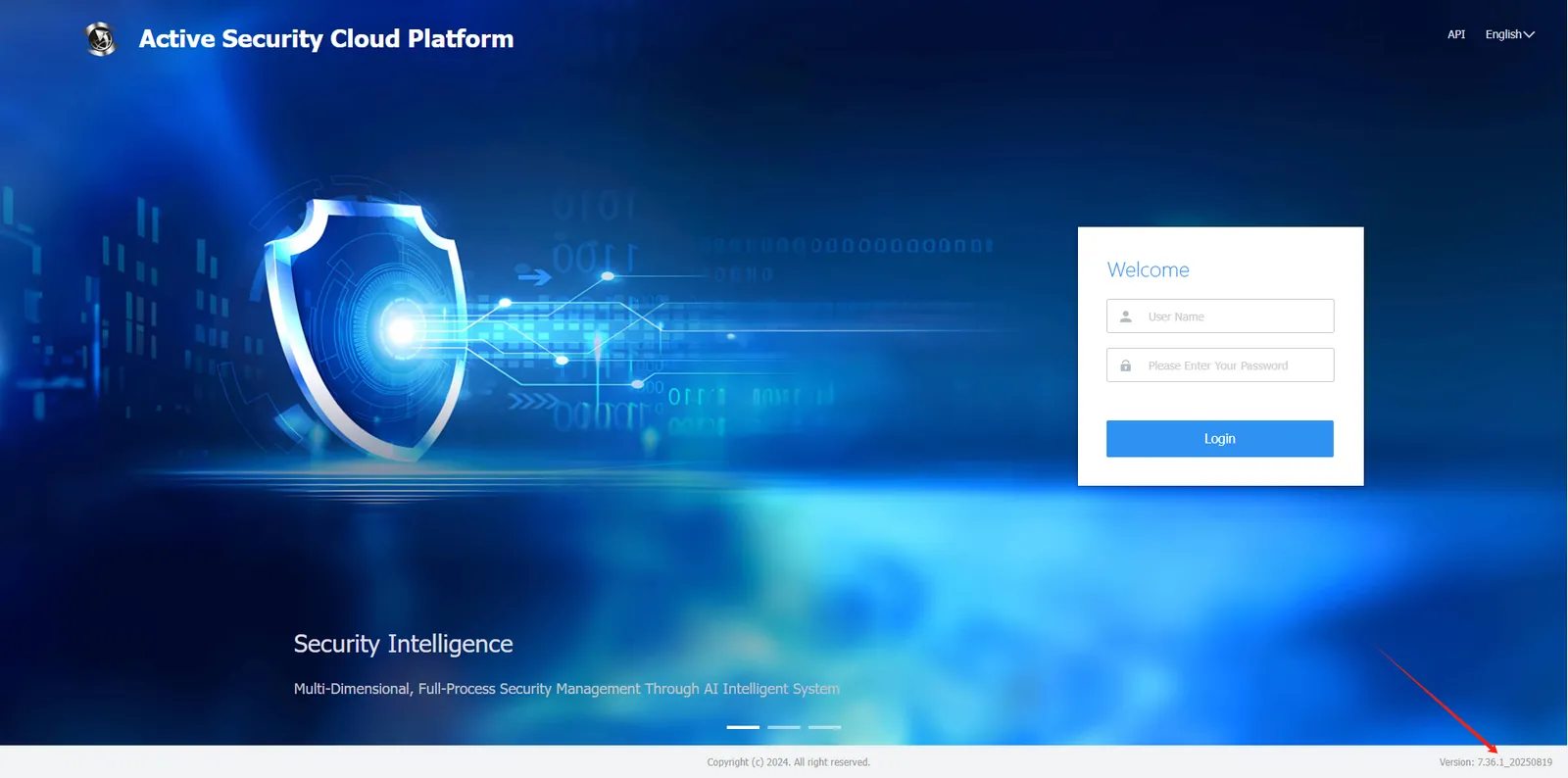
Enter the WEB login home page of the platform, and the V6 vehicle platform displays the version number in the lower right corner of the home page.
The current version is: 7.36.1_20250725