1. Function description
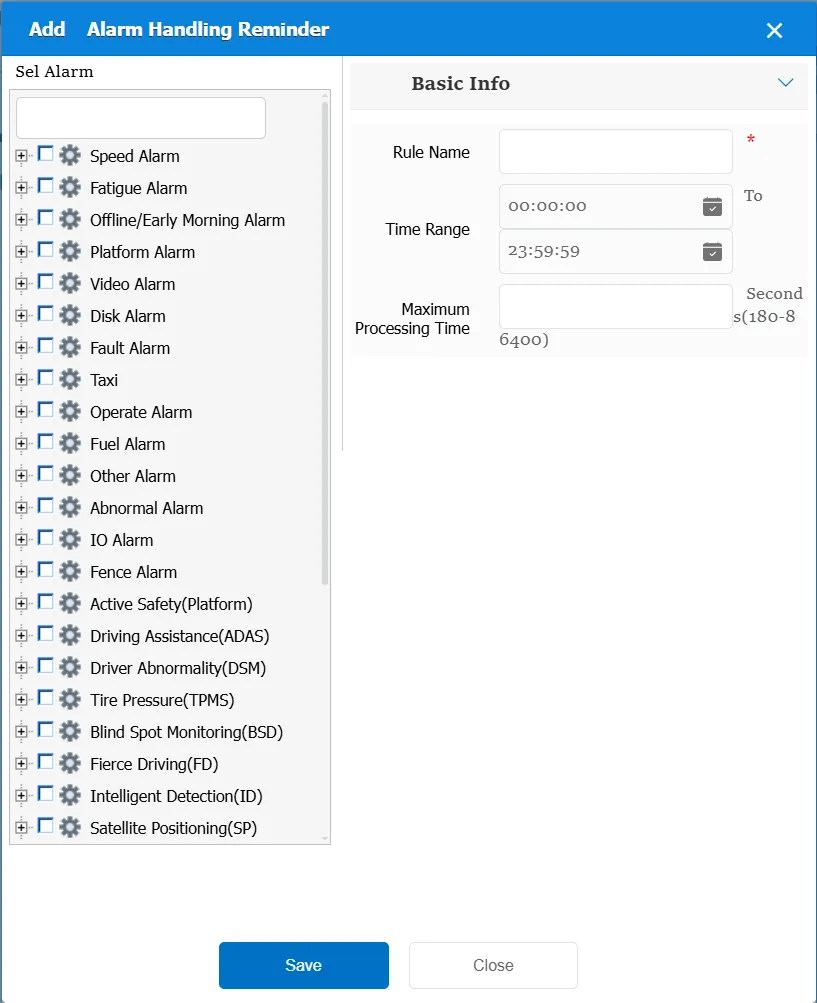
1. Set a reminder strategy to make differentiated reminders according to different alarm types, alarm levels and risk levels.
2. Set a reminder change strategy. If the same alarm received from the same vehicle exceeds a certain number in unit time or unit mileage, it can be realized by the strategy change reminder method and the platform secondary alarm in the rule.
3. The platform can set the maximum processing time according to the alarm type and alarm level, and can remind when the time is not processed.
Note: Multiple rules will be judged independently, and an alarm may be reminded multiple times.
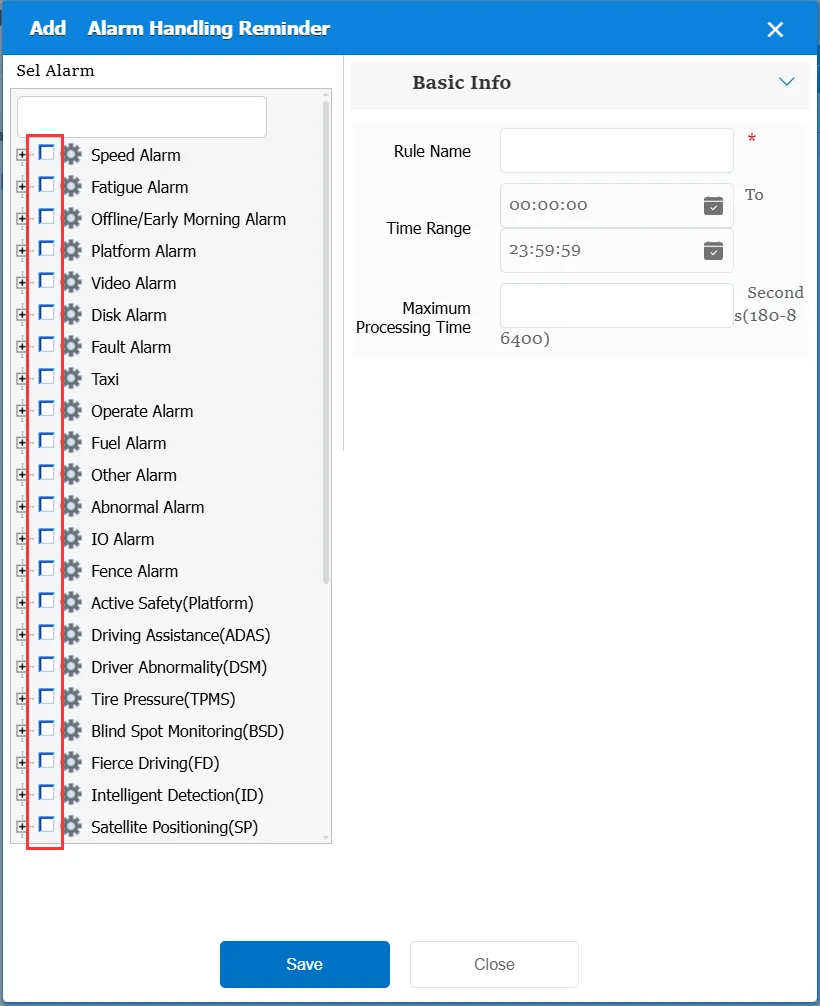
When using this rule, you need to determine the corresponding alarm type first, and the provisions made in the following basic information are only for the selected alarm type.
2. operating instructions
2.1 basic information
Rule Name: Customize, customize the name according to the actual situation
Time Range: the time period when the rule takes effect.
Maximum processing time: when the selected alarm has not been processed beyond this time, an alarm event is sent to the client for reminding.
Match all vehicles:
No: Only valid for vehicles assigned by this rule
Yes: this rule is effective for all vehicles of the company.
Global Share:
No: Only visible to this company
Yes: visible to all companies on the platform
2.2 alarm information display
Vehicle bubble box alarm display:
The alarm is in the vehicle bubble box and is not displayed
alarm center alarm display:
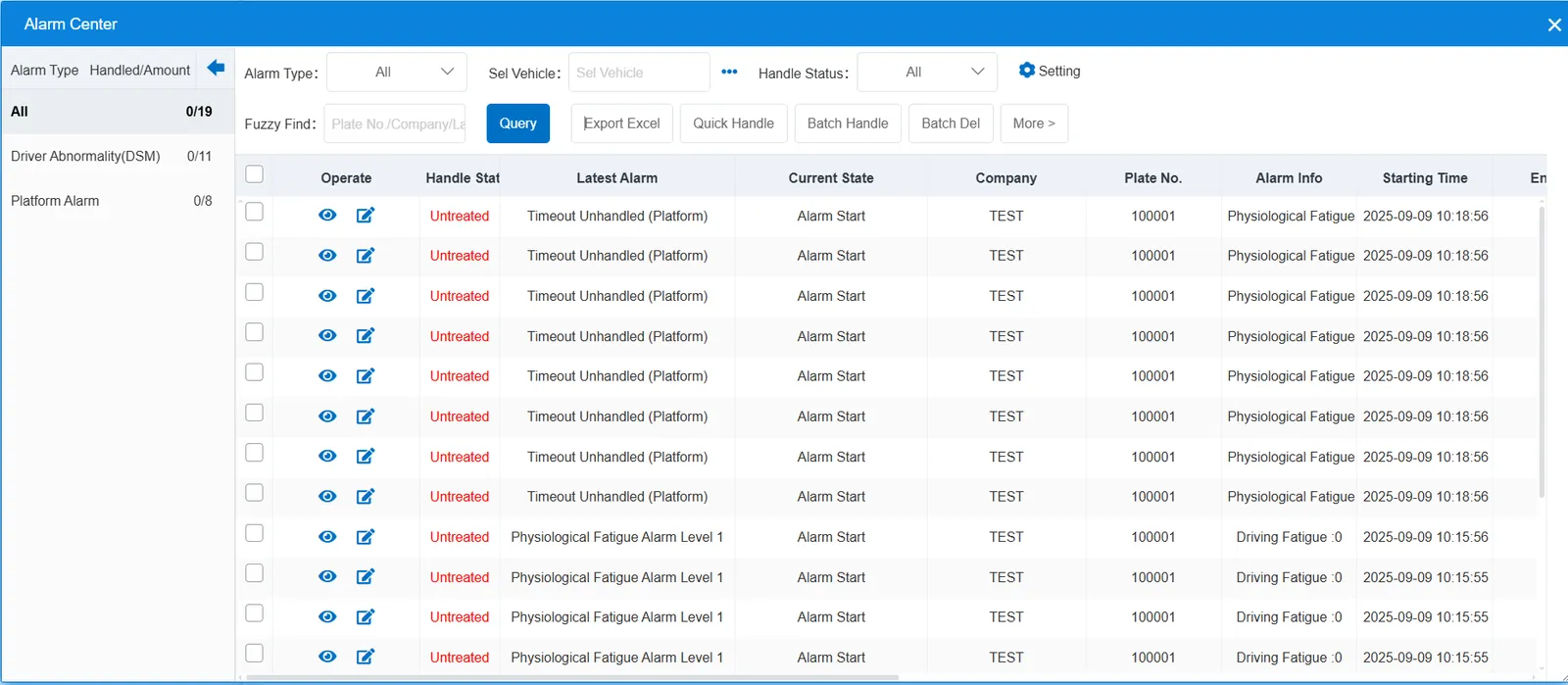
2.3 alarm information query
This alarm is only used for one prompt, and there is no query.
