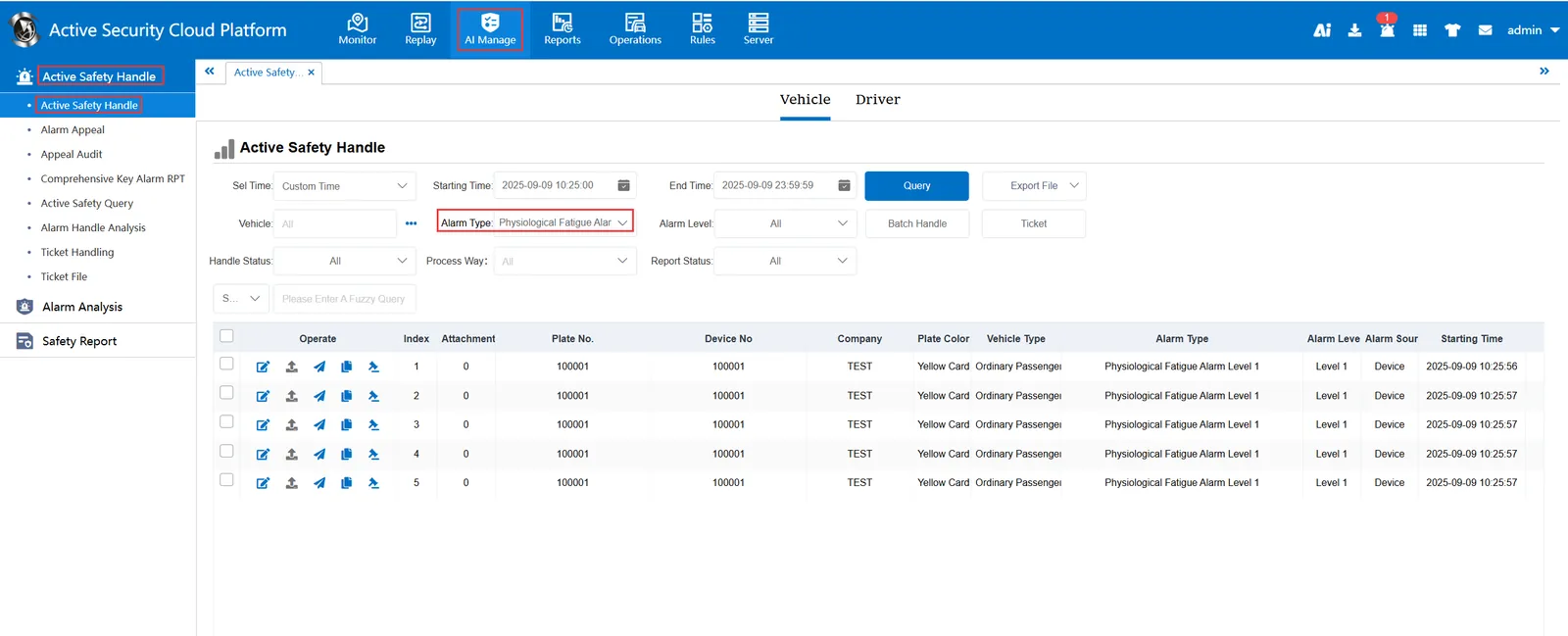
1. Function description
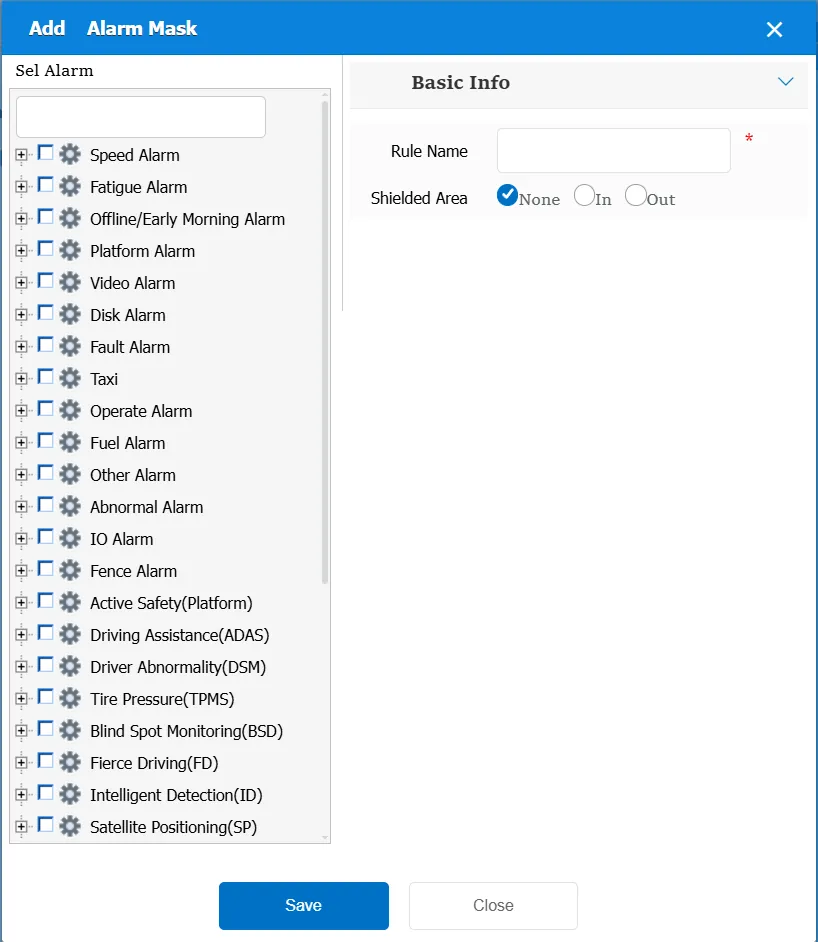
According to the selected alarm type, the alarm information of the specified type generated by all or specified area class equipment is not prompted; It just does not prompt alarm information, but the corresponding alarm information can be found by checking the report form.
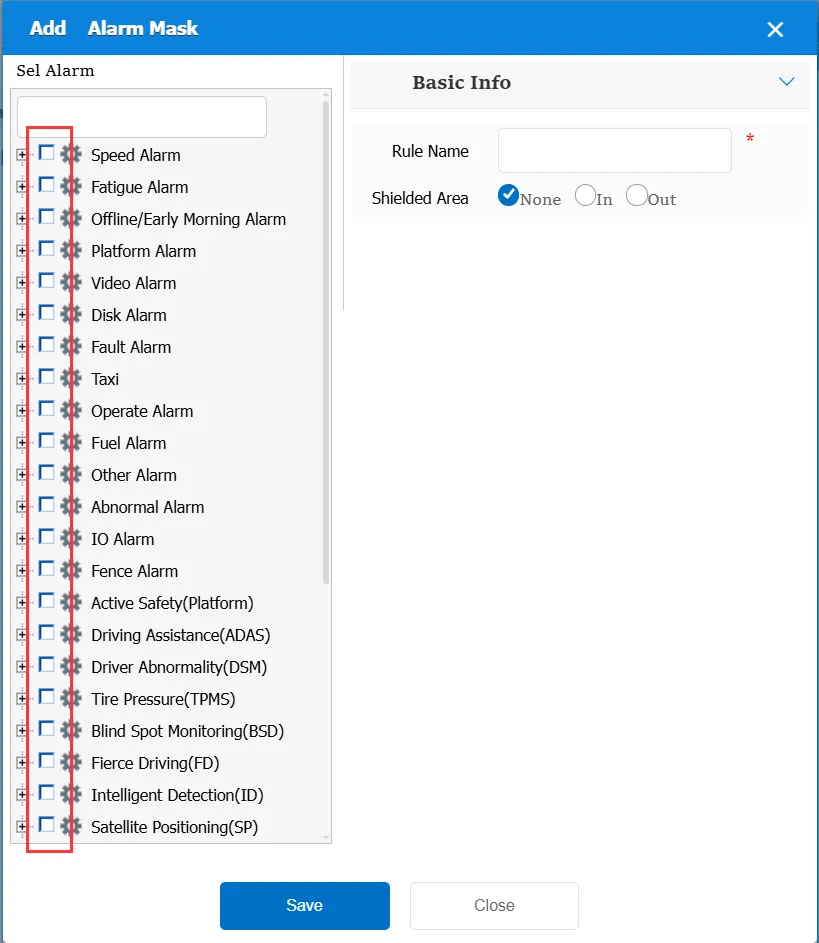
When using this rule, you need to first determine the alarm type to be blocked, which can be one or more
2. operating instructions
2.1 basic information
Rule Name: Customize, customize the name according to the actual situation
Shielded area:
No area: the area is not considered, as long as it is the selected alarm type, there is no prompt.
Within area: within the specified area, the selected alarm type will not be prompted; if the area is out, the alarm information will be normally prompted.
Outside Area: If the selected alarm type is outside the specified area, the alarm information will not be prompted. If the area is out, the alarm information will be normally prompted.
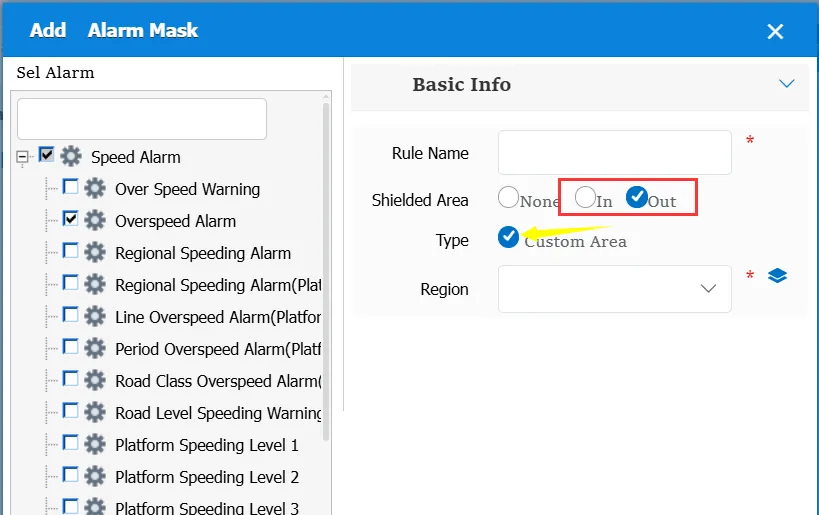
In- area and out- of- area options, you can choose whether to customize the area or the administrative area.
Match all vehicles:
No: Only valid for vehicles assigned by this rule
Yes: this rule is effective for all vehicles of the company.
Global Share:
No: Only visible to this company
Yes: visible to all companies on the platform
2.2 alarm information display
Vehicle bubble box alarm display:
The alarm is in the vehicle bubble box and is not displayed
alarm center alarm display:
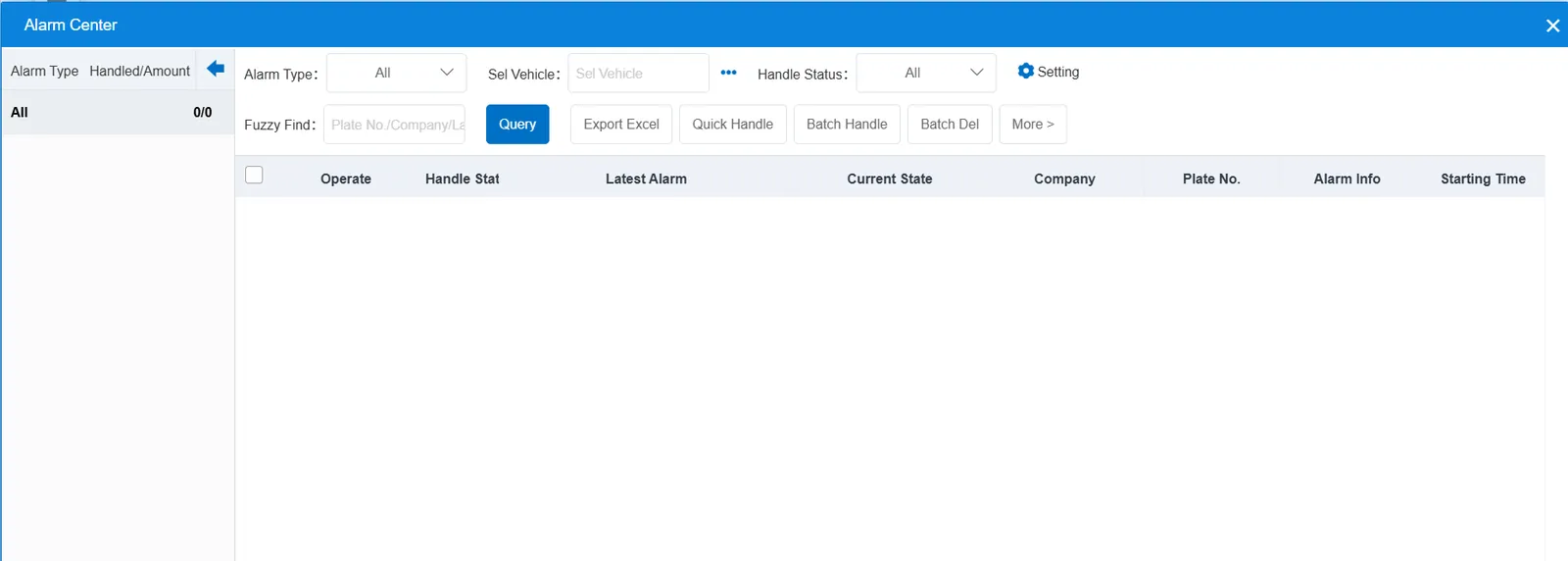
Shielded alarm, no display in alarm center
2.3 alarm information query
The masked alarm can be found in the report.