1. Function description
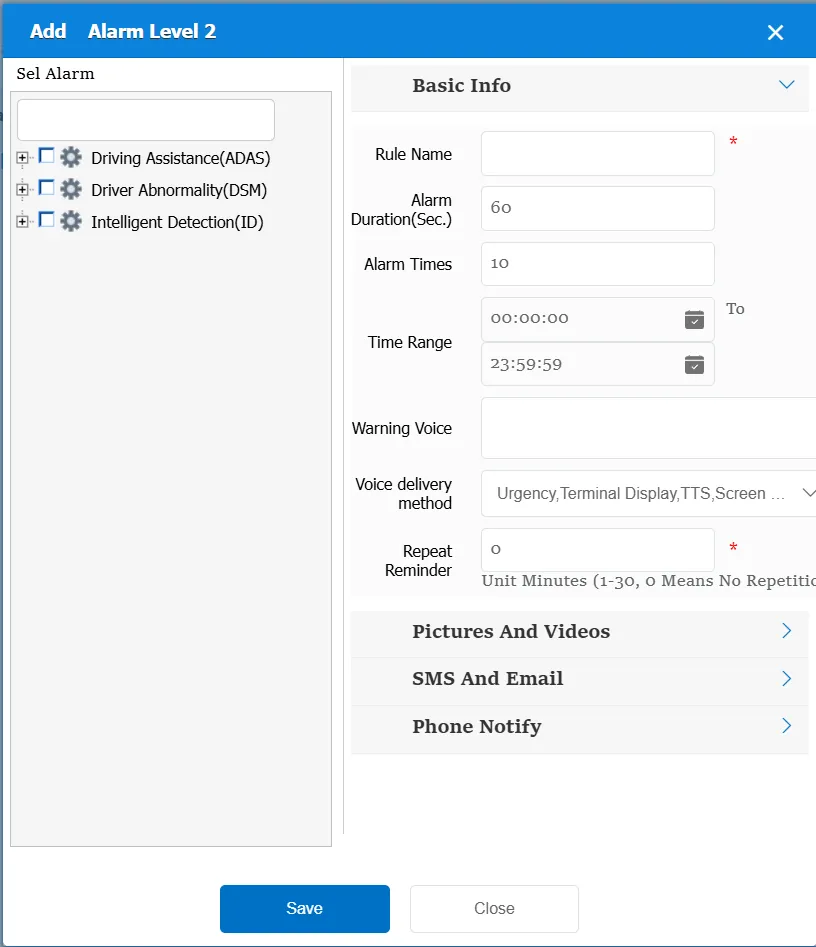
According to the selected alarm type, in the specified alarm duration, the equipment triggers the specified number of alarms, generating a platform distracted driving alarm level 2.
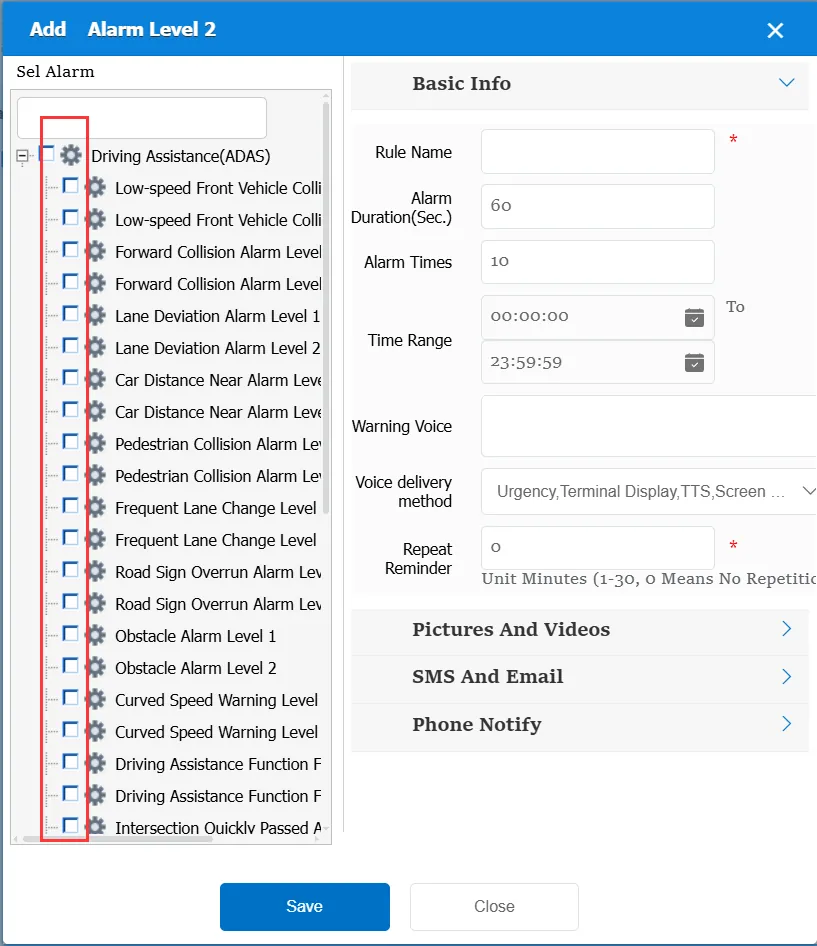
When using this rule, you need to determine the alarm type first.
2. operating instructions
2.1 basic information
Rule Name: Customize, customize the name according to the actual situation
Alarm Duration (sec): specifies a time range, for example: 60, which is only within 60 seconds of the alarm generation.
Alarm times: On the basis of unit time, the alarm is triggered when the number of alarms generated reaches the specified value.
For example, alarm duration (seconds):60; Number of alarms: 10; That is to say, 10 alarms of the same type are generated within 60 seconds, which triggers the secondary alarm of the platform.
Time Range: the time period when the rule takes effect.
Alarm Voice: the message sent to the device when the alarm is triggered.
Repeated Reminder: During the alarm continuation phase, an alarm voice is sent to the device every specified time.
Match all vehicles:
No: Only valid for vehicles assigned by this rule
Yes: this rule is effective for all vehicles of the company.
Global Share:
No: Only visible to this company
Yes: visible to all companies on the platform
2.2 alarm information display
Vehicle bubble box alarm display:
The alarm is in the vehicle bubble box and is not displayed
alarm center alarm display:
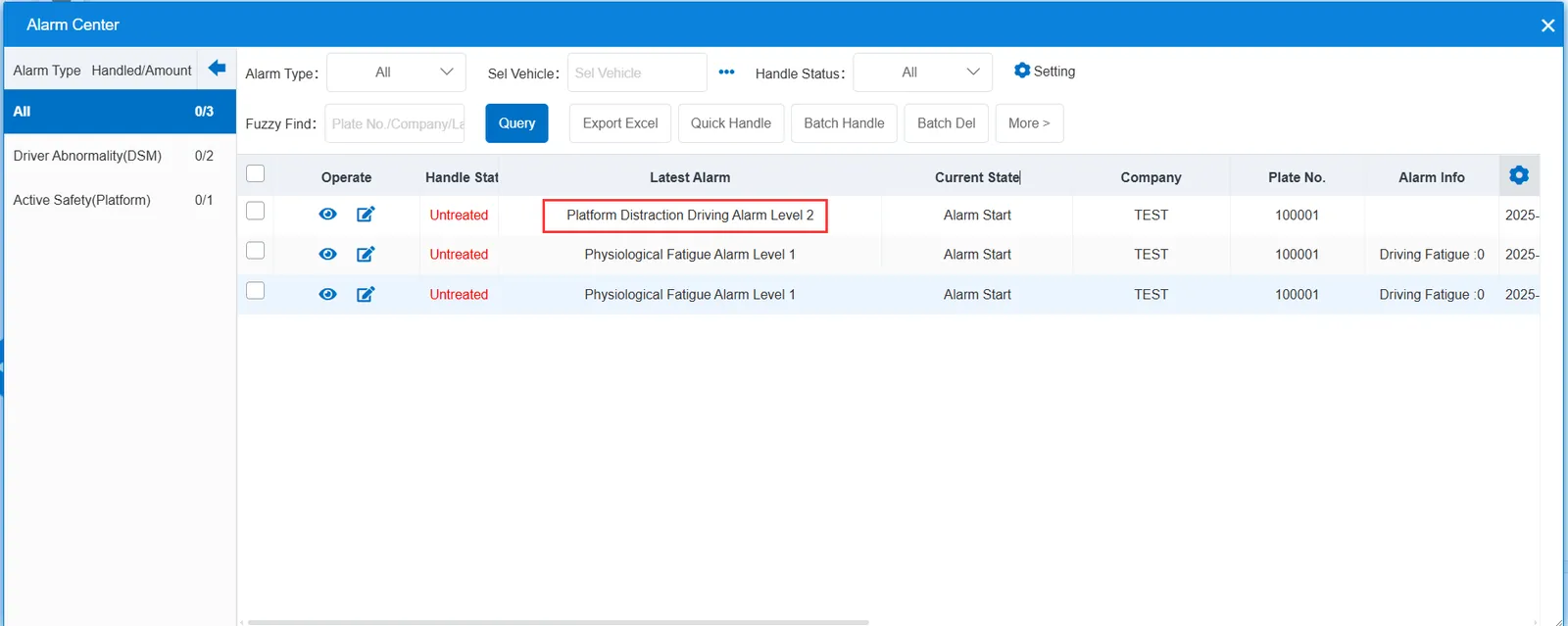
2.3 alarm information query
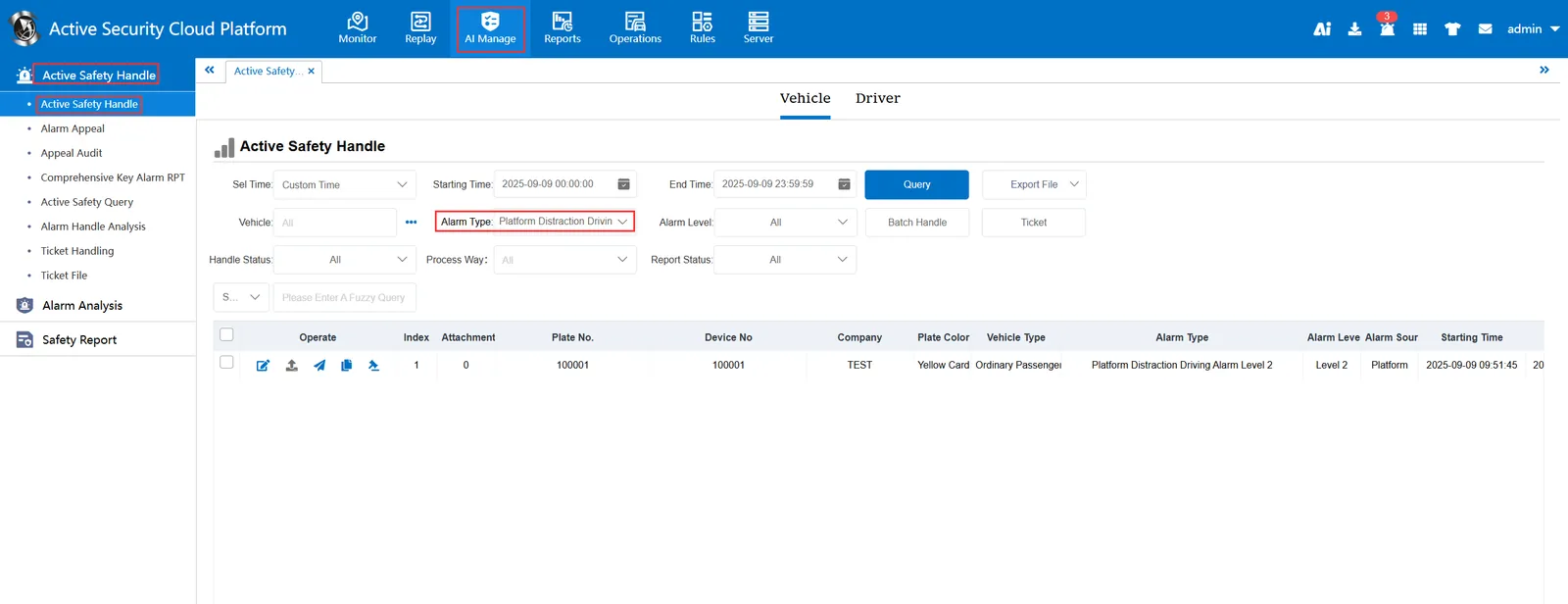
The alarm information is queried in the report of "Security Management"- "Active Security Alarm Processing"- "Active Security Alarm Processing". The alarm type is selected as "Platform distracted driving alarm level 2"