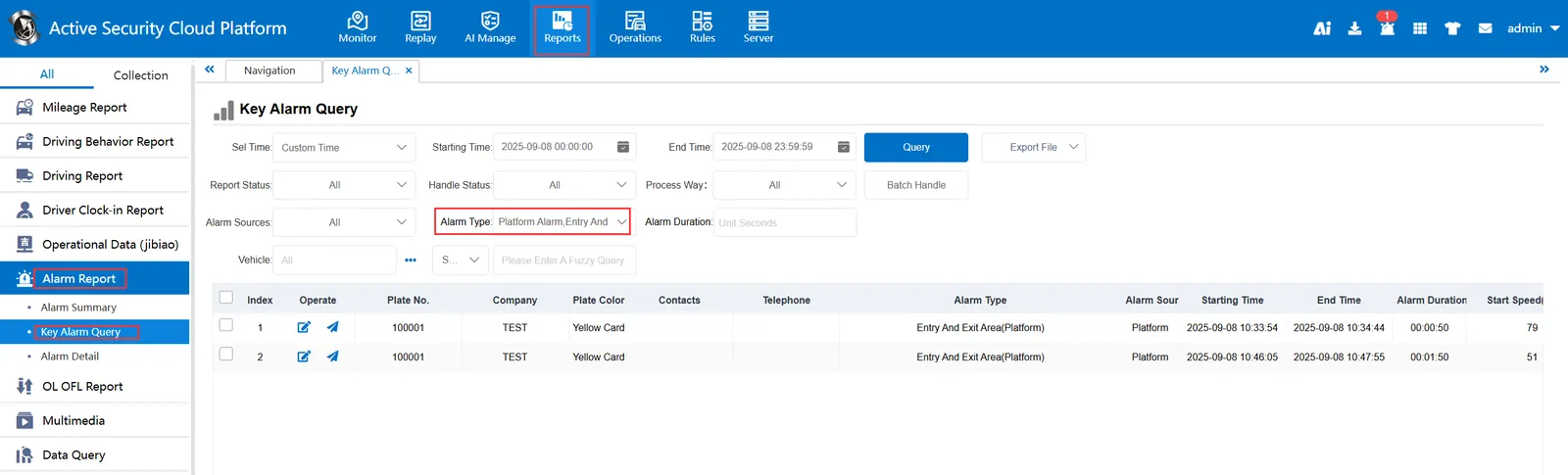
1. Function description
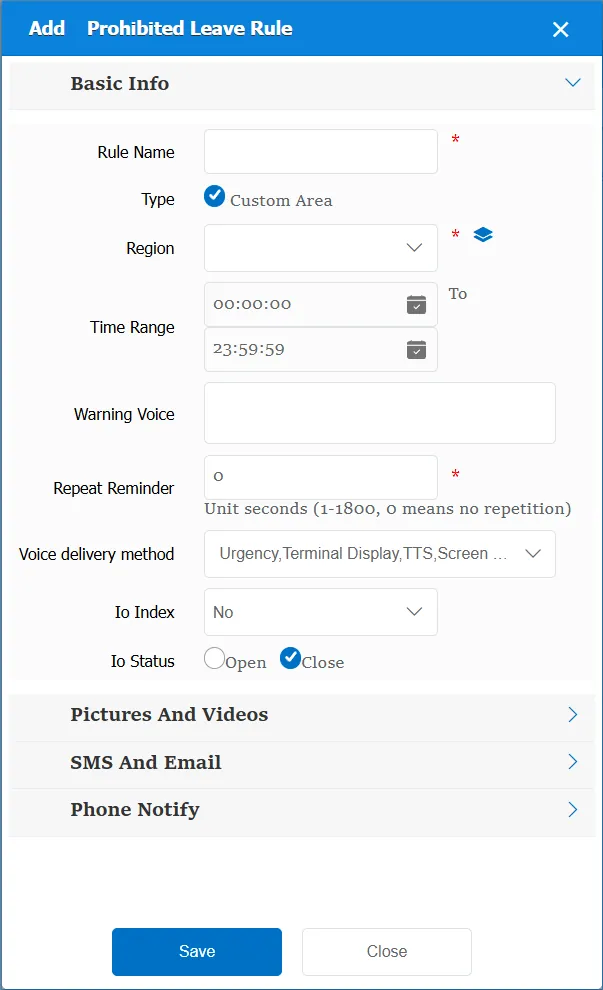
It is stipulated that the vehicle is prohibited from driving out of the designated area, and the prohibition rule can be used; once the vehicle violates the regulations, the corresponding alarm will be generated, and the driver will be prompted by the alarm voice.
2. operating instructions
2.1 basic information
Rule Name: Customize, customize the name according to the actual situation
Type:
Custom type: custom area, which is manually added on the platform electronic map.
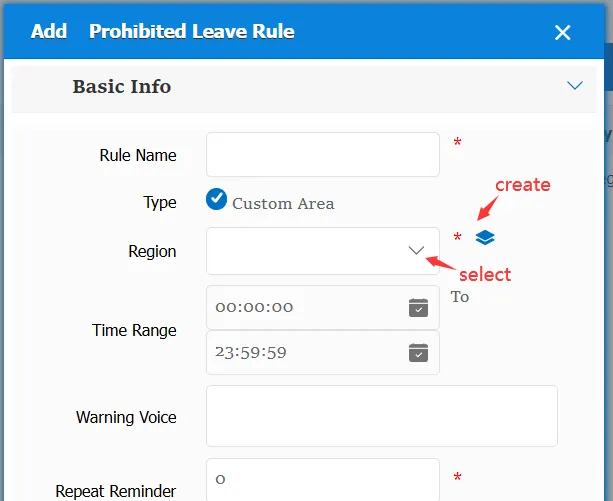
Time Range: the time period when the rule takes effect.
Alarm Voice: the message sent to the device when the alarm is triggered.
Repeated Reminder: During the alarm continuation phase, an alarm voice is sent to the device every specified time.
Match all vehicles:
No: Only valid for vehicles assigned by this rule
Yes: this rule is effective for all vehicles of the company.
Global Share:
No: Only visible to this company
Yes: visible to all companies on the platform
IO Serial Number:
None: This item has no effect
IO1 ~ IO6: The corresponding IO is selected, and the IO state needs to be selected. When the vehicle drives out of the specified area, the corresponding IO meets this state, and an alarm is generated.
Open lid/lift status:
Opening cover: when the vehicle is driven out and the cover is opened, an alarm will be generated.
Lifting: When the vehicle is driven out and there is a lifting state, an alarm will be generated.
None: Invalid item
2.2 alarm information display
Vehicle bubble box alarm display:
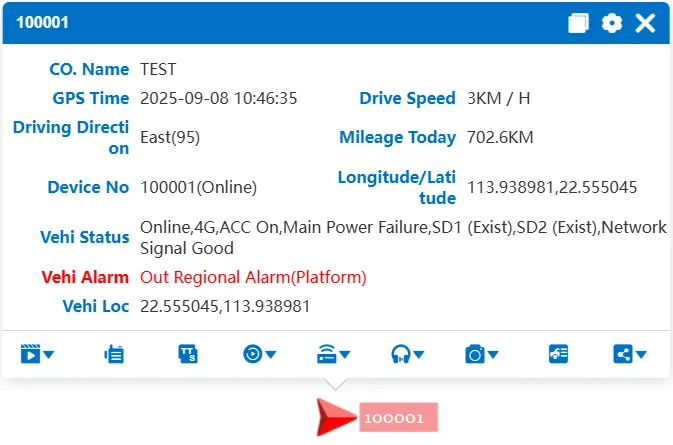
alarm center alarm display:
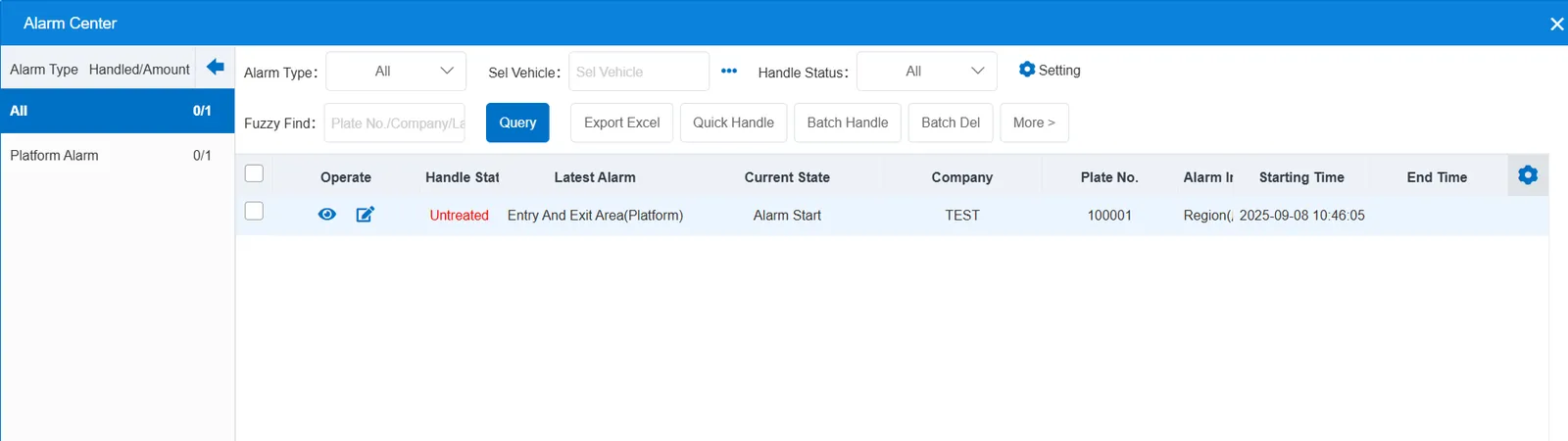
2.3 alarm information query
When querying alarms, you can select "Entry And Exit Area(Platform)" for "alarm type" in the "Reports"- "Alarm Report"- "Key Alarm Query" report