1. Function description
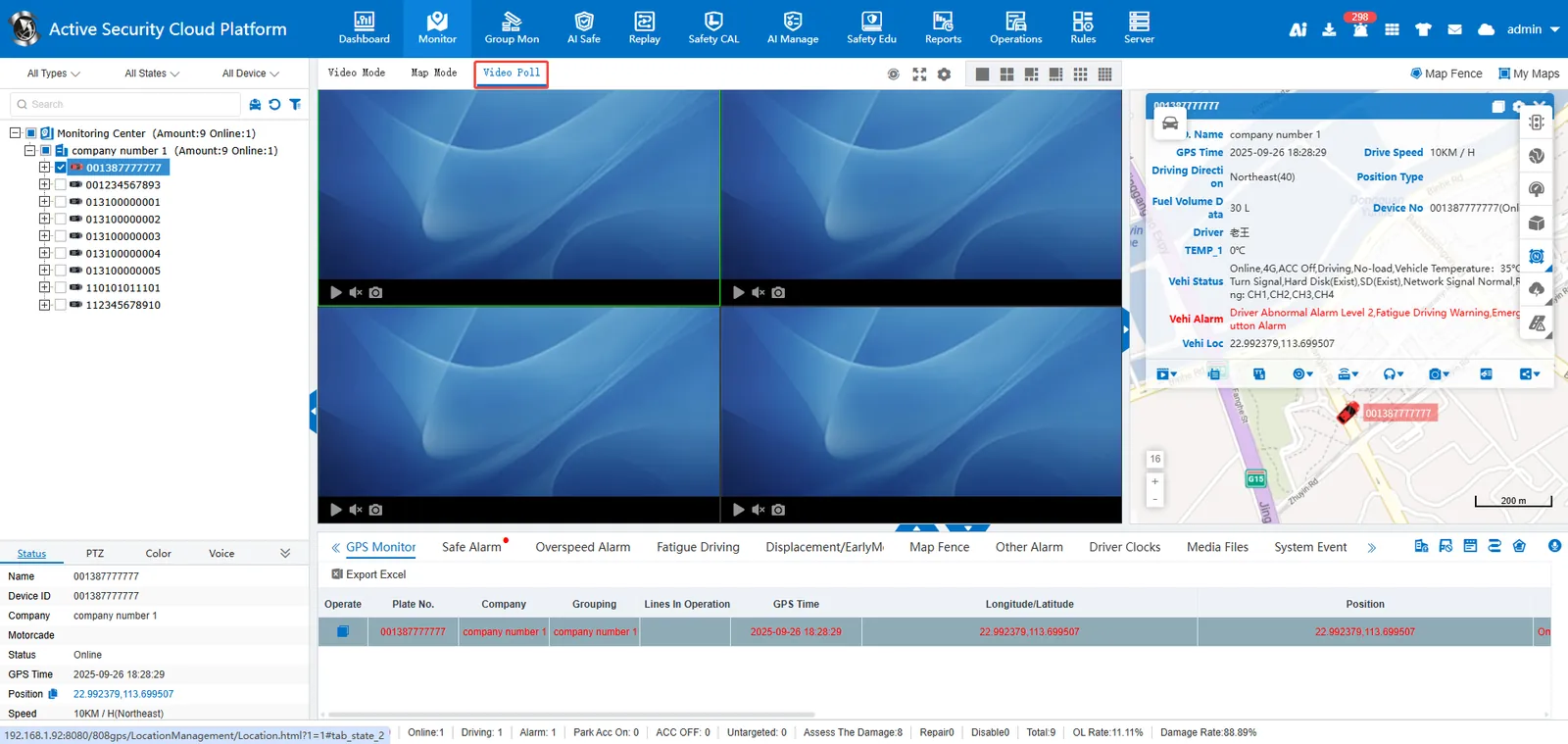
The video polling function supports the regular carousel of the real- time video stream of the selected vehicle in a limited display window, and the system automatically switches the screen at preset intervals to realize the circular preview of multi- channel monitoring content.
2. operating instructions
1. video polling
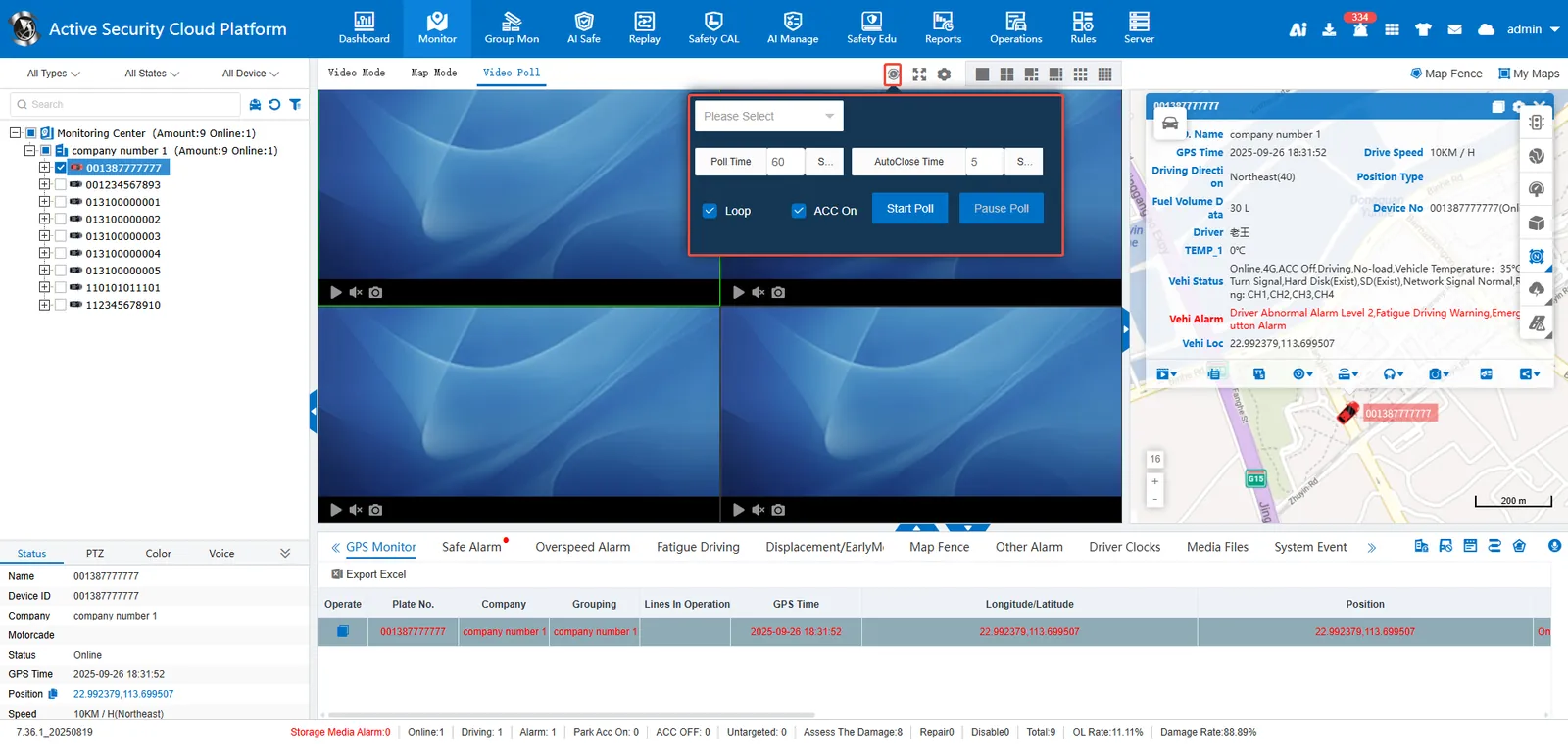
Check to be polled [Vehicle]>[Select] to be polled [Channel]>[Setting] Polling duration and automatic shutdown duration without operation [Parameter]>[Start polling]
3. configuration instructions
3.1 Polling Duration
Duration of video preview per channel

3.2 No Operation Auto Close Duration
Polling ends automatically after the user does not operate the computer for a length of time exceeding the set value

3.3 loop playback
When checked, the selected vehicle is repeatedly polled;
If it is not selected, the polling will end once.

3.4 ACC ON
When checked, only vehicles with ACC on will be polled;
When unchecked, poll all status vehicles.
