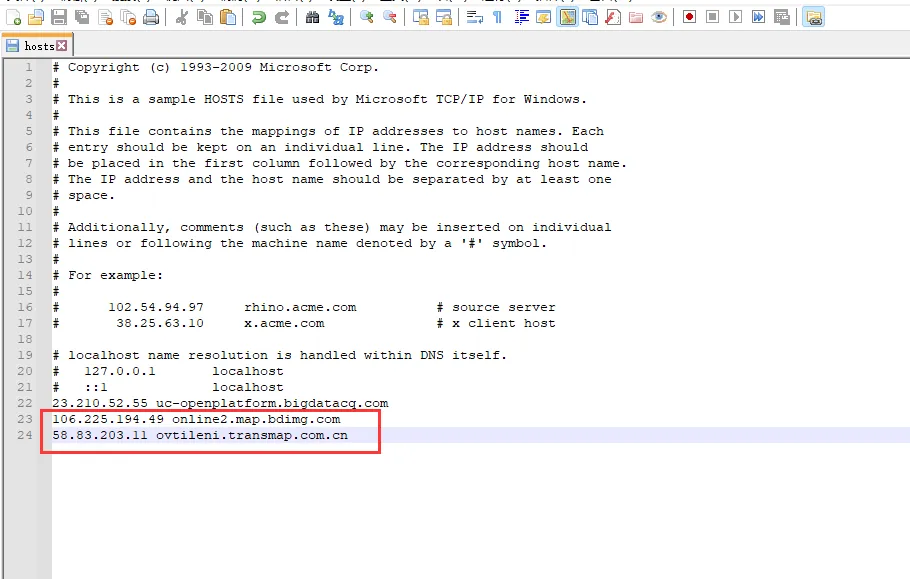
1、 problem description
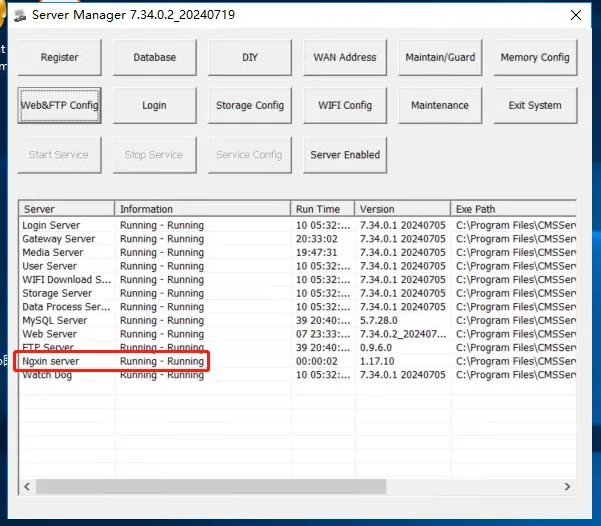
Nginx is displayed in the console, but the https port of the web is not monitored, and https cannot open the web page.
2、 The Solution
2.1 Scheme 1
(1) View the nginx error log. Path: CMSServerV6/nginx/logs/error.log
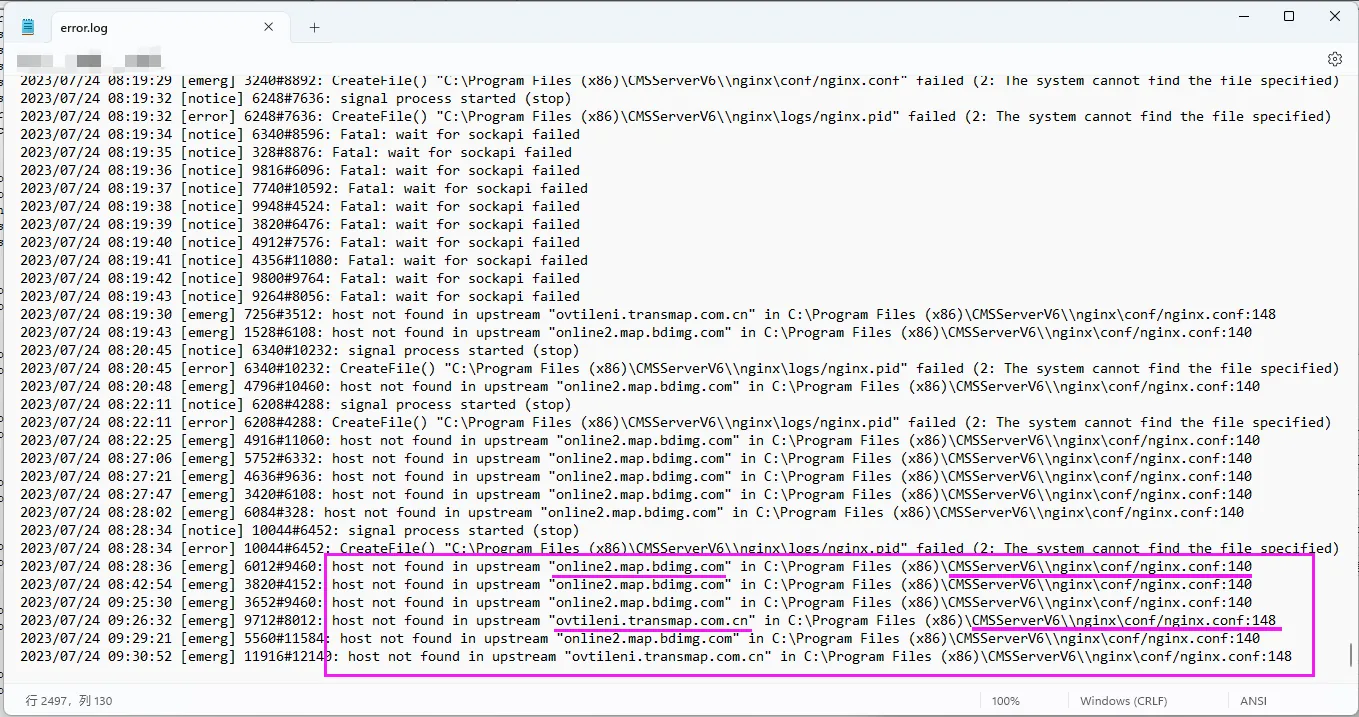
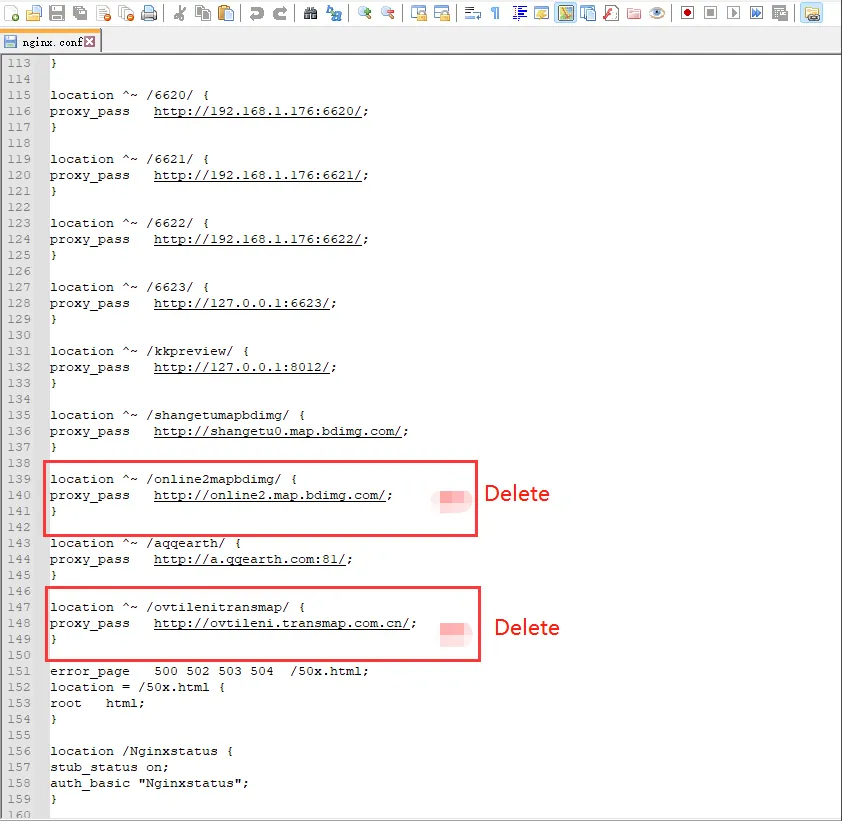
(2) Find the corresponding line position in the nginx configuration file according to the error log prompt, delete the red box code, and restart the nginx server.
CMSServerV6/nginx/conf/nginx.conf
2.2 Scheme II
Configure the domain name resolution record in the C:\Windows\System32\drivers\etc\hosts file of the server and restart the nginx server.