Function description:
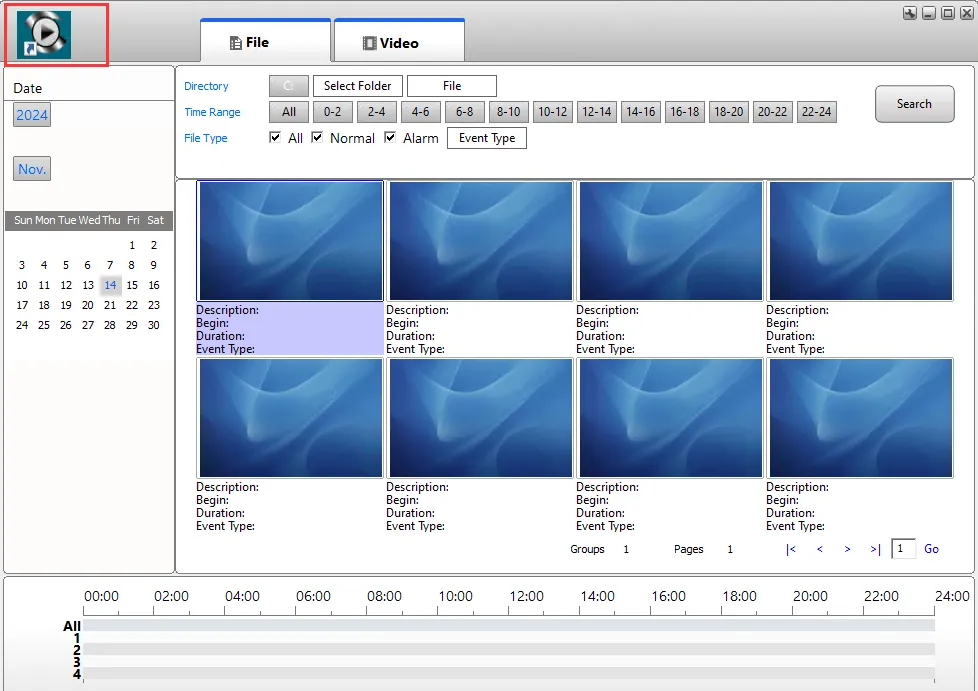
- Used to add/modify the logo displayed in the upper left corner of the local player interface;
- The factory version does not display logo by default
Operation instructions:
1. Prepare logo file
Requirements for picture files: length 152 and width 66 are recommended; Transparent background; Png format;
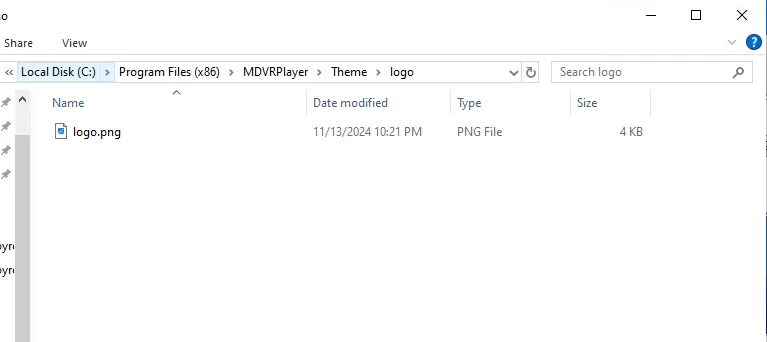
2, put the logo picture file under the corresponding path
Path: [MDVRPlayer/Theme/logo]]
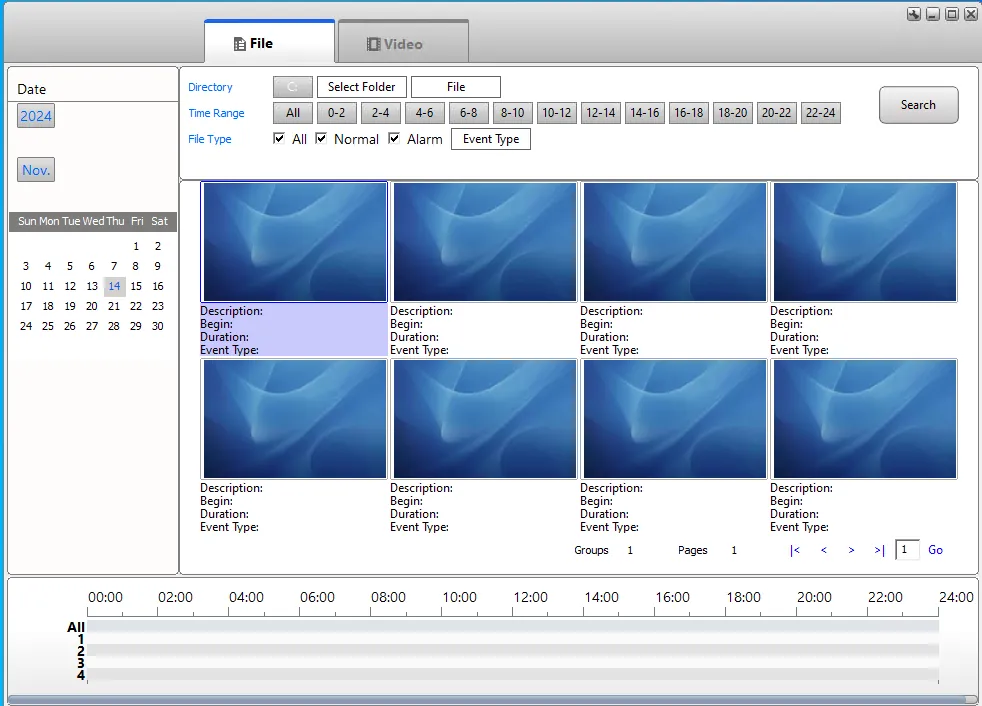
Before adding:
After adding:
Note:
- The added LOGO is only valid for the local area. The player needs to be added again after uninstalling and reloading.