Function description
- When the platform icon cannot meet the customer's usage scenario, the customer can not only customize the new vehicle icon, but also directly replace the existing icon on the server.
- If you don't want any icon, overwrite the new icon file.
- Icon size and name should be consistent with the original file
- After replacing and restarting the WEB server, the client computer cleans the browser cache and logs in again.
Operation instructions
1. Icon replacement path in vehicle information:
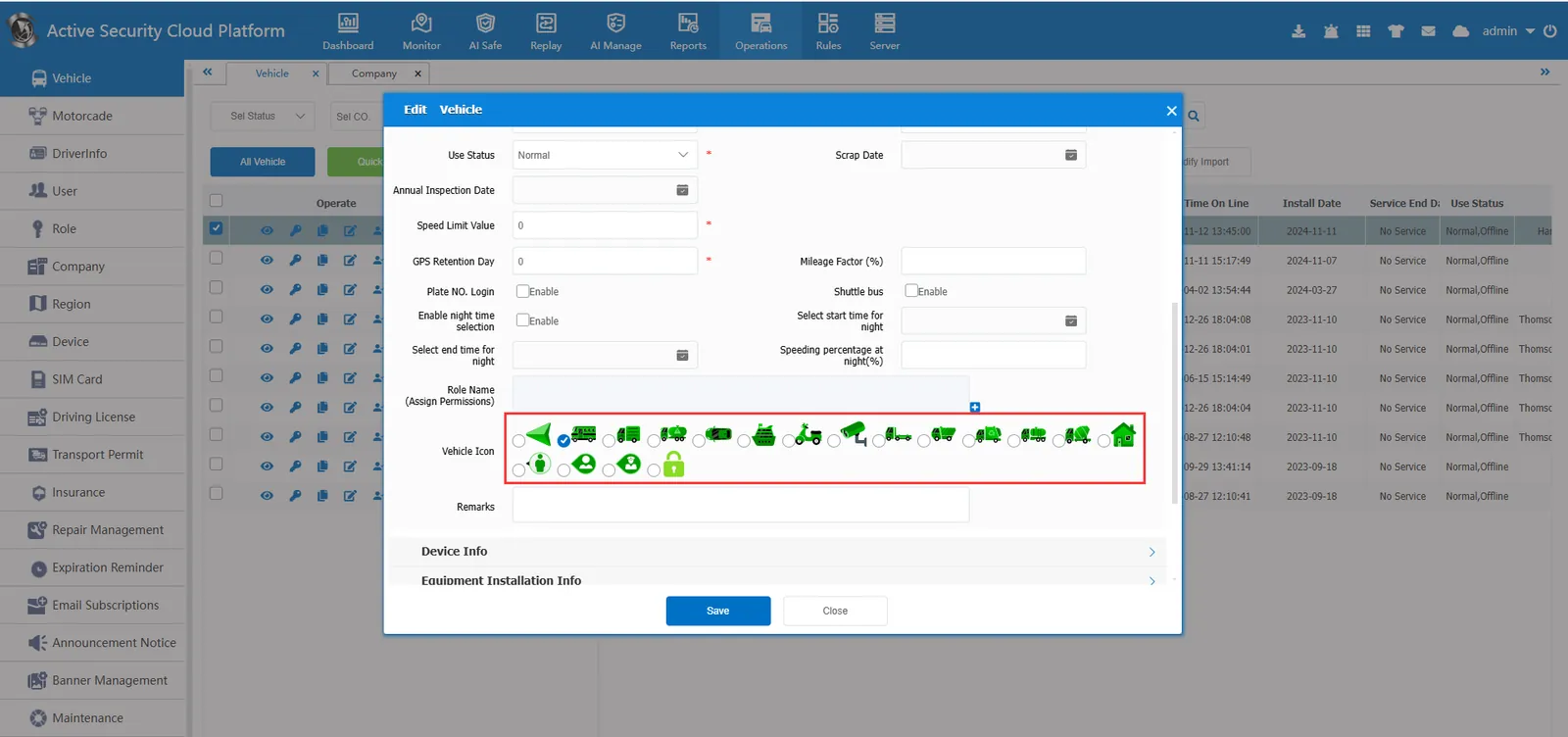
D:CMSServerV6\tomcat\webapps\gpsweb\808gps\images\vehicle
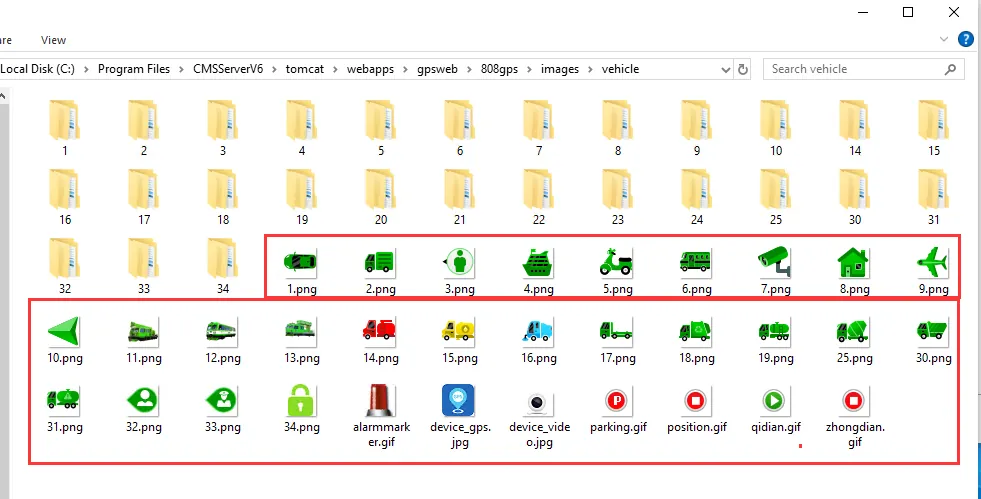
2. icon path of web- side vehicle monitoring tree:
D:CMSServerV6\tomcat\webapps\gpsweb\808gps\images\vehicle
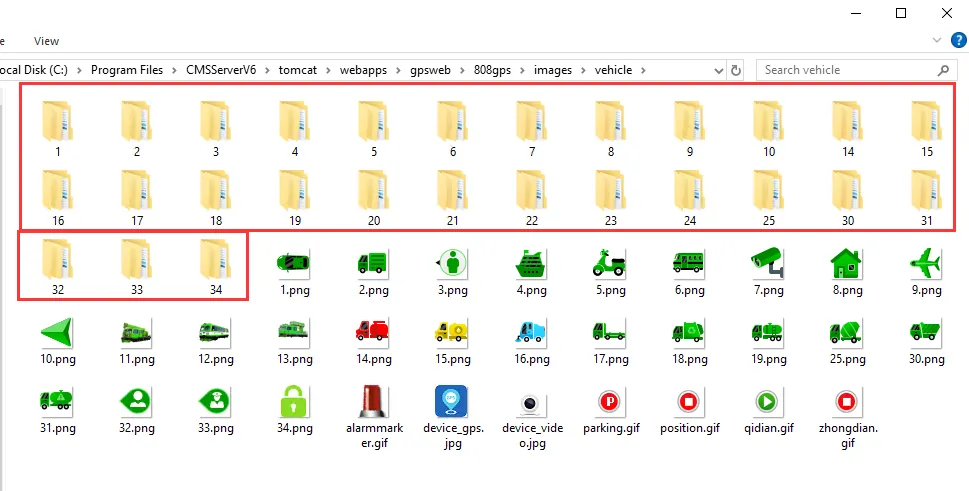
3. the icon path above the web map bubble:
D:CMSServerV6\tomcat\webapps\gpsweb\808gps\ttxmap\google\image
D:CMSServerV6\tomcat\webapps\gpsweb\js\ttxmap\image
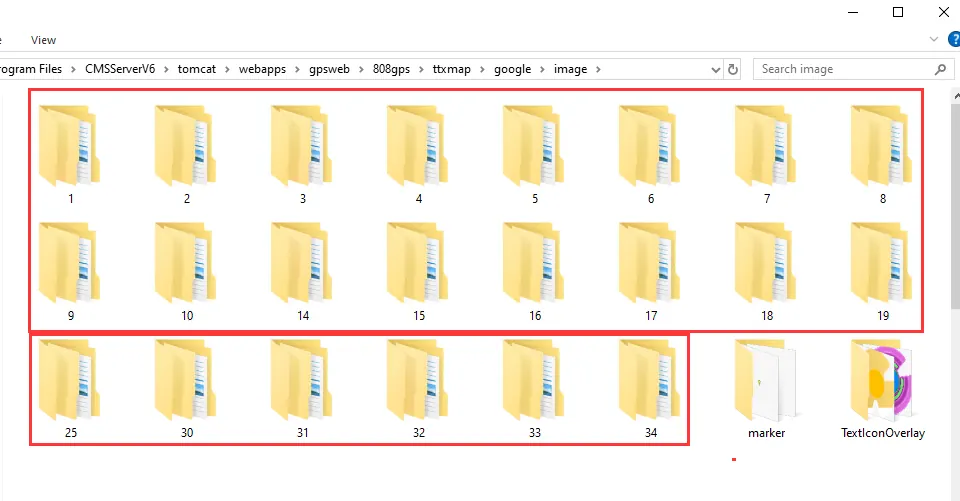
4. PC client map bubble icon path:
D:\CMSServerV6\tomcat\webapps\gpsweb\client\Map\google\image
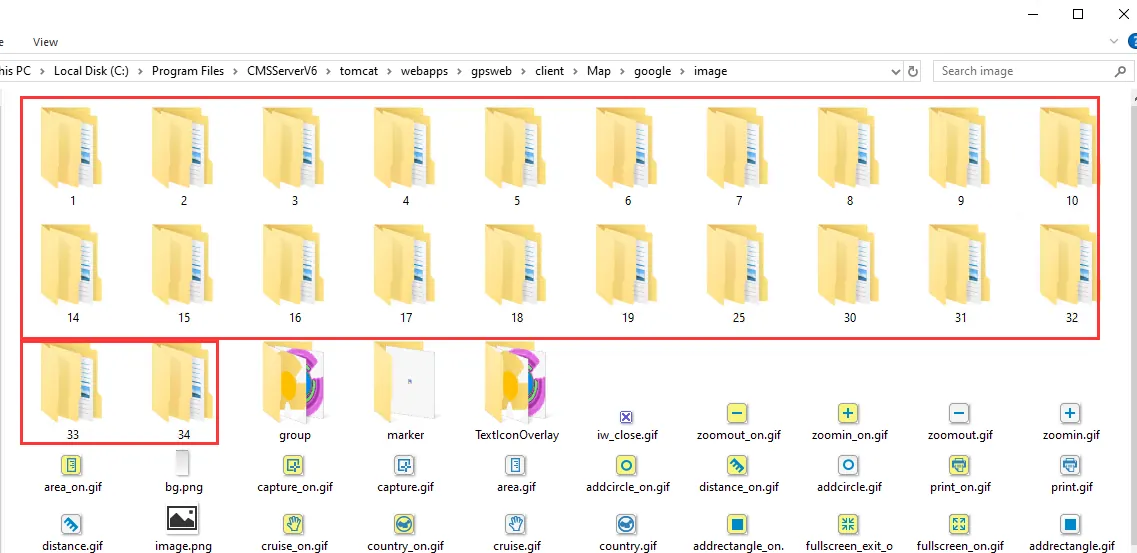
5. This is the bubble icon path of app map (app side also needs to be modified: My- System Settings- Use Server Map):
D:\CMSServerV6\tomcat\webapps\gpsweb\mobile\map\google\image
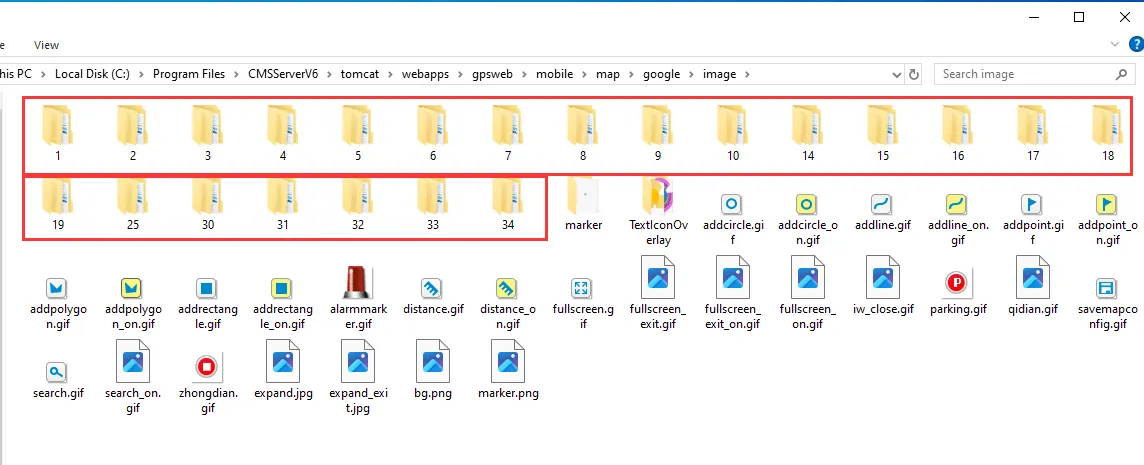
6. Path of PC Client Monitoring Tree Icon:
D:\CMSV6\Theme\Common
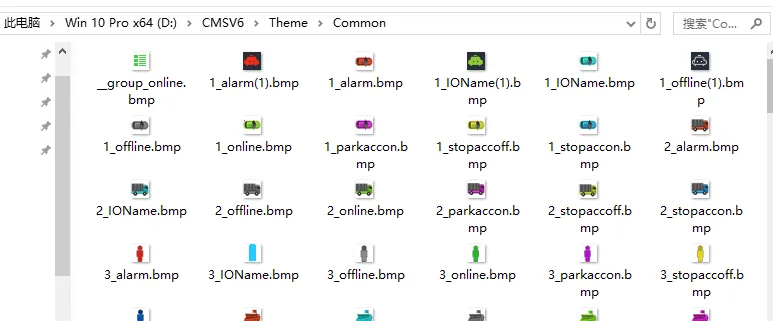
Notes
- Select the serial number folder to be replaced, and the serial number folder under each path needs to be replaced
- The replacement icon method does not work on the client
