1, problem description
Problem phenomenon:
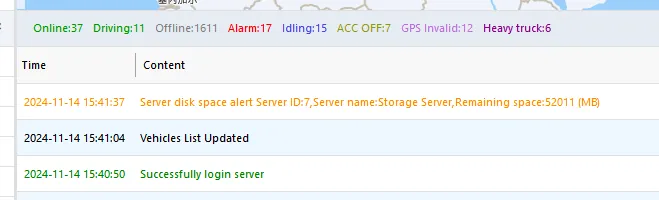
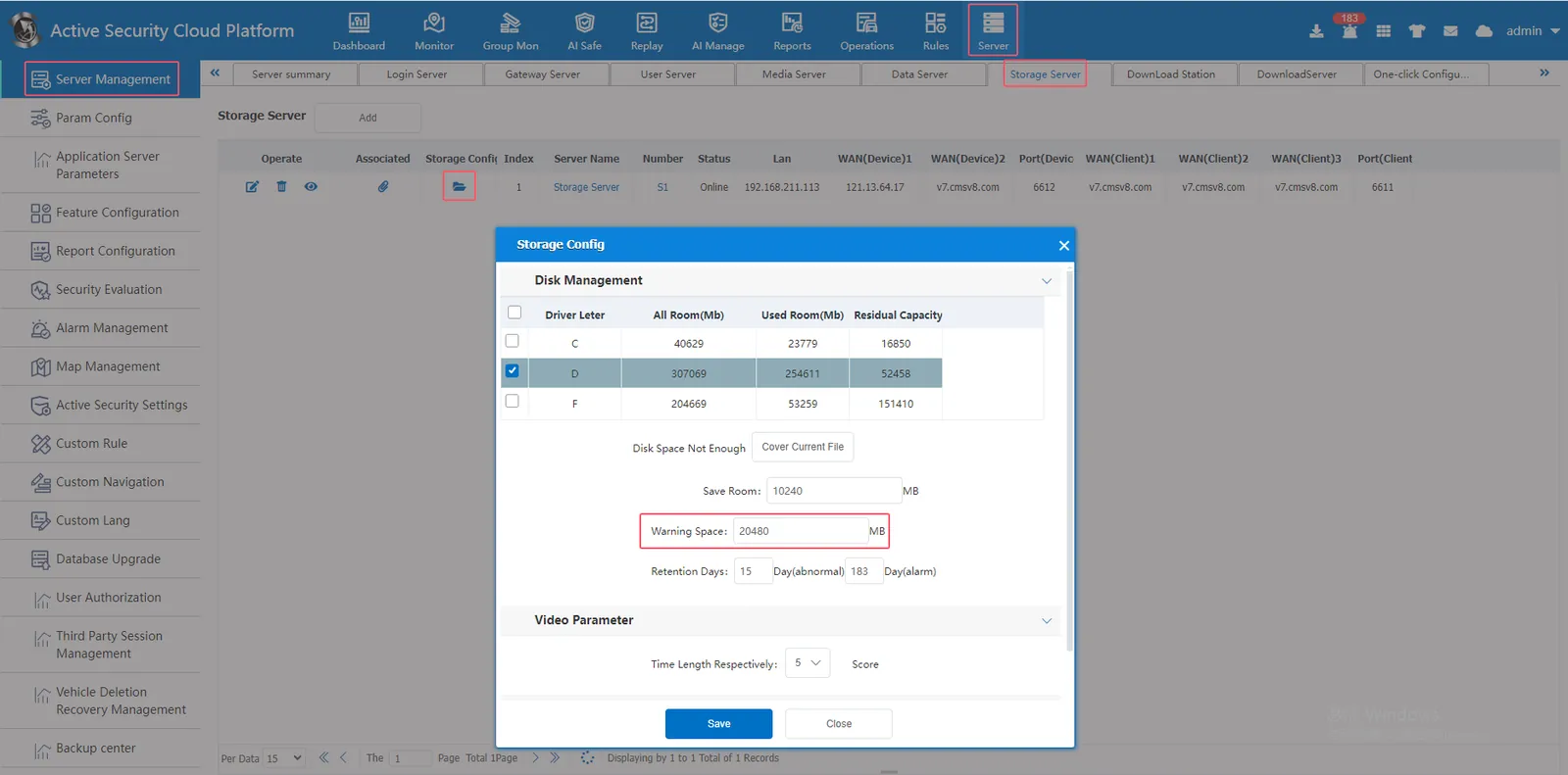
When the remaining storage disk space is less than the alert space configured in [Server]> [Server Management]> [Storage Server]> [Storage Config], the server disk space alert will be triggered.
2, operating instructions
- If the attachment is a single disk and the storage time is long enough to meet daily needs, it is ignored and the storage will be overwritten by default;
- If the storage time is not as long as required, it is recommended to increase the storage disk space;
- If other data in the disk occupies the disk space, it is recommended to clean up the excess data;
- If the real- time database is on the same disk as the storage server, the disk may be full and you need to manually clean up the real- time database or stored attachments.
