1、 function description
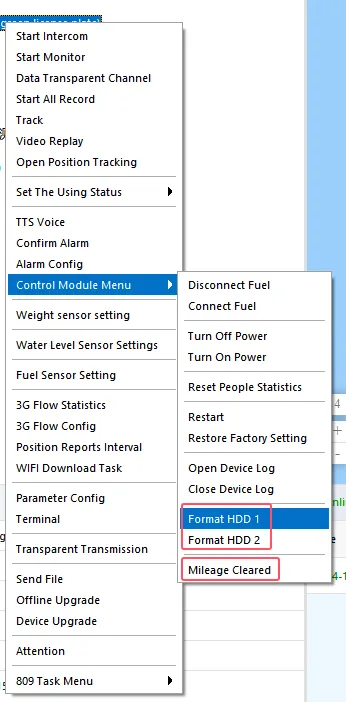
Formatted hard drive and total mileage cleared (only for private protocol devices)
Pc client login, non- ministry device right- click vehicle icon does not display formatted hard disk and total mileage reset
2、 operating instructions
2.1
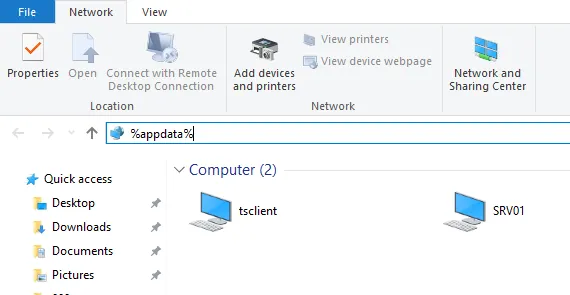
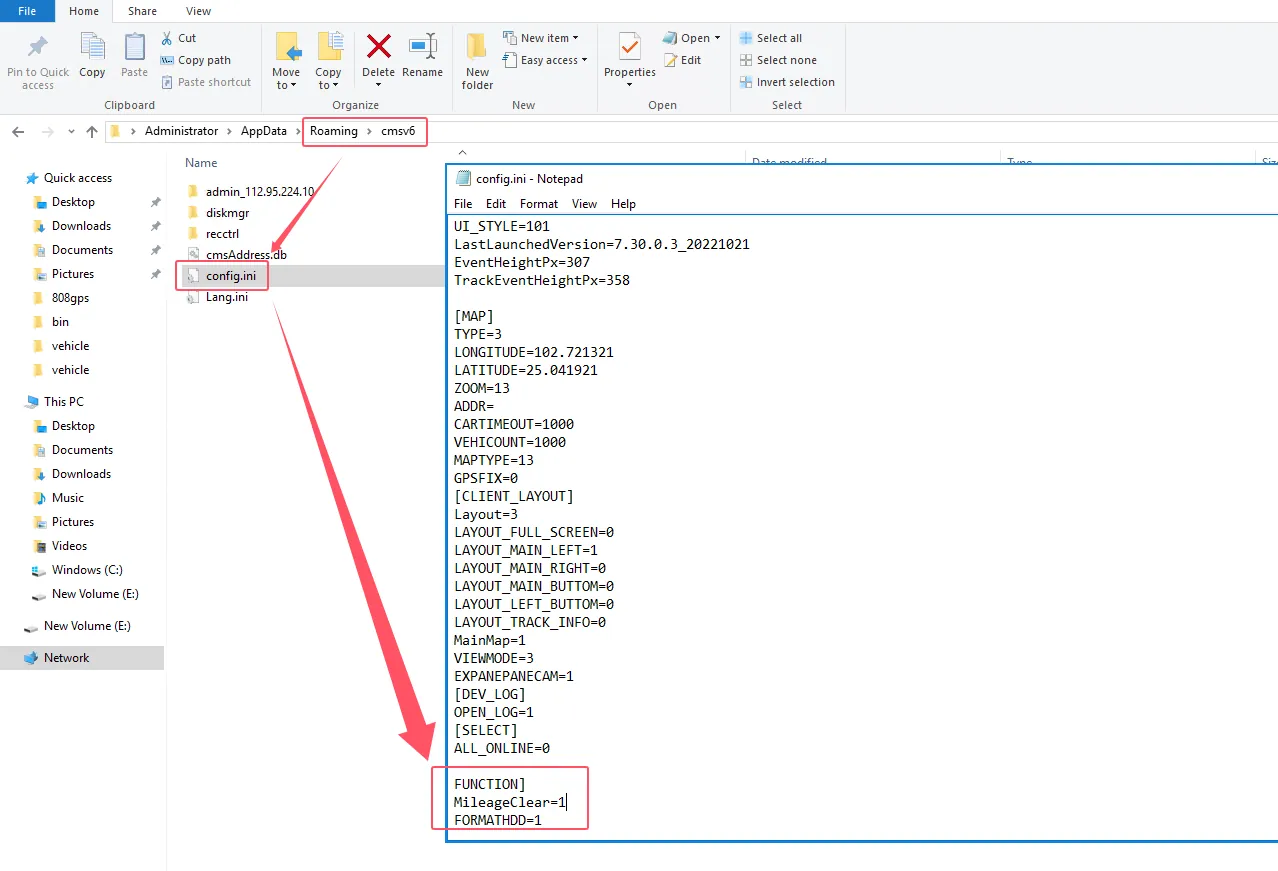
[FUNCTION]
MileageClear = 1 (total mileage cleared)
FORMATHDD = 1 (remote formatting) (I. e. formatting the drive)
0 is not enabled and 1 is enabled.
After adding the corresponding configuration item in the corresponding configuration file, save it.
2.2 restart the client
Right- click the non- label device, and the corresponding function options will appear.
3、 Precautions
3.1 Unit Standard Protocol Equipment Total Mileage Value Cleared
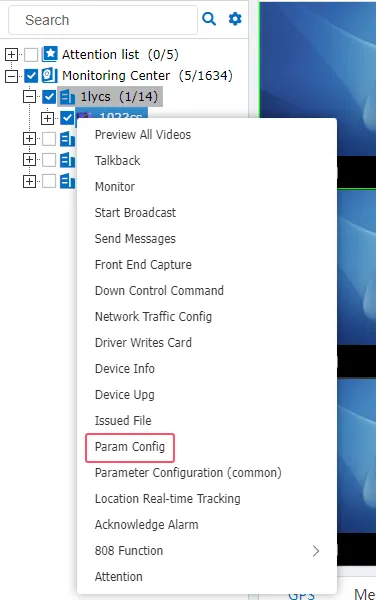
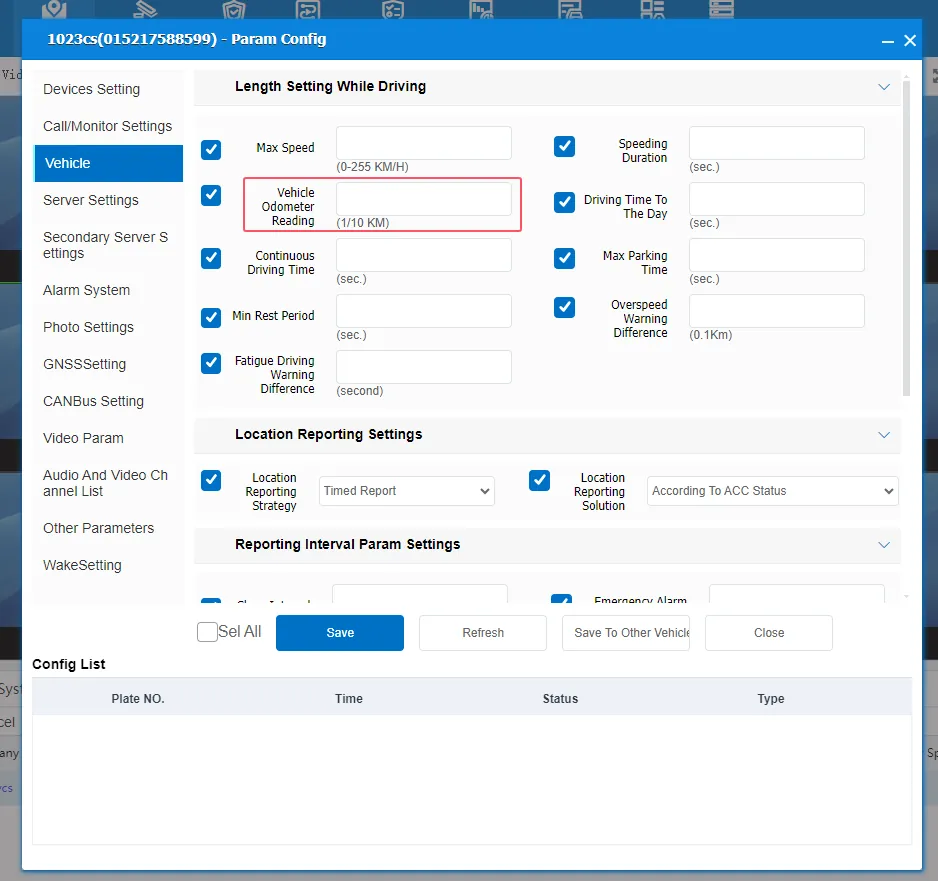
Real- time monitoring interface Right- click the vehicle icon, parameter configuration- vehicle settings- vehicle odometer reading