1. Functional Description
The file with the picflie suffix is the file that the platform packs several pictures stored in the storage server;
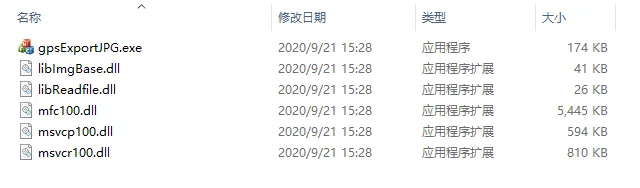
Need to use the tool [gpsExportJPG.exe]];
2. Operating Instructions
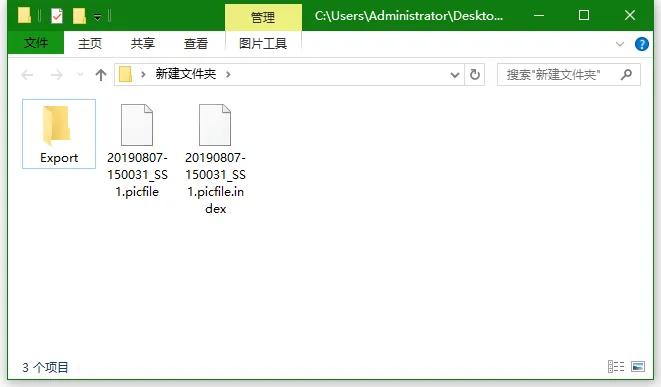
Copy the picfile file that needs to be opened, open the tool [gpsExportJPG.exe], and use the tool to open the picfile file;
2.1 copy the picfile files that need to be opened;
A. picfile suffix files;
B. index file with the same name;
The two files are copied together;
The purpose of this operation is to avoid damaging the original picfile files on the storage server and prevent the loss of related picture files;
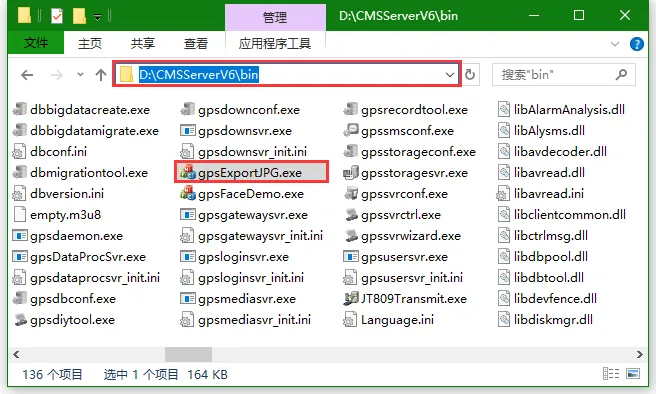
2.2 Open Tool [gpsExportJPG.exe]];
Find the tool in the server installation directory [CMSServerV6 in] and double- click to open it;
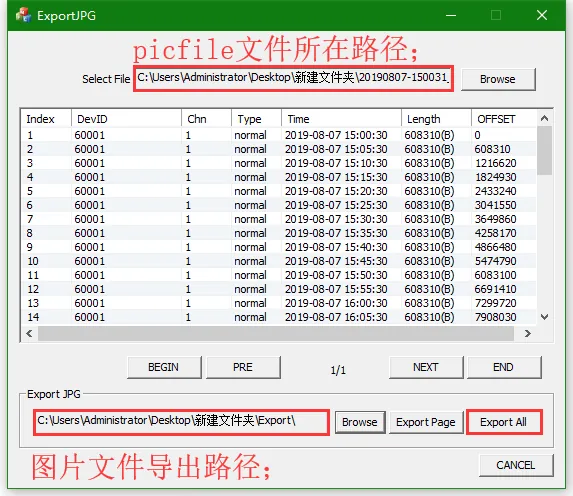
2.3 open the picfile file with the tool;
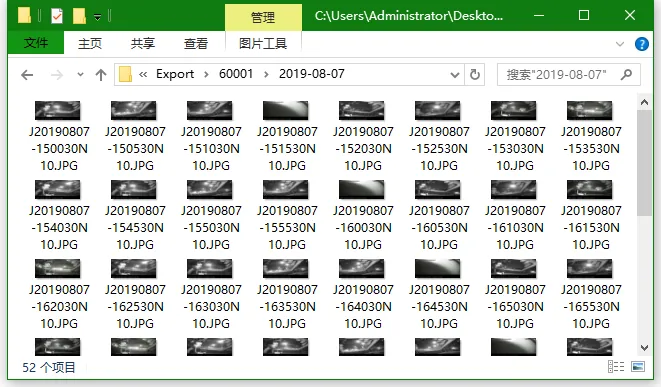
Click "Exprot All" to export all (there is no prompt when the export is completed, just check the export path);
3. Precautions
To run this tool on your local computer, copy all of the following files from the server bin directory