1. Functional Description
Troubleshooting of Monitoring Problems of Department Standard Equipment
The monitoring device is abnormal and there is no sound, as shown in the following figure:
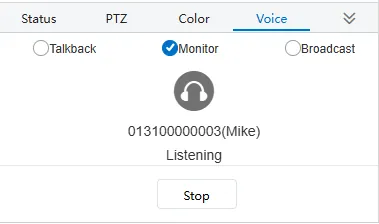
In the monitoring, there is no sound, you can perform the following operations to check.
2. Operating Instructions
-
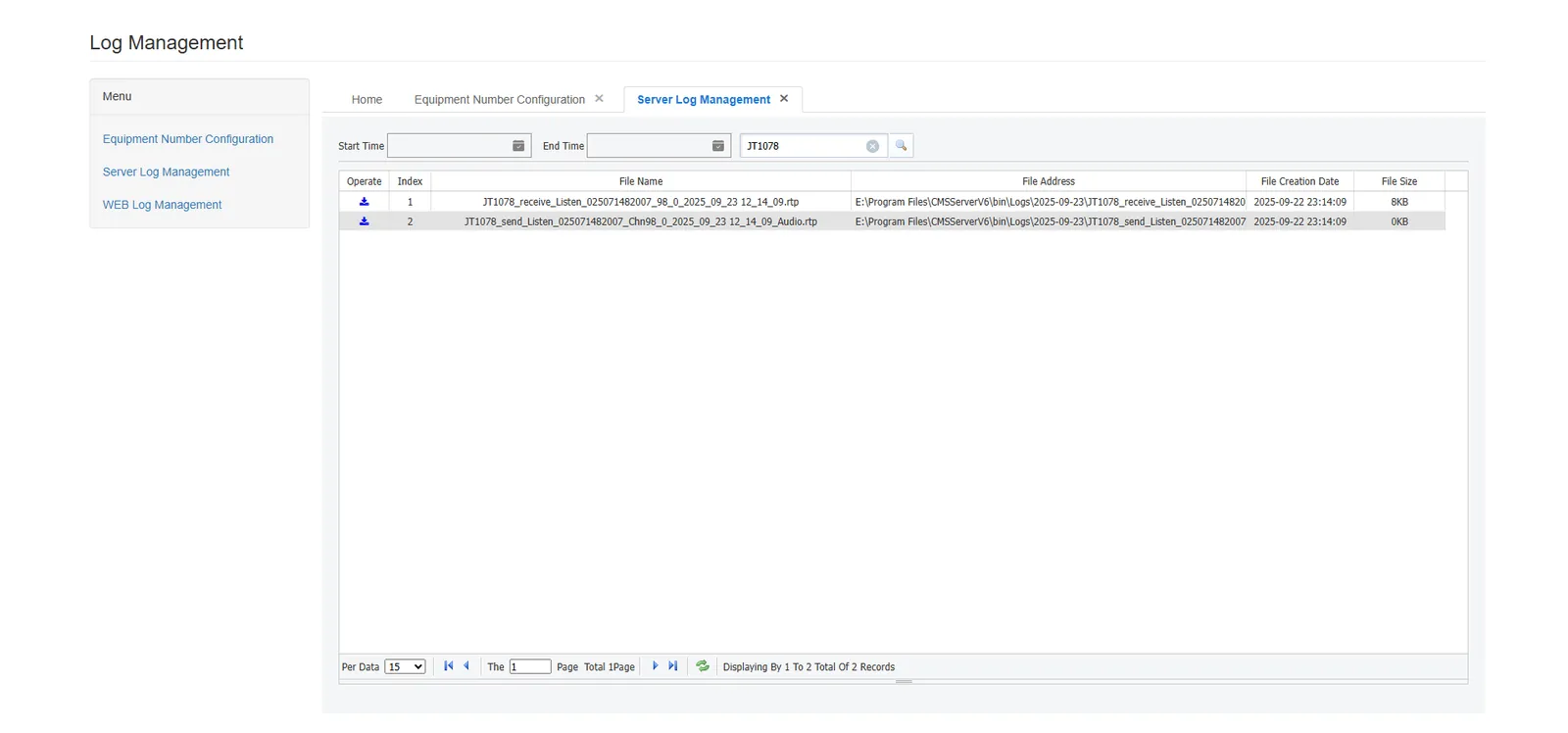
Logging for problematic devices: Operation Link- >(Device Communication Logging Function)
-
Listen to the device, and then obtain the RTP packet of the listening device through the device communication logging function, as shown in the following figure:
-
Select the "JT1078_Listen_'Equipment No.'_%" file of the corresponding device, download it and save it in an appropriate location.
-
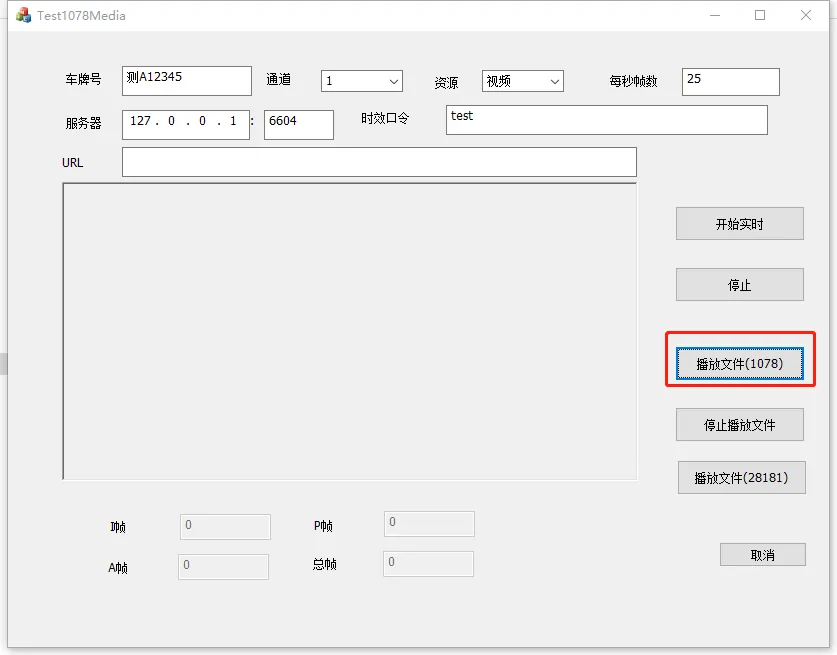
Use the "Test1078Media" tool to play the downloaded RTP package file, as shown in the following figure:
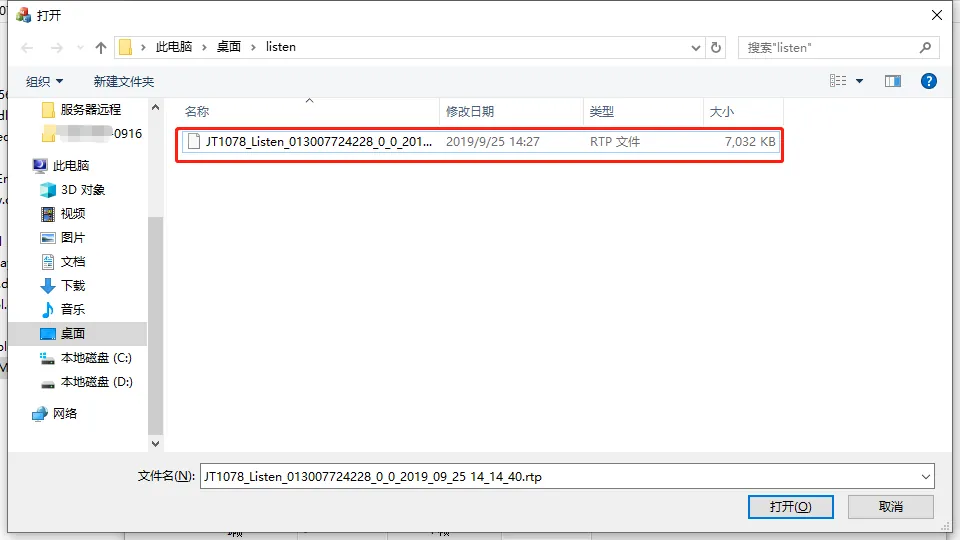
Select the appropriate RTP file:
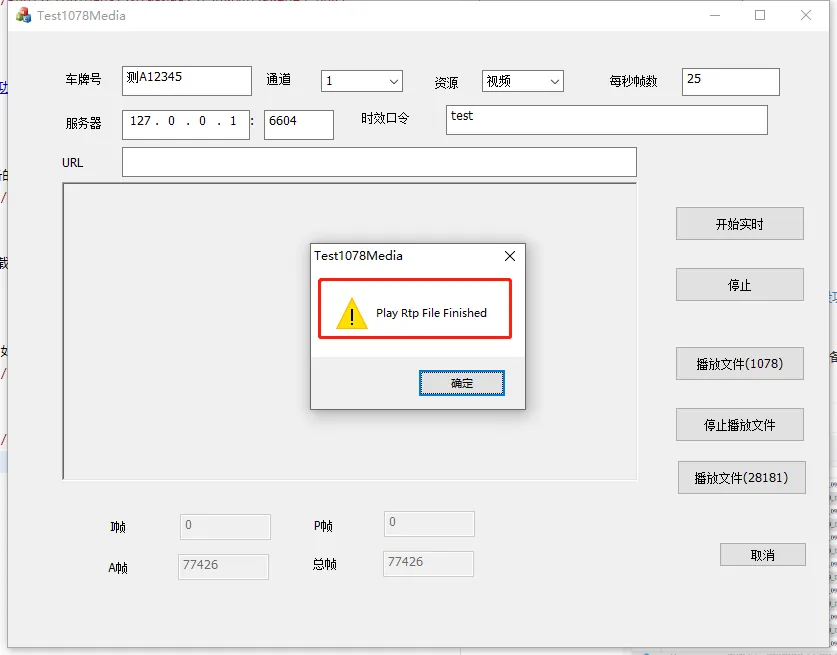
After playing the file, you will be prompted, as shown in the following figure:
-
After the RTP package file is played, the corresponding file will be generated in the "C:JT1078_MEDIAPlatform" directory of disk C, as shown in the following figure:
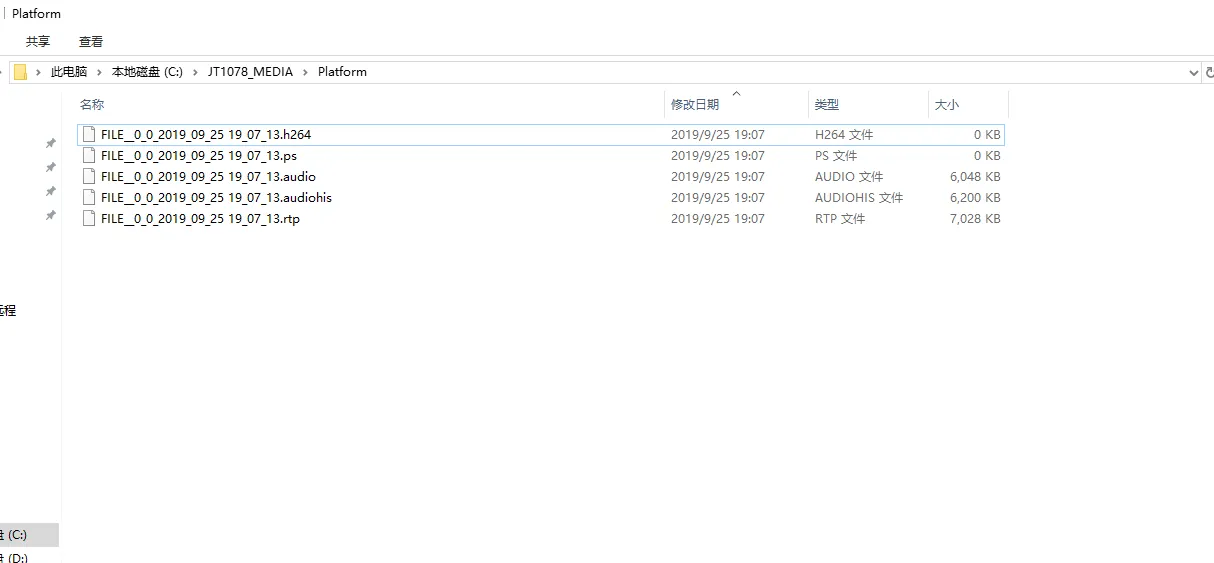
The "%.audio" file is mainly required, and other files can be deleted. -
Use the "AudioPlayer_G711" software to play the "%.audio" file you just obtained, as shown in the following figure:
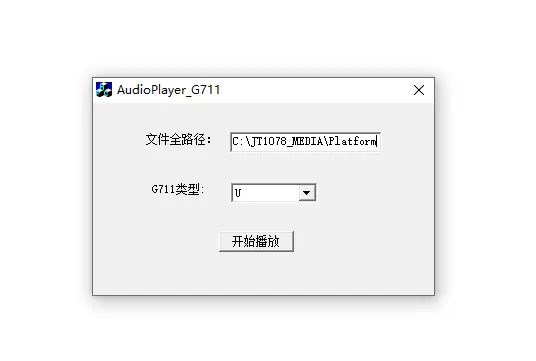
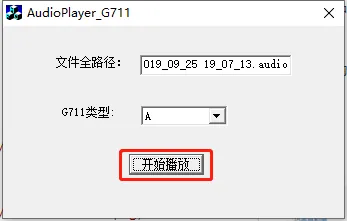
Perfect the file path, you can choose G711 type "A" or "U" to try to play, as shown in the following figure:
- Summary of issues
If the sound is normal when playing the "%.audio" file and there is no sound during monitoring, it may be a platform problem and needs R & D assistance to handle it.
If there is no sound when playing the "%.audio" file, it will be fed back to the customer side to inform the problem, and the customer side will coordinate the equipment side to handle it.
