1 Function description
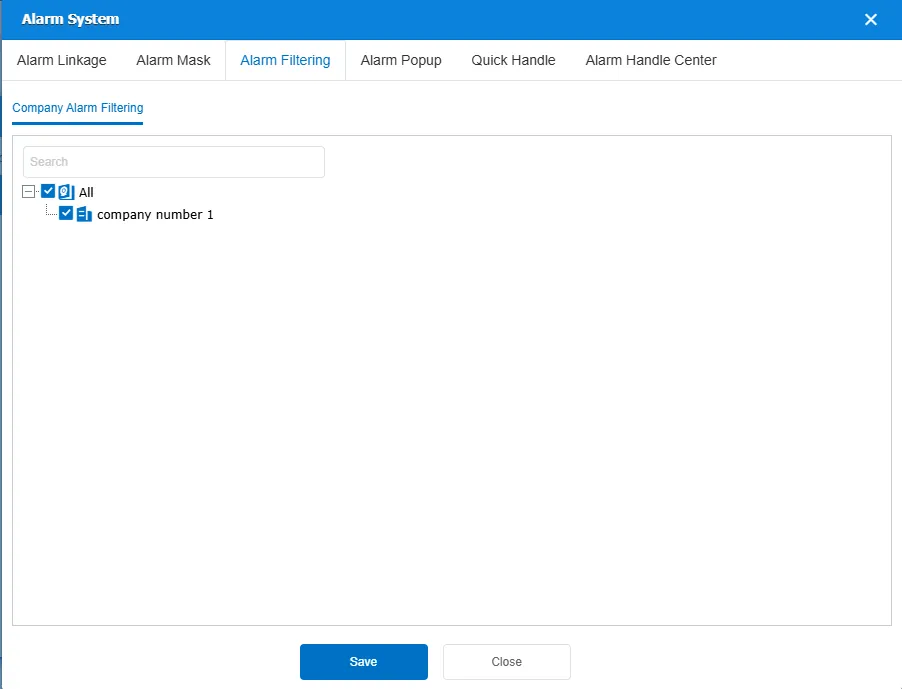
- Alarm filtering allows users to filter alarm information by company or fleet to quickly locate and view specific alarm records.
- All are checked by default, and unchecked means that the company's alarm is not displayed.
- Only valid for the WEB side, the client is not affected
2 operating instructions
Click the "Alarm System" button above the alarm center. Select the Alarm Filter option and check the company or fleet. After saving, only the alarms of the selected company or fleet will be displayed.