1. Function description
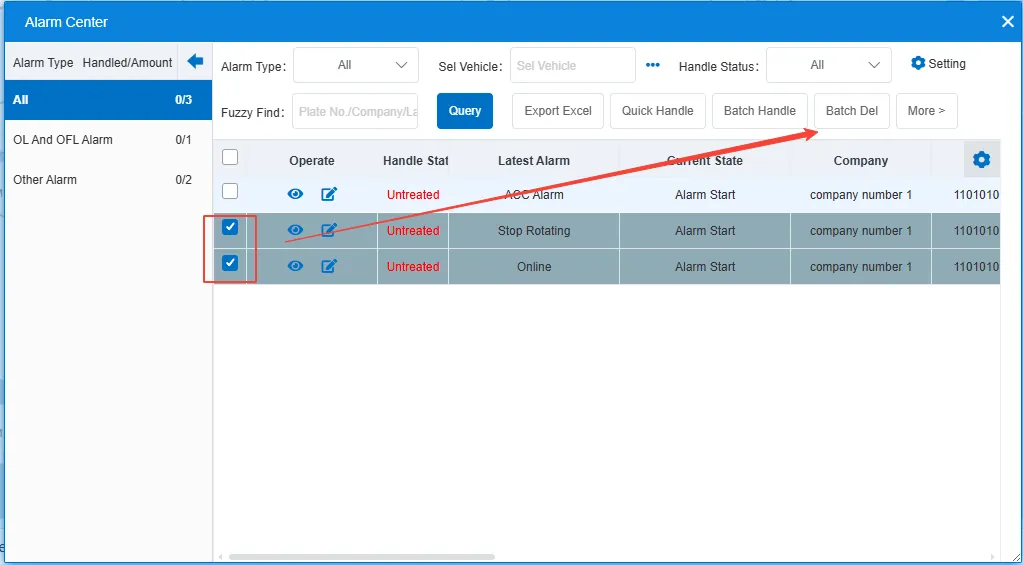
Select the records to be deleted and click the "Batch Del" button. The alarm records will be removed from the list. (After deletion, the alarm is not displayed in the alarm center, and the alarm data can still be queried in the report.)