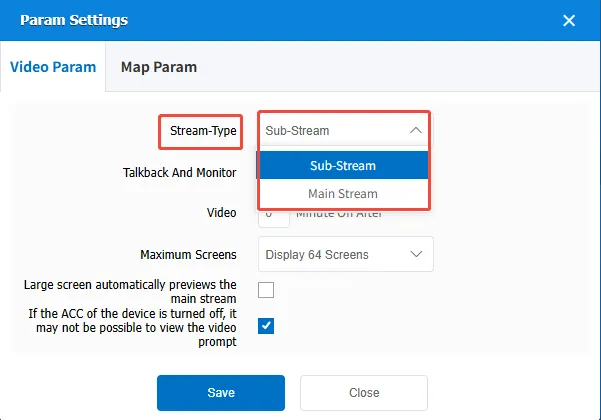
1. Function description
The sub- code stream of the default request in real- time preview, which can be set as the default request main code stream.
2. operating instructions
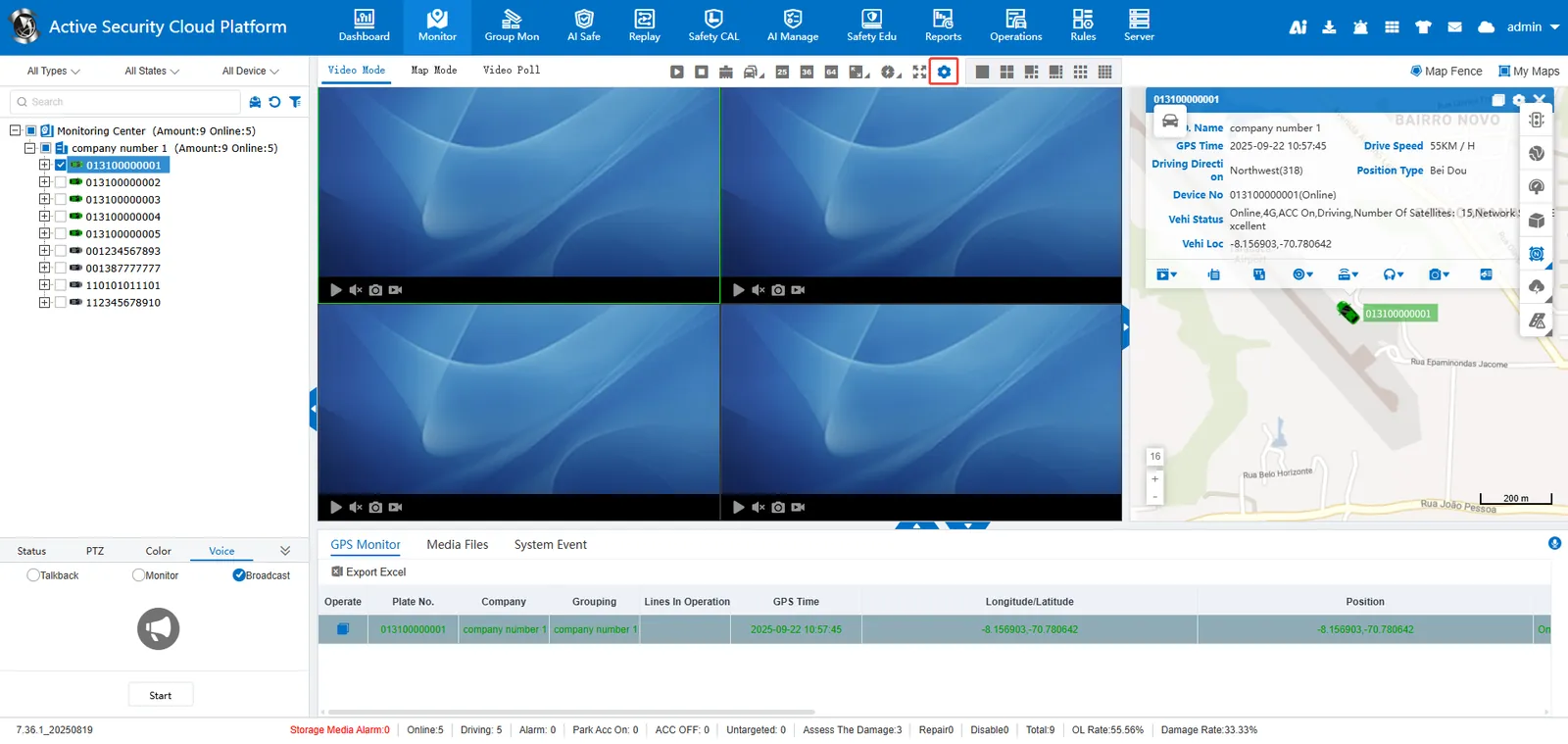
2.1 enter [real- time monitoring] open parameter setting menu;
2.2 Go to the [Video Parameters] page, set Default Request Video to Main Stream, and save it.