1. Function description
Configure and save audio files for two-way intercom between the device and the platform on the platform, and then play them through tools to check the integrity and availability of audio files to help troubleshoot intercom problems.
2. operating instructions
2.1 configuration to save audio data
The server saves the device two-way intercom audio files by default and does not require additional configuration to save.
2.2 download audio files and playback tools
Audio file download:
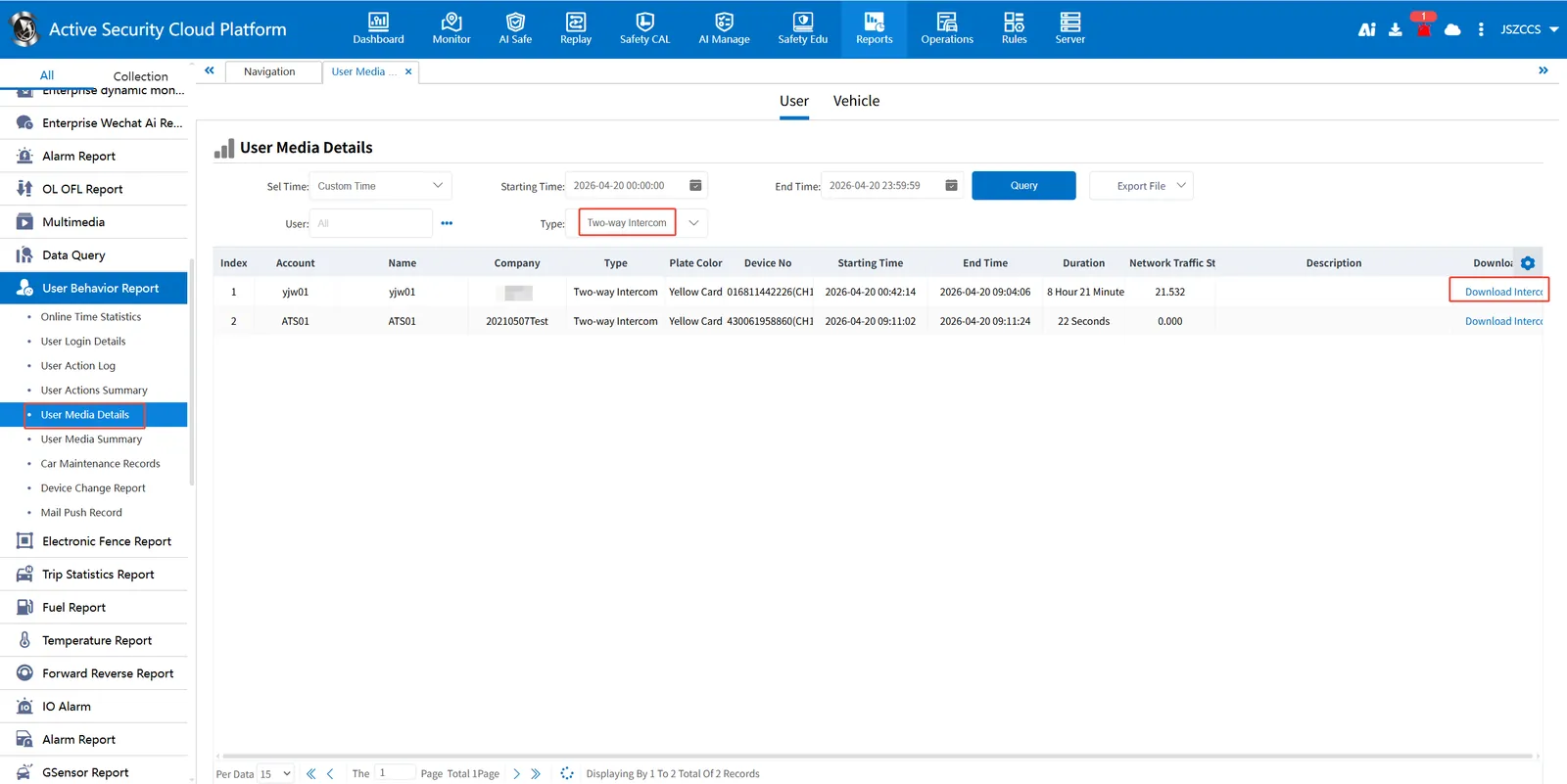
Enter "Statistical Report"-- "User Behavior Analysis"-- "User Media Details" and select "Two- way Intercom" as the type. After returning the result, there is "Intercom Data Download" on the right side of the table, and the file is in gsnd format.
Play tool download:
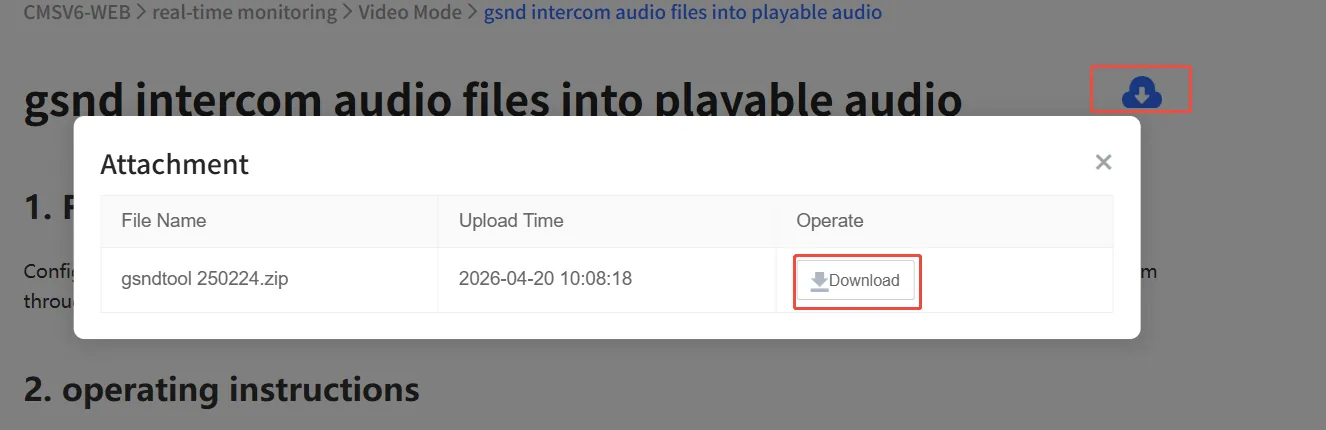
Download the tool in the upper right corner of this document
2.3 Convert audio files
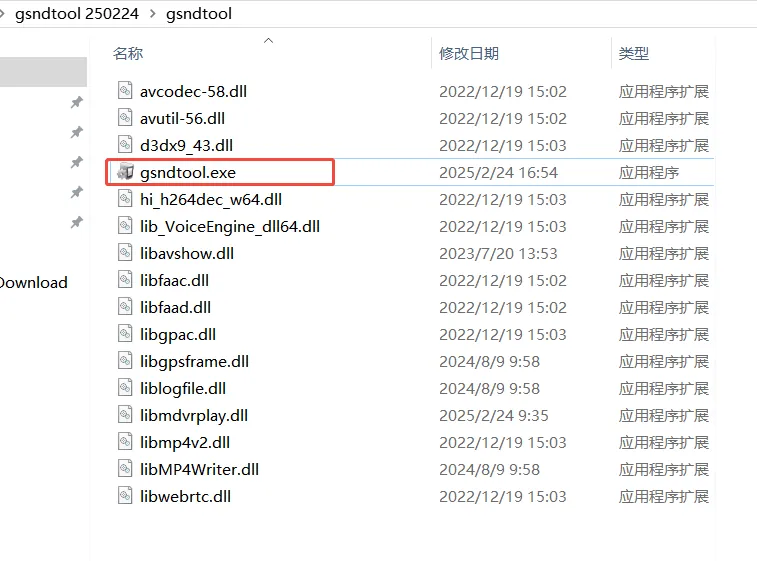
Open the gsndtool.exe tool and select the gsnd format file downloaded in the previous steps.
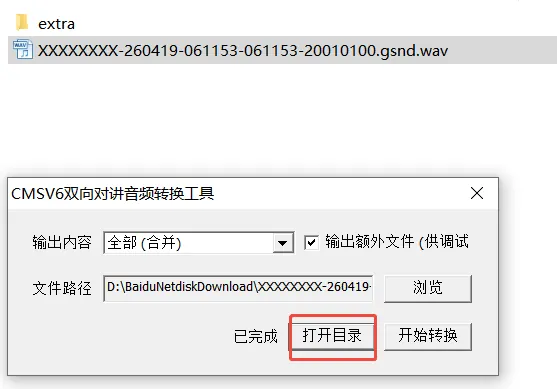
"Start the conversion".
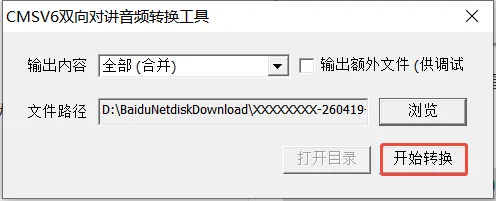
After the end of the conversion, "open directory" to view the conversion of wav audio files, with a normal player can play.