1. Functional Description
Live database migration to another disk
2. Operating Instructions
Step 1: Check the storage path of the real- time database of the server software in my.ini configuration file of the server software.
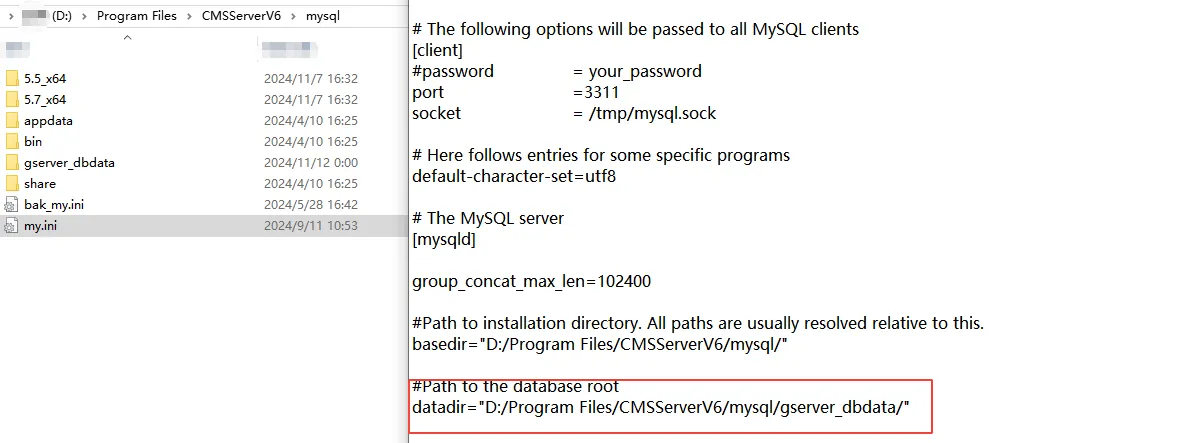
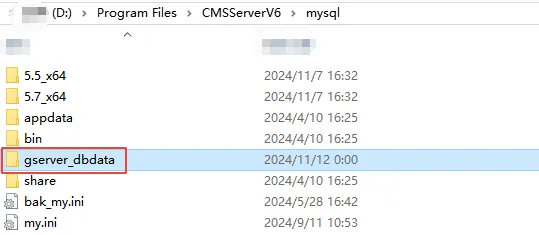
According to the path shown in the above figure, you can find the corresponding real- time database.
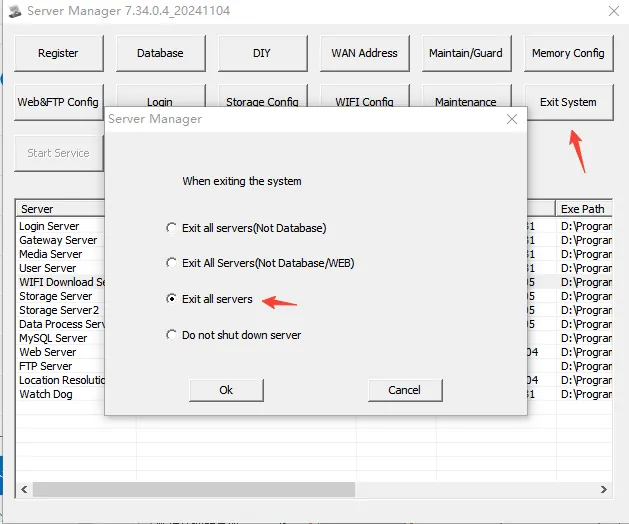
Step 2: Stop the server software
Step 3: Copy the real- time database to the corresponding path of other disks (do not appear in Chinese on the path)
Step 4: Change the storage path of the server software real- time database in the my.ini configuration file of the server software
Step 5: Restart the server software (observe whether the server software is running normally)
