1. Functional Description
Backup database migration to another disk
2. Operating Instructions
Step 1: Check the storage path of the server software backup database in the database configuration file of the server software
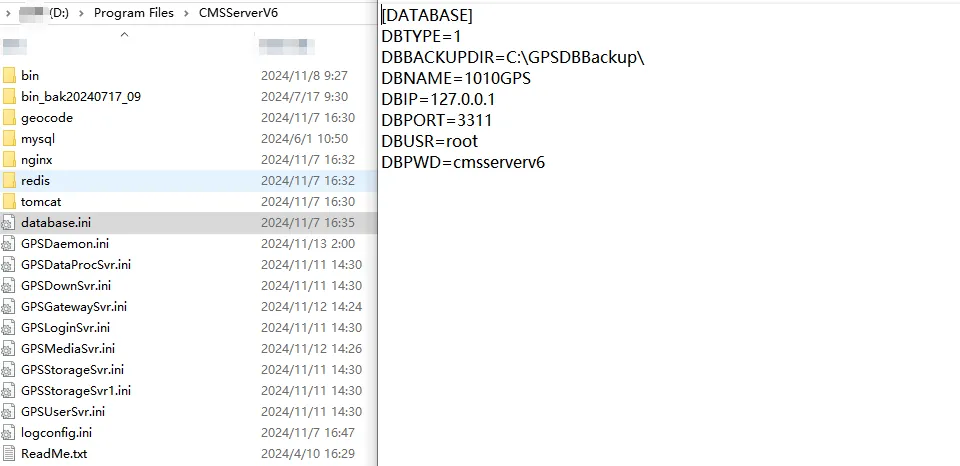
According to the path shown in the above figure, you can find the corresponding backup database.
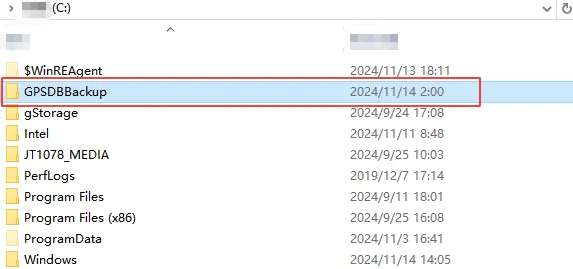
Step 2: Copy the backup database to the corresponding path of other disks (Chinese does not appear on the path)
Step 3: Change the storage path of the server software backup database in the database configuration file of the server software
Part 4: Restart the server software (observe whether the server software is running normally)
