1、 Function description
- SSL certificates on the market are broadly divided into the following categories:
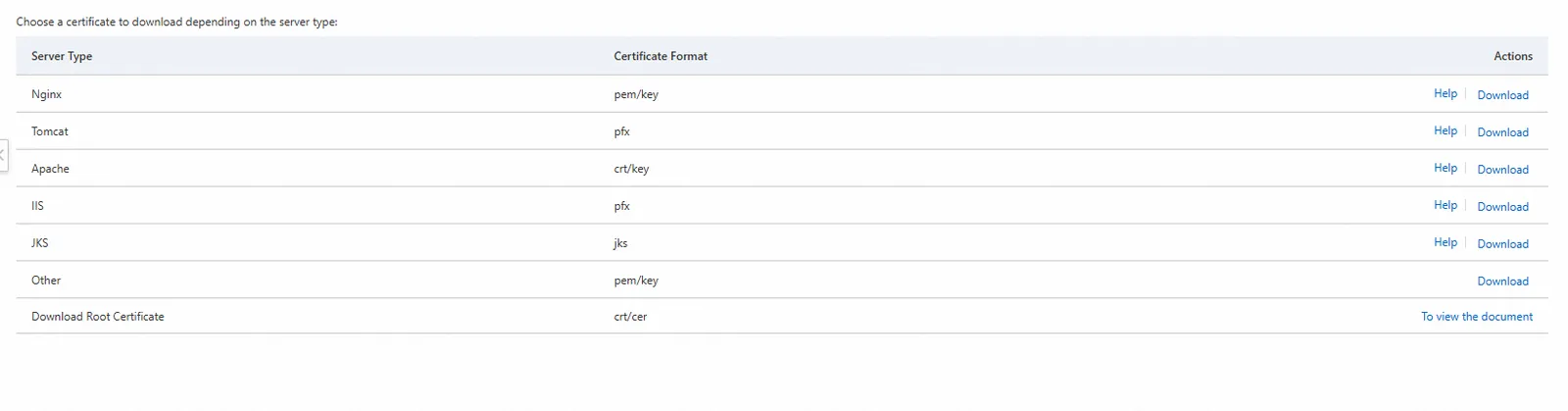
- The platform enables the domain name to use the nginx version certificate, which contains a pem file and a key file.
- some certificates can directly change the suffix of the certificate file, for example, crt is changed to pem
- Some domain name filing websites provide certificates in other formats, so you need to convert the format of the certificate.
2、 Operation instructions
2.1 online download and install OpenSSL tools
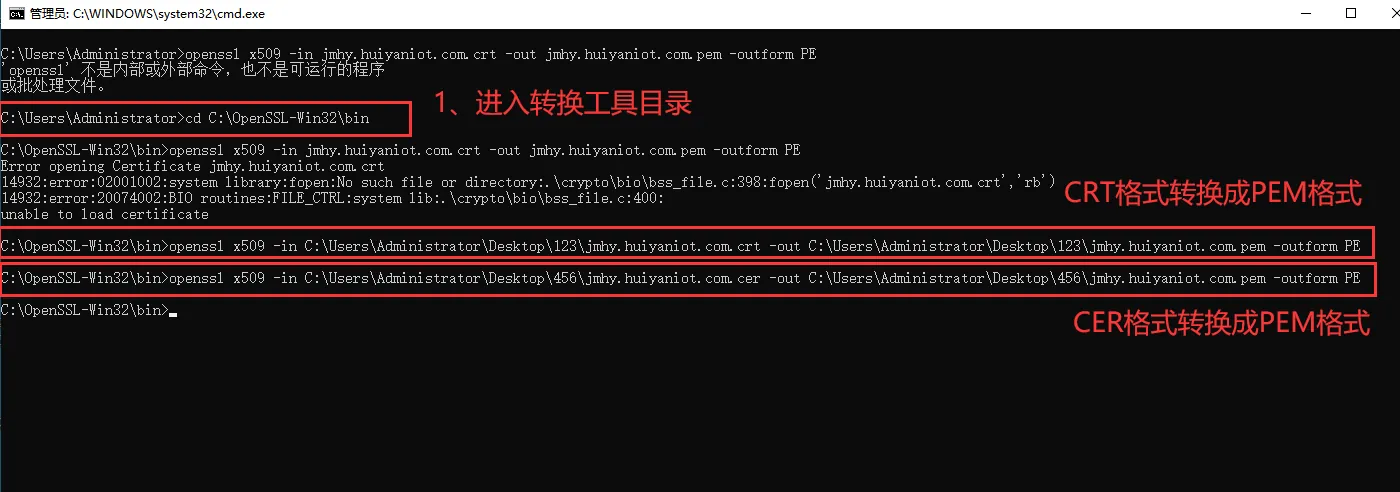
2.2 Open the "CMD" command and enter the bin directory of the installation OpenSSL
For example: cd C:OpenSSL- Win32/bin (only the installation directory can be put on disk c)
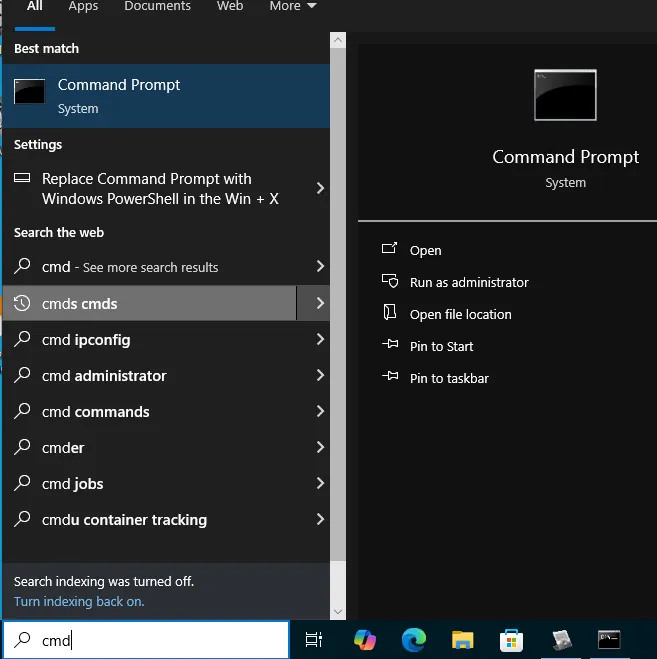
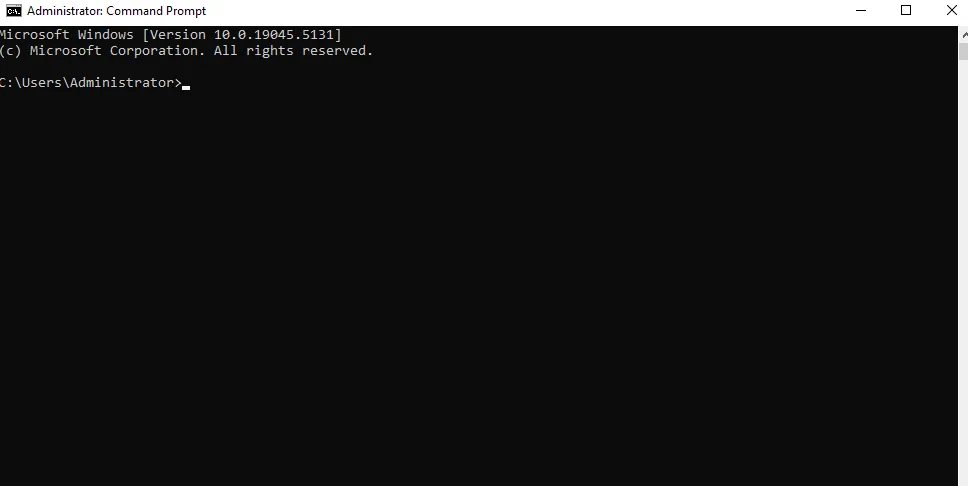
3、 After entering the bin directory path, execute the certificate conversion instruction
The following instructions are available for reference, and more instructions can be found online:
- 3.1 CRT format to PEM format (convert jmhy.test.com.crt under desktop 123 folder to jmhy.test.com.pem and save it in desktop 123 folder)
openssl x509 - in C:\Users\Administrator\Desktop\123\jmhy.test.com.crt - out C:\Users\Administrator\Desktop\123\jmhy.test.com.pem
- 3.2 CER format to PEM format (convert jmhy.test.com.CER under desktop 456 folder to jmhy.test.com.pem and save it in desktop 456 folder)
openssl x509 - in C:\Users\Administrator\Desktop\456\jmhy.test.com.cer - out C:\Users\Administrator\Desktop\456\jmhy.test.com.pem
Notes
- Most certificate providers can directly provide nginx format certificates, which can be confirmed with the supplier before purchase.
