1. Functional Description
Distributed Deployment Server Program Upgrade
2. Operating Instructions
- Run the installation package on the server where the database is located, wait for the completion of data backup and database upgrade, click "System Exit" in the service console to exit the server other than the database, and click "Yes" in the pop- up installation window"
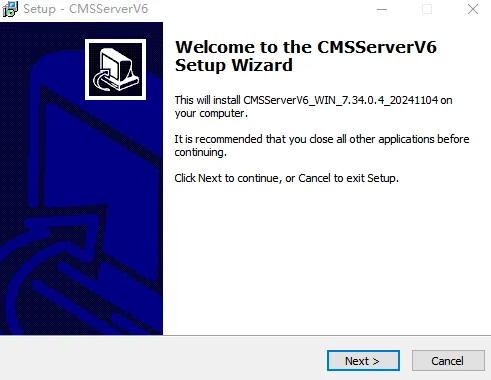
In the installation wizard, select "Next" until the installation, click Install and wait for the installation to complete.
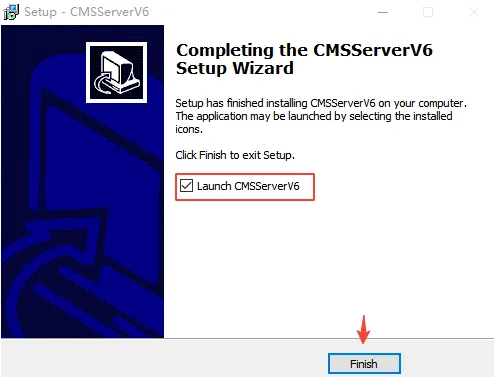
After the installation is complete, run the program
- Run the installation package on another server in distributed deployment. After the database has been upgraded, an installation window will pop up directly. Press the first step to exit the server and install directly.
- After the installation is complete, start all services and check whether the server is running normally, check the login function, real- time video function, etc.
