1. Function description
Set up device- side image capture through the platform, and let the device specify channel to capture photos regularly and report them to the platform.
2. operating instructions
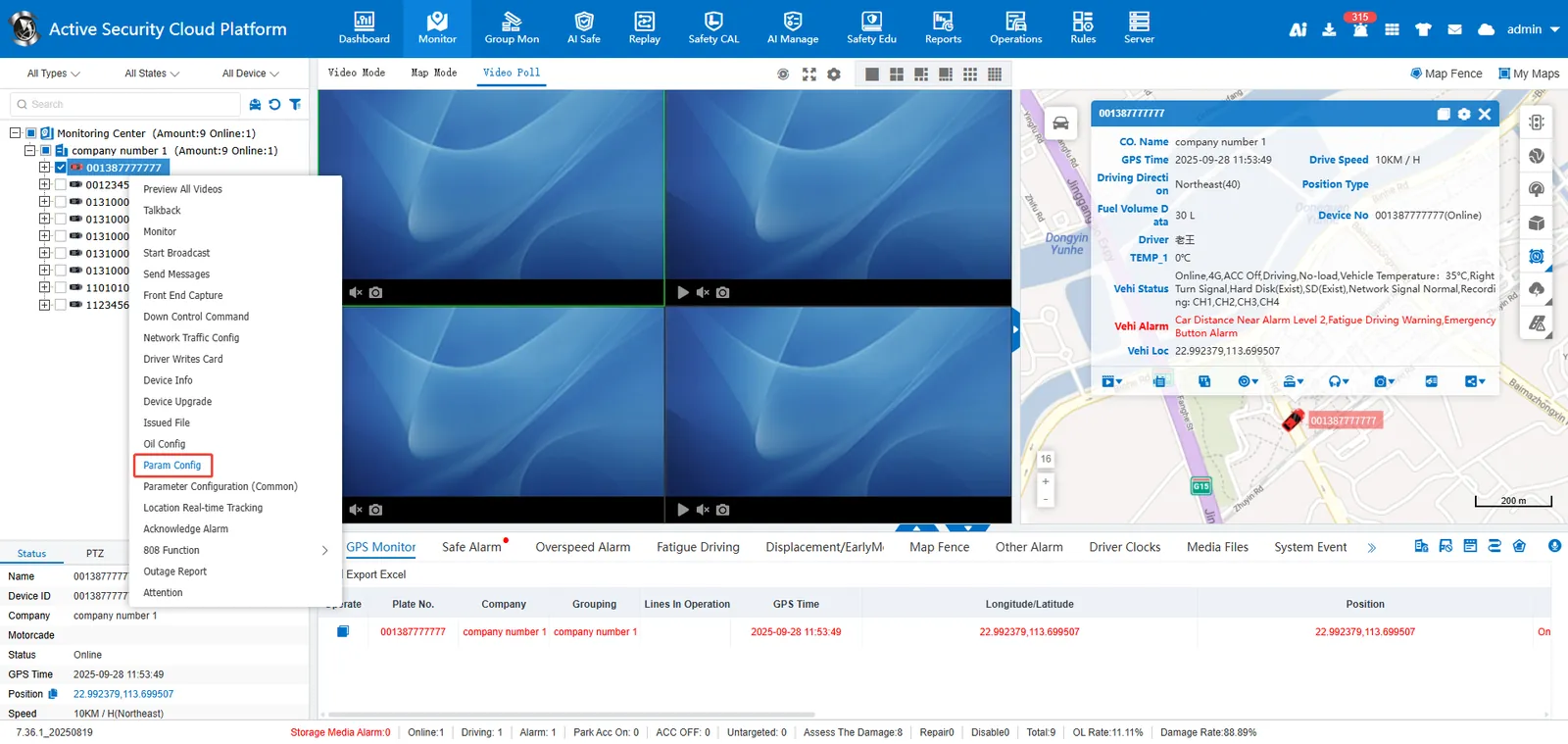
2.1 Real- time monitoring> Vehicle selected in the vehicle monitoring tree> Right- click> Parameter configuration
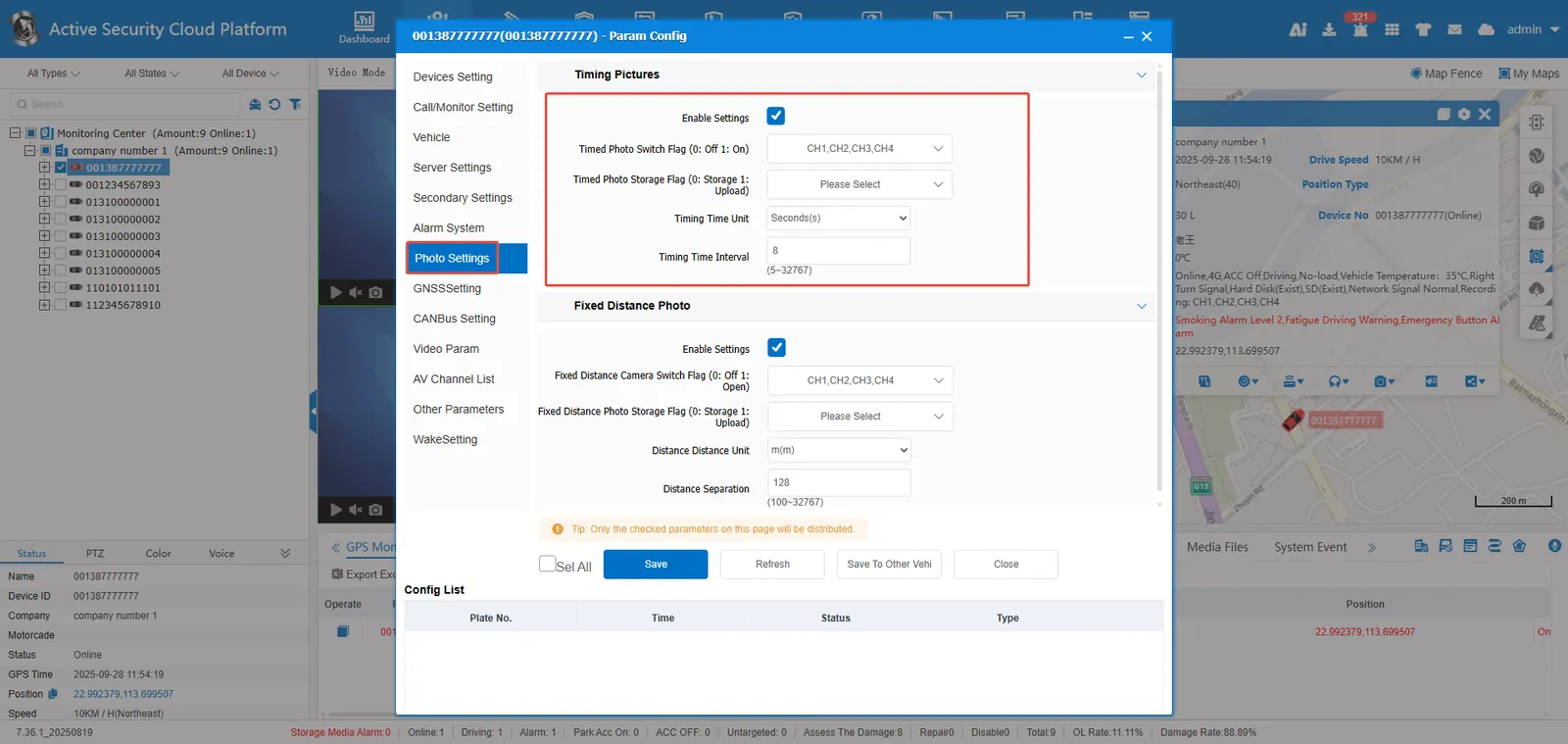
2.2 Photo Settings> Timed Photo> Select Channel to be Photographed and Channel to be Uploaded to Platform,Save or Save to Other Vehicles.
Remarks:
** Enable Settings: ** Only when checked can the regular photo function be enabled;
Timing photo switch flag (0: off 1: on): If the selected channel flag is 1, the photo will be taken regularly;
Timed Photo Storage Flag (0: Storage 1: Upload): If the selected channel flag is 1, the captured image will be uploaded to the server, otherwise it will only be stored on the device.
Timing Time Unit: The unit can be seconds or minutes;
Timing interval: Time interval of timing capture;
Save to other vehicles: Batch save the current page configuration to other vehicles.
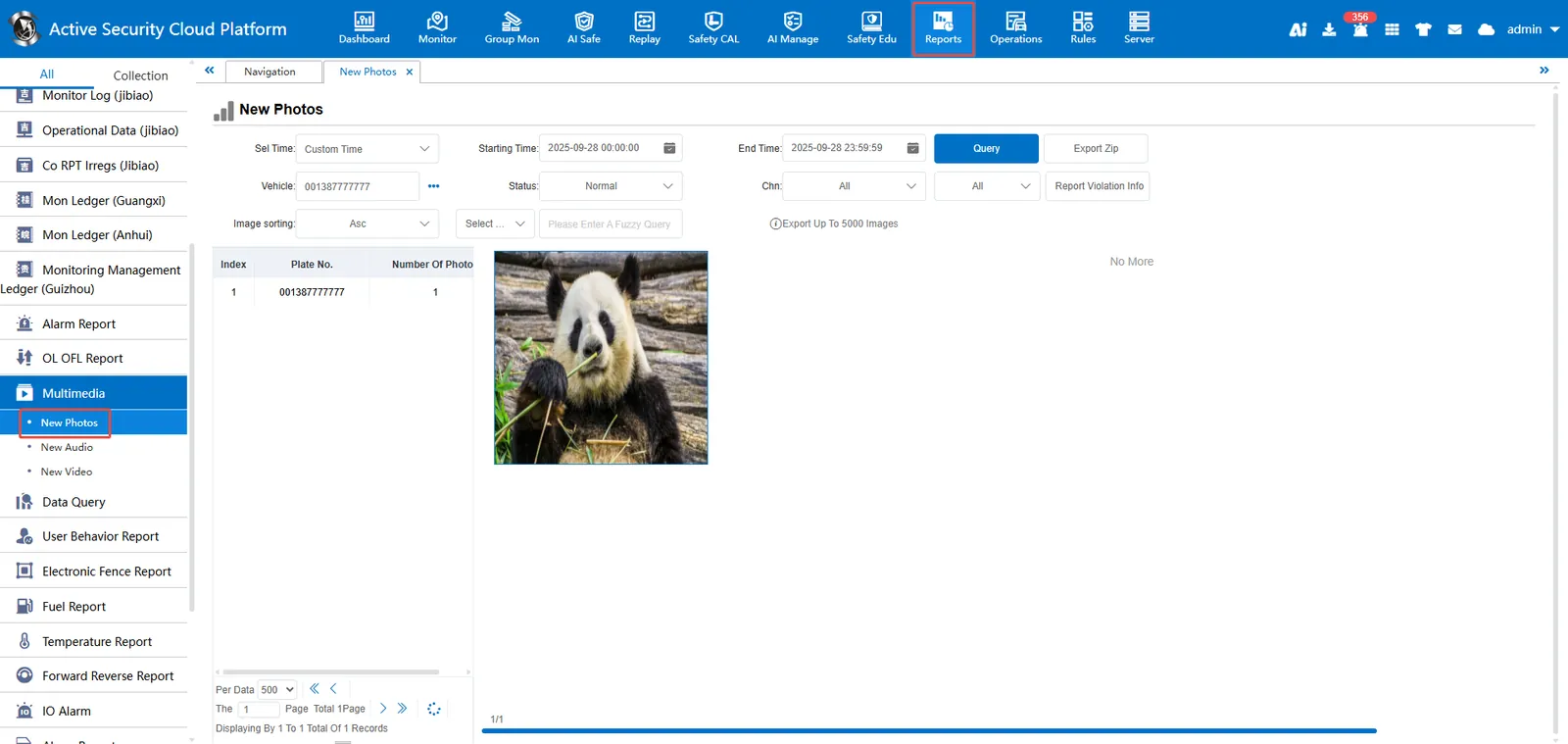
3. platform view pictures
[Statistical Report]> [Multimedia]> [New Picture]