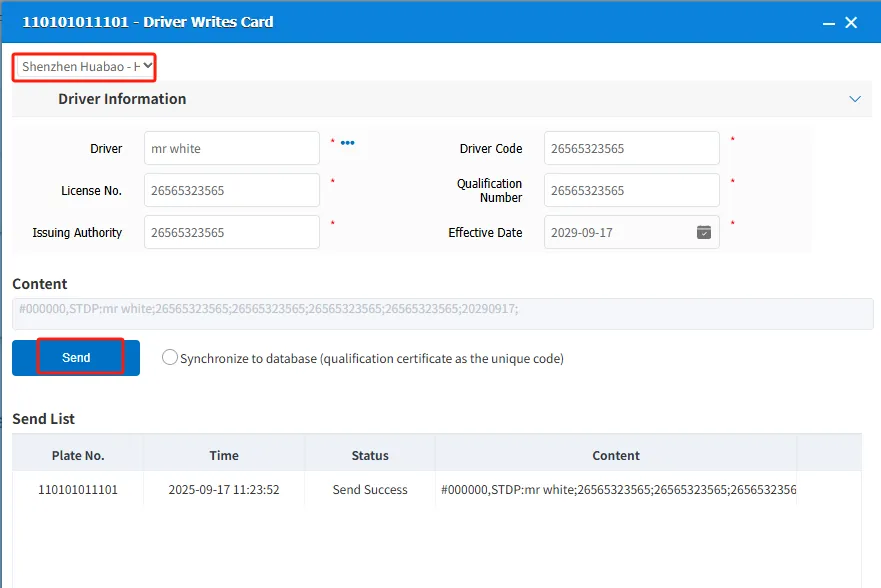
1. Function description
- Read and write driver card information remotely through the platform. Each equipment manufacturer has different protocols and needs to be connected separately to use this function;
- Driver card writing function is only supported on WEB side
- Unconnected manufacturers can also send the card write instruction provided by the manufacturer to the device to write the card through text information.
2. operating instructions
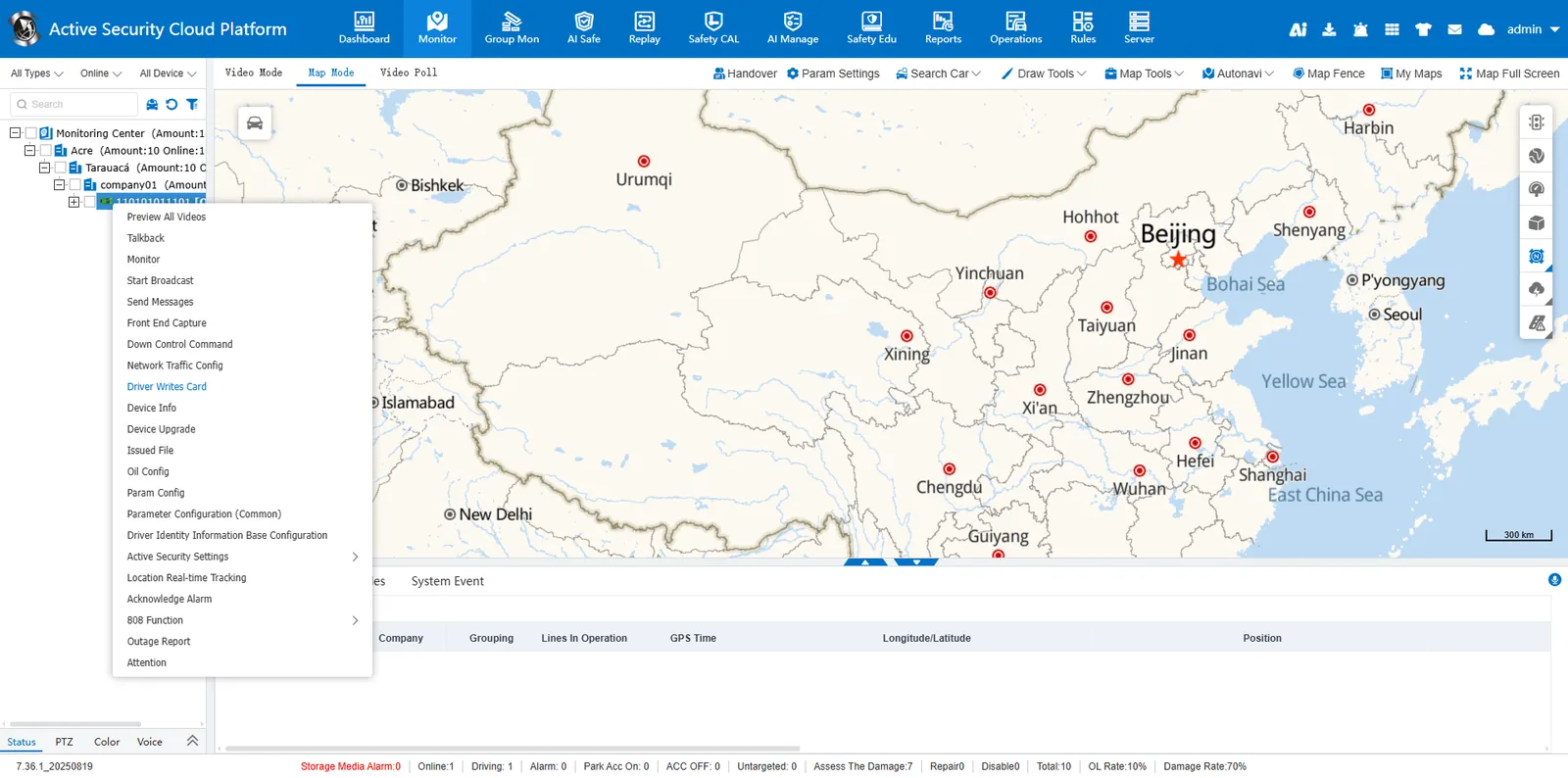
2.1 vehicle selected in the vehicle monitoring tree> driver write card
2.2 select equipment manufacturer -> fill in driver information -> send
Note: If Synchronize to Database (Certificate as Unique Code) is selected, click 【Send】 to enter the driver information into the platform.