1 Function description
Add lines to the system as needed, and then use them as relevant electronic fences.
2 operating instructions
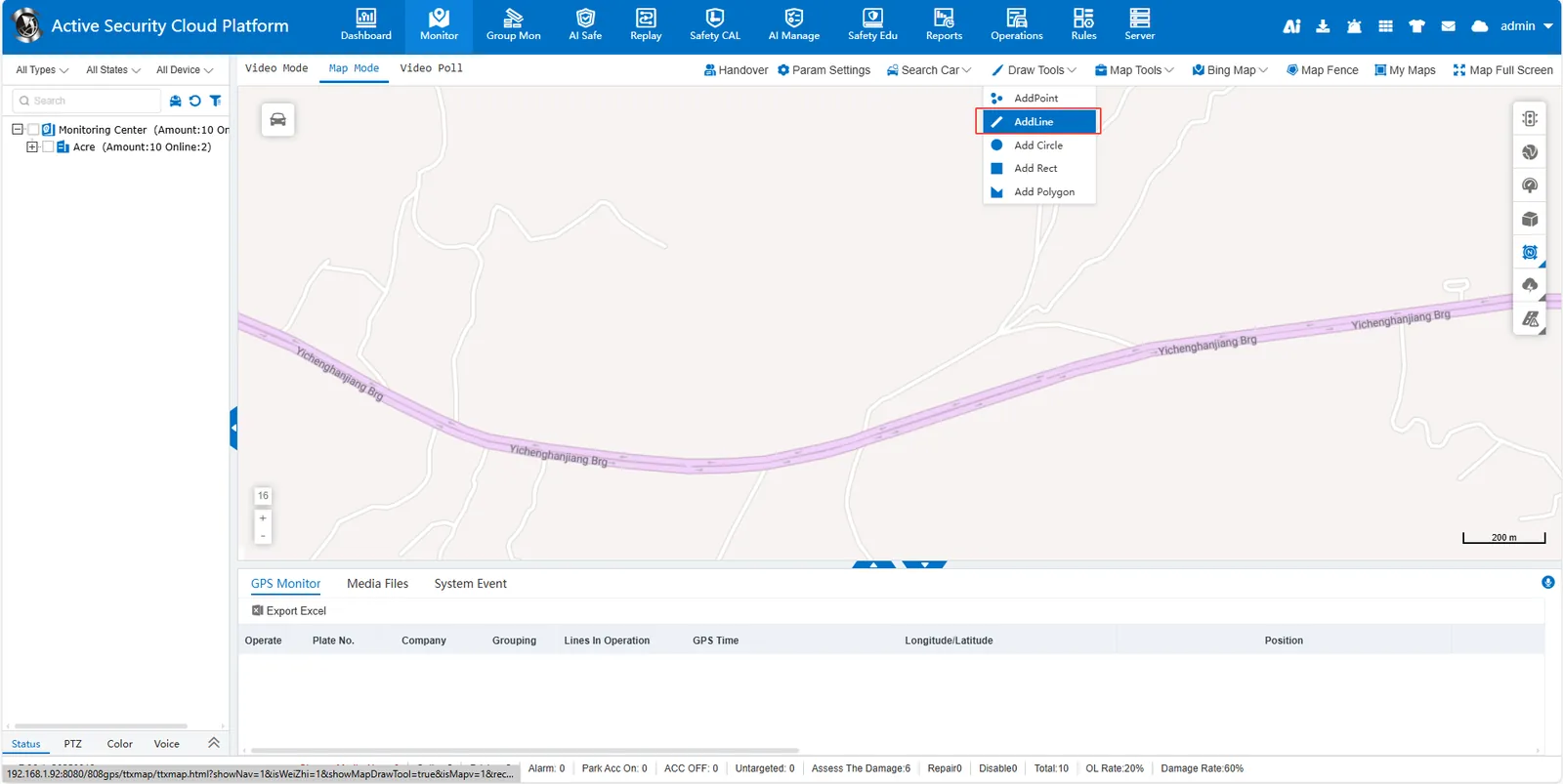
Click [Draw Tools]> [AddLine] to enter the line drawing mode. Left- click to determine the starting point. Move the mouse to the next position, click the left button again to add a second point, and a straight line segment will be generated between the two points.
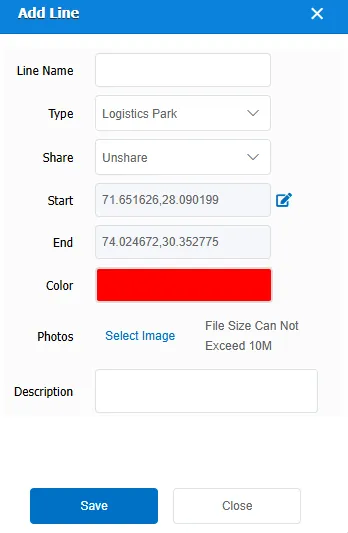
Continue to click the left button to add more points. Each time a new point is added, it is automatically connected to the previous point as a straight line segment. Double- click the left button at the last target point to complete the whole polyline drawing. In the small pop- up window, press the prompt to complete the corresponding content. The saved lines can be viewed and edited in my map.