1 Function description
Add a rectangular area to the system as needed, and then use it as a related electronic fence.
2 operating instructions
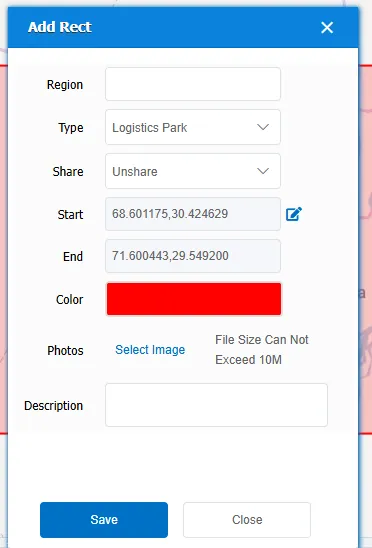
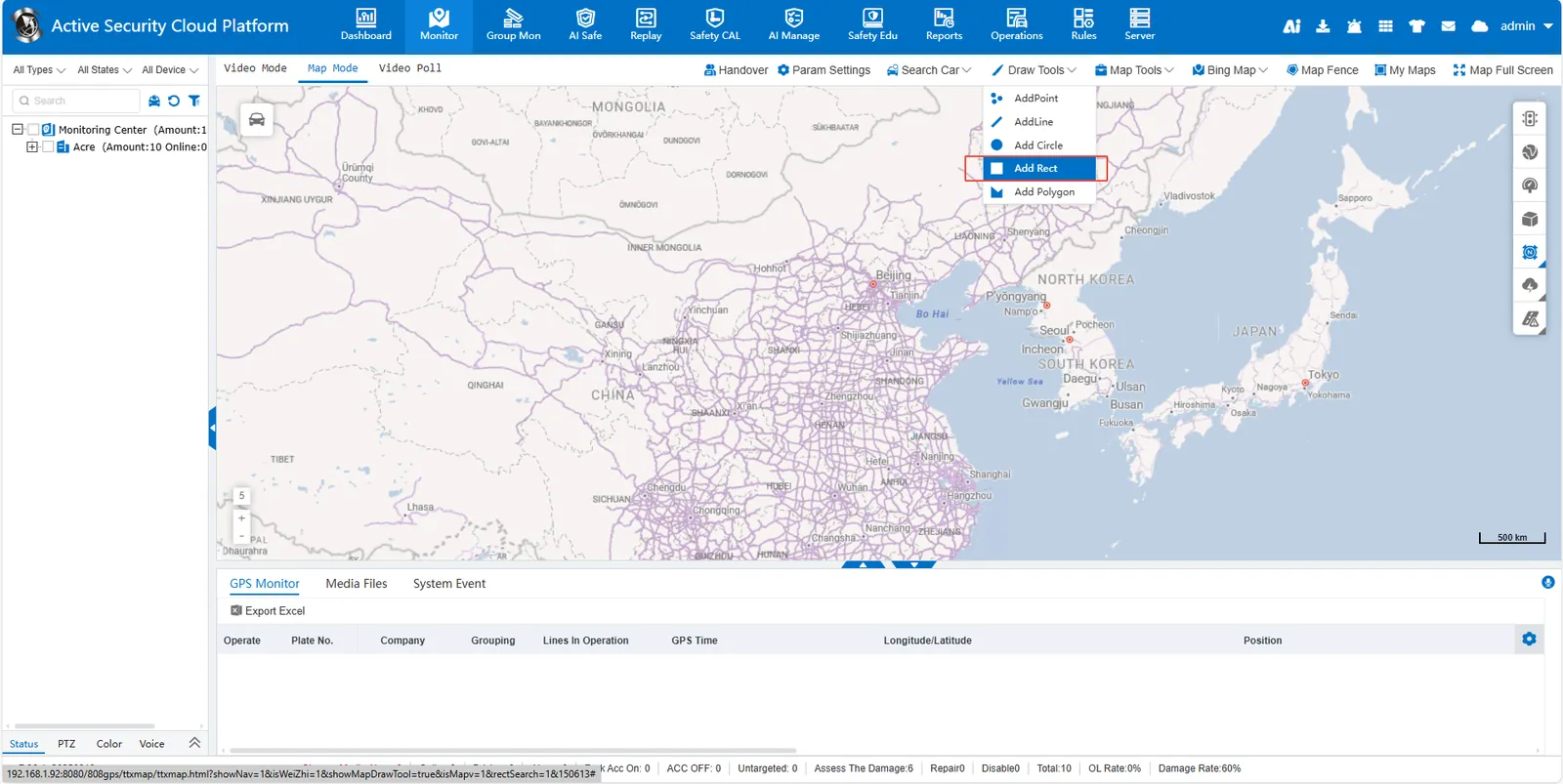
Click [Draw Tools]> [Add Rect] to enter the rectangle drawing mode. Left- click and hold on the map to determine the start point of the rectangle (upper left corner). Drag the mouse to the lower right to adjust the length and width, release the left key to complete the drawing. In the small pop- up window, press the prompt to complete the corresponding content. The saved rectangular area can be viewed and edited in my map.