How to find and delete the drawn point, line and surface
Author adminUpdated 2025-09-18 14:57:53Doc ID 183873 words · 1 min readView original ↗
1. Function description
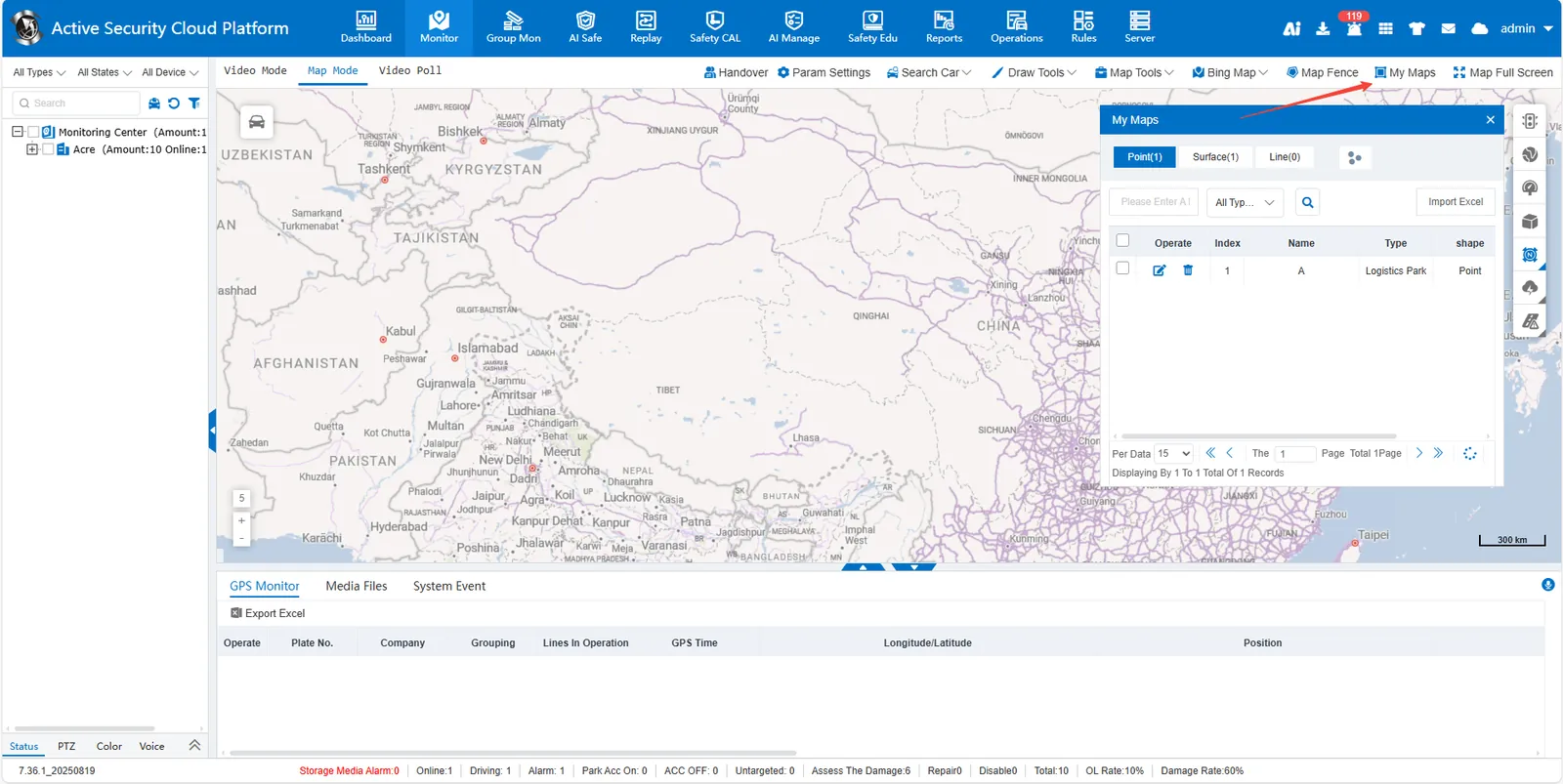
Click the [My Maps] button at the top of the map interface
Select location type (point/surface/line)
Enter the location name in the search box, click the magnifying glass button or press enter to search
After finding the target location, click on the right side of the row icon to delete Note: If a binding rule exists in a location, you must unbind or delete the rule before deleting it.
 icon to delete