1 Function description
Add a circular area to the system as needed, which can be used as a related electronic fence later.
2 operating instructions
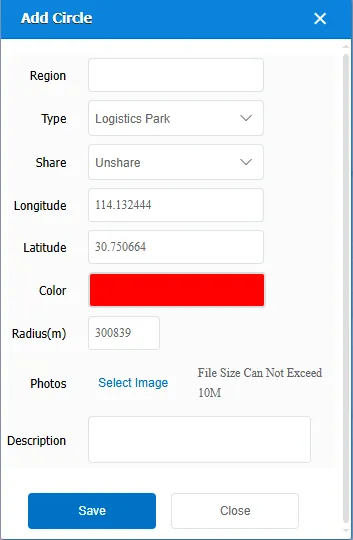
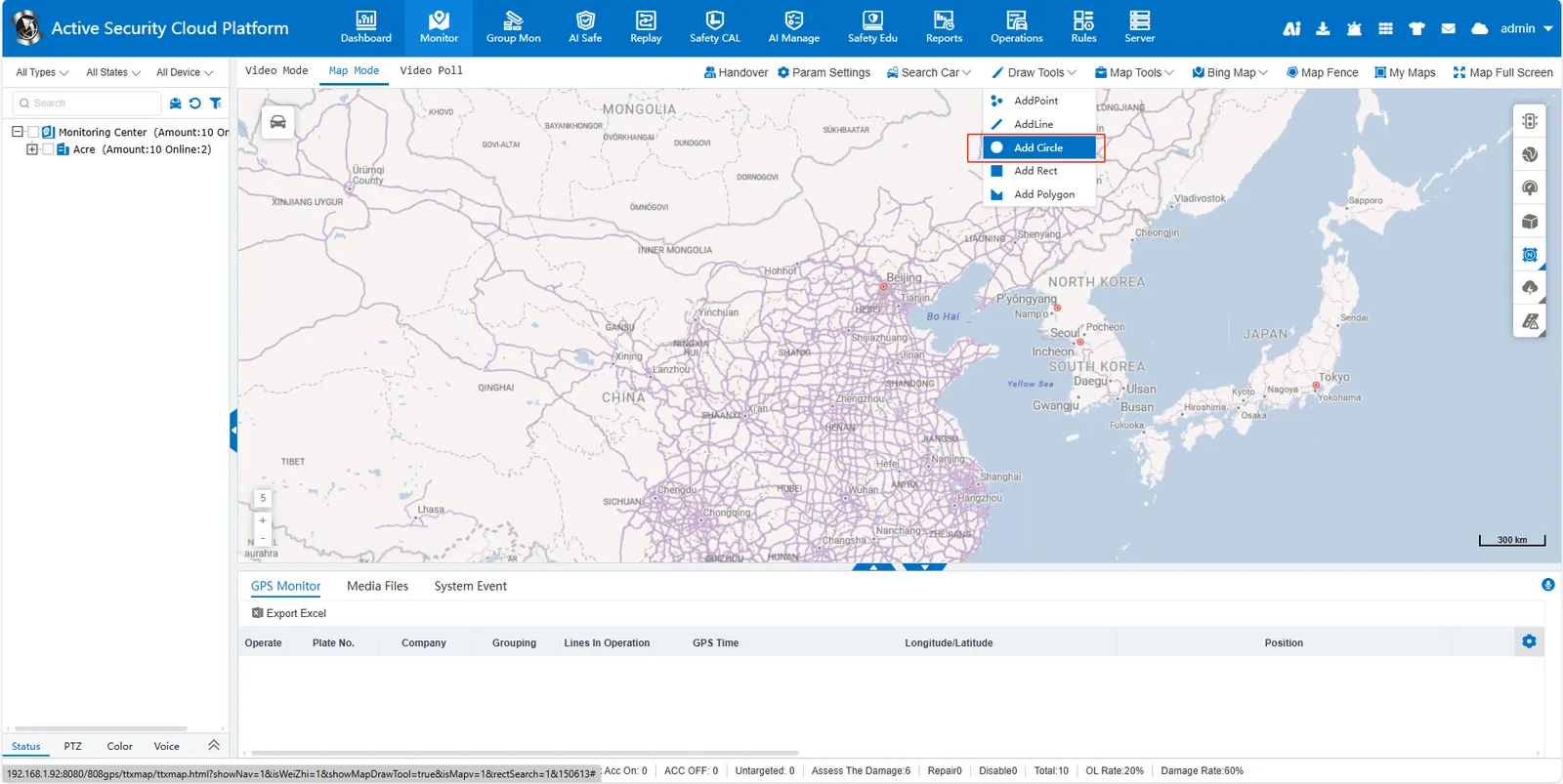
Click [Draw Tools]> [Add Circle] to enter the circle drawing mode. Left- click and hold on the map to locate the center of the circle. Drag the mouse to adjust the radius of the circle, release the left button to complete the drawing. In the small pop- up window, press the prompt to complete the corresponding content. The saved circular area can be viewed and edited in My Map.